LRC Lyrics Out of Sync? Diagnose Offset, Drift and the Wrong Audio Version
If LRC lyrics are out of sync, changing every timestamp immediately can make the file harder to diagnose. First keep an untouched copy of the audio and lyrics. Write down what is wrong: the whole song is late, one line appears too early, or the verse begins correctly but the final chorus has slipped. Those observations separate a simple shift from a different song version or a local stamping mistake.
Confirm the audio version before editing timestamped lyrics
Synced lyrics made for the wrong audio version may begin at a different entrance even when the song title is identical. Compare the studio version, radio edit, live performance or backing-track arrangement you actually use. An extra introduction can shift every entrance. A shortened verse changes only the later part. Listen to several musical landmarks instead of judging the filename alone.
Timestamped lyrics are a reference to elapsed time. They do not understand that a chorus was moved or that a band repeats a section. Begin with the LRC format guide if you need to recognize a line such as [00:12.00]Opening words. Confirm that the file is plain text and keep the lyrics you have rights to use.
Measure the error at three positions
Play a line near the start, a line near the middle and a line near the end. Note the audible entrance and the displayed timestamp at each point. For example, if all three lines are roughly two seconds late, one constant correction may be useful. If the first is close, the second is one second late and the final line is several seconds late, that is lyrics timing drift rather than a single start offset.
If the chorus shifts suddenly after a removed bar, inspect that boundary instead of stretching the entire song. If only one line is wrong, edit that line and verify its neighbors. This three-position check is a practical listening comparison, not a measurement of player accuracy or a diagnosis of the audio codec.
When lyrics appear too early or too late by a fixed amount
For a constant shift, an LRC offset or a global timestamp edit may help. Players and editors can differ in how they expose or combine offset settings. Do not copy a positive-or-negative rule without checking the application. Keep its existing setting, make a small test change on a duplicate and verify one recognizable entrance before applying a correction throughout the song.
Explicitly editing a timestamp is easier to inspect: if [00:12.00] should appear two seconds later, the new timestamp is [00:14.00]. To move it earlier, subtract the time while keeping the result nonnegative. The lrc-file-parser offset discussion illustrates why application-level offsets and file tags need care. It does not establish identical behavior in every player.
When drift grows or only a section is wrong
If the error grows, confirm that the audio tempo and duration match the version used for timing. A global shift moves all lines equally and cannot fix unequal errors at different points. Retiming against the actual backing track is usually clearer than layering several guessed corrections. Check whether a cut, repeated chorus or different intro accounts for a sudden change before editing the rest.
To edit LRC timestamps manually, open a duplicate in a plain-text editor and correct the affected entries. Keep chronological ordering and verify the next line after the edit. When many lines need new timing, use an LRC-aware editor or create a new file from approved text. Review the open, edit and convert guide for the distinction between editing, viewing and converting.
Sync lyrics to the backing track you will use
The free lyrics timing tool lets you load local audio, paste plain lyrics and stamp each line to create a new LRC file. It is not an existing-LRC importer or an automatic repair service. Use one sung phrase per line, stamp against the exact track and review the downloaded result in the compatible player that will display it.
A time stamp taken when you press a button can need adjustment to feel comfortable to a singer. Check the beginning, middle and end again after retiming, then rehearse a restart. Save a clearly named lyric version with the matching audio reference. This is the last part of LRC file troubleshooting, not an optional polish step.
Choose the right reference for a recording session
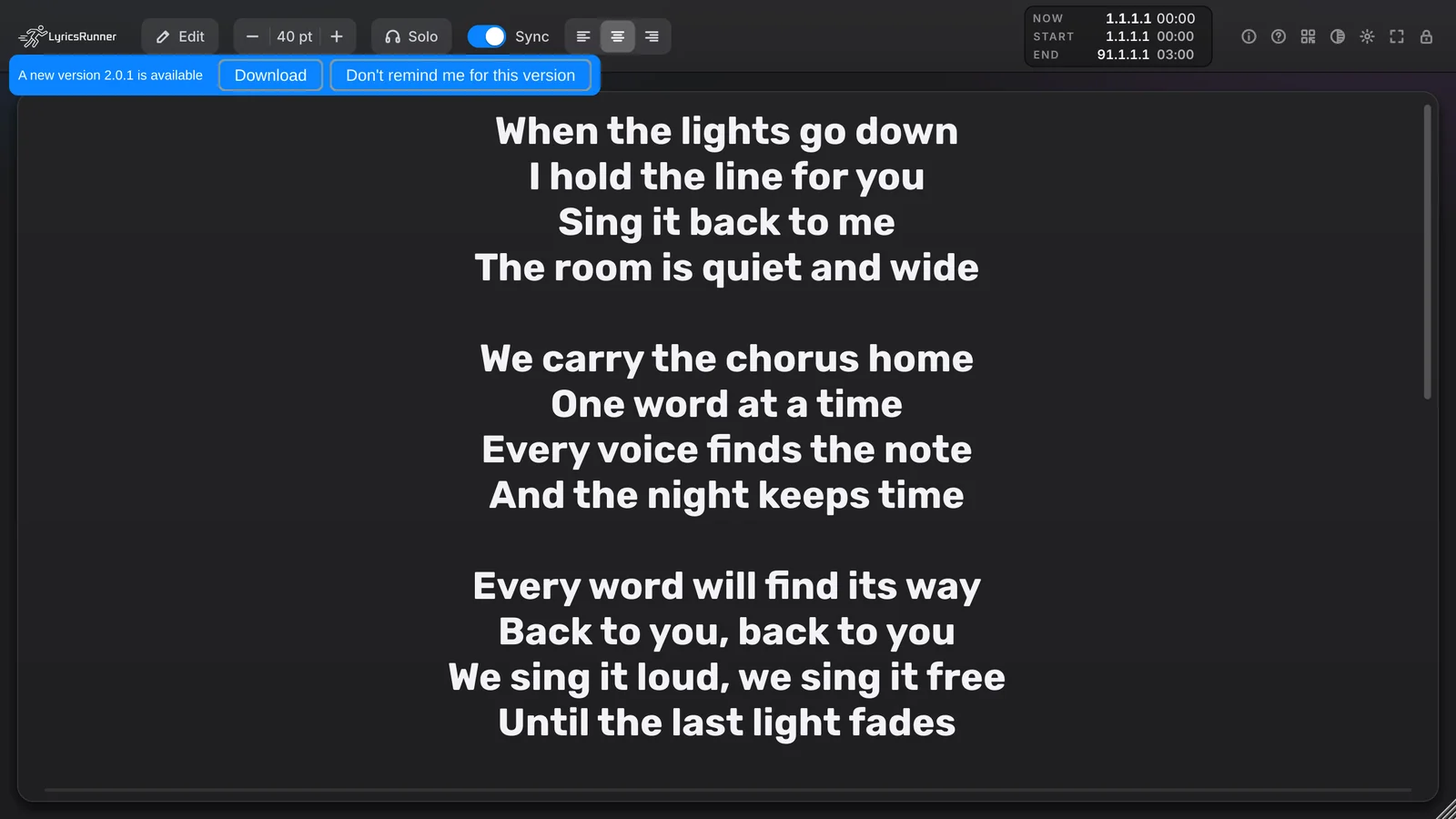
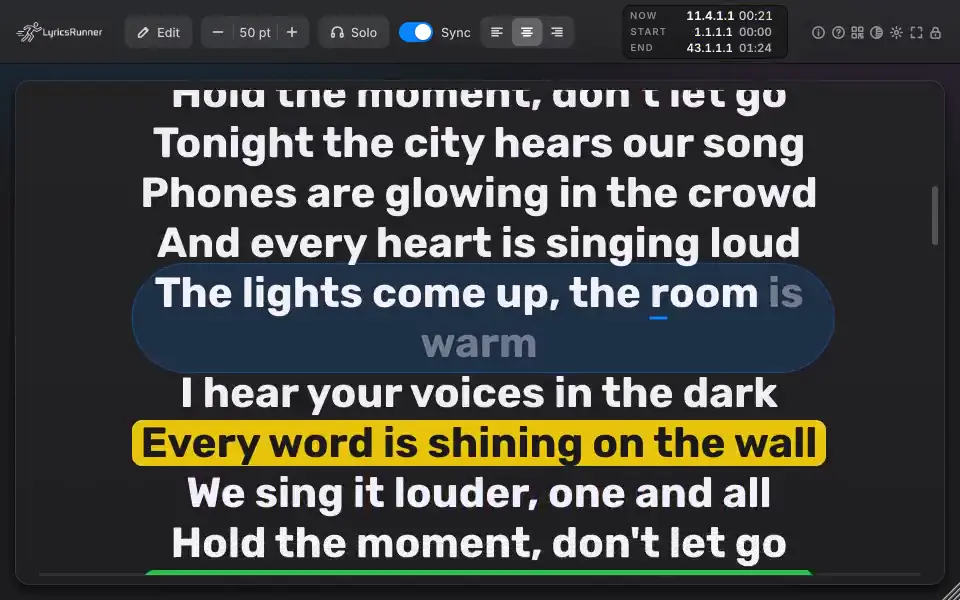
An LRC-aware player can suit uninterrupted playback. If an engineer keeps locating, looping and changing lyrics in a DAW, compare a session-linked display instead. LyricsRunner 2 provides that type of workflow; read its English guide and check your host before trying it. Neither a lyric file nor a display removes the need to validate the current arrangement.
Keep a static lyric sheet as a backup and make changes in one approved source. If the file now follows the whole song comfortably, the repair has achieved its purpose and no purchase is necessary. If repeated session restarts are still the interruption, test the product action below using the same difficult passage.
Frequently asked questions
Will one LRC offset fix lyrics timing drift?
Only if the error is approximately the same throughout the song. An increasing error, a different tempo or a changed arrangement cannot be corrected reliably with one constant shift.
Does a positive offset always make lyrics later?
Do not assume that across editors and players. Check the implementation and verify a known line after a small test change. Explicit timestamp edits are easier to inspect when portability is uncertain.
Can the free timing tool import and repair an existing LRC file?
No. The site tool loads audio and plain lyric text so you can stamp lines and create a new LRC file. Use a text editor or an LRC-aware editor to inspect an existing file.
Is LRC the same as lyrics following a DAW timeline?
No. LRC is a timestamped text format read by compatible apps. A DAW lyrics display uses its documented session workflow. Check support and timing in the app you actually use.
If the session timeline is your reference, check LyricsRunner 2 and test it with one real song before choosing a plan.
Explore LyricsRunner 2 and try it free