One Lyric Sheet, Fewer Interruptions: A Vocal Session Checklist
When the singer loses place in lyrics, diagnose the interruption
When a singer loses place in lyrics, stop once and identify the cause before changing the recording chain. Was the wrong verse visible, did playback restart without a recognizable lead-in, or was the engineer reading a different revision? These are distinct workflow problems. A brighter screen will not fix a stale lyric, and a fresh lyric will not fix a confusing restart.
Choose a difficult passage from the actual song. Run it without recording and ask the singer to identify the next entry. Watch where their attention moves. The aim is not to prove that paper or a plugin is superior; it is to find the smallest change that lets this performer stay with this arrangement.
Prepare lyric sheets for singers before the session
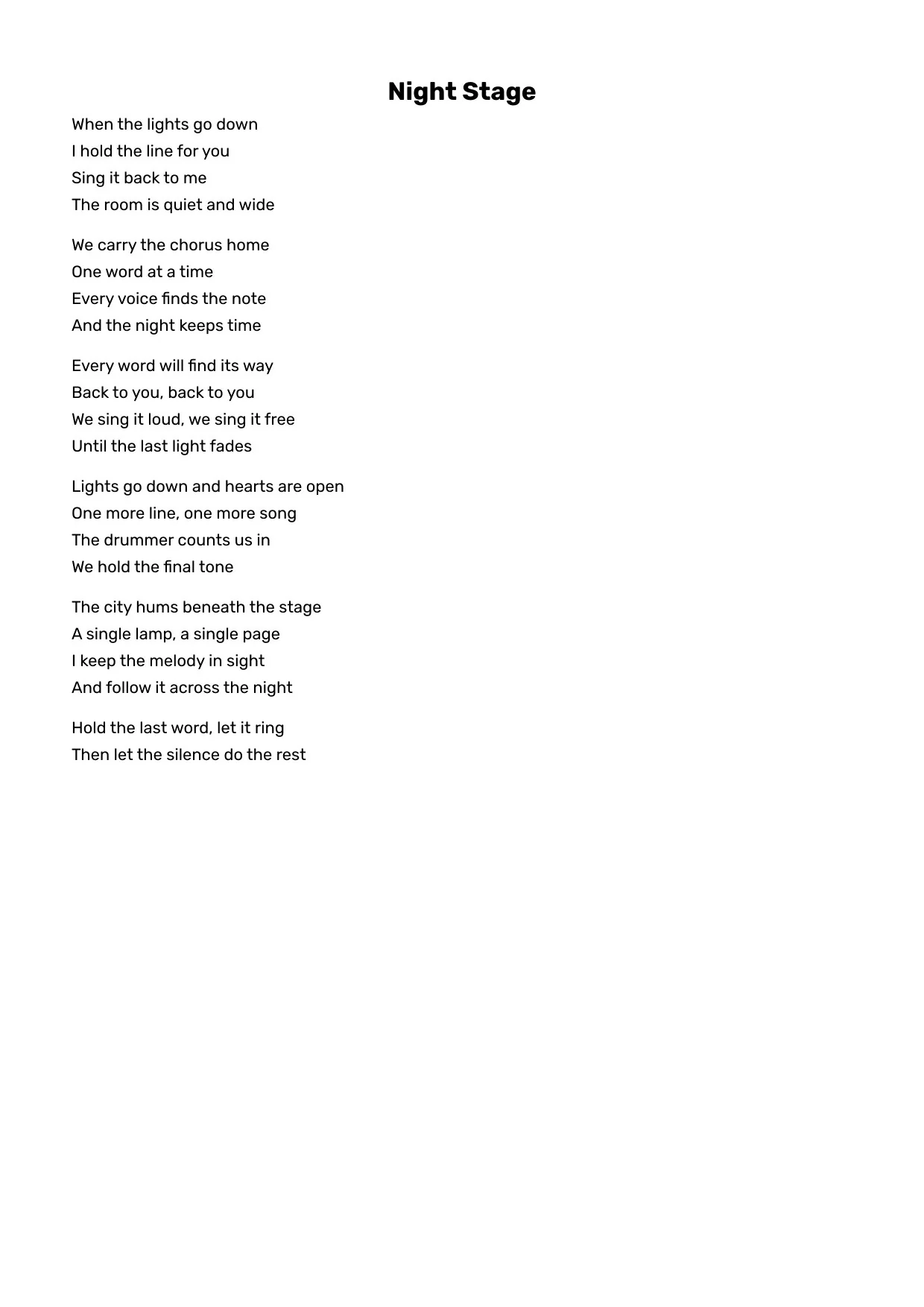
To prepare lyric sheets for singers, write every repeated line in the version intended for the take. Separate sections with blank space and label verse, chorus and bridge consistently. Avoid using a tiny note such as “repeat twice” when the performer needs the actual words at a glance. Put a song title and a revision name on the reference.
Cliff Goldmacher recommends capturing the words exactly as they should be sung, including repeats, and keeping a copy for session notes. That is a useful starting point, not a promise that one format works for everybody. Read the lyric-sheet formatting advice.
Lyric sheet version control: one active copy
Lyric sheet version control can be simple: one active document, one person responsible for accepting changes, and an archive for earlier versions. Use a name such as Song-title-v03 rather than several files called final. Before recording, both singer and engineer should read the changed line aloud from their copies.
Vocal session lyric changes should happen between takes, not silently while the performer continues reading. Note the section, update the current copy, and restart from a familiar point. When you share lyrics with session musicians, distribute the same revision and identify who needs the complete song versus a short cue sheet. Do not assume a phone screenshot includes the latest edit.
Make the words readable from the actual performance position
If lyrics too small on stage are the problem, the meaningful test is reading distance, not how large the document looks on a laptop at the desk. Place the screen where it will be used, choose a readable size and check the longest line. Repeat the test under the room lighting and with the performer standing or sitting as they will for the take.
A teleprompter for recording vocals should reduce visual searching rather than demand constant attention. Give the singer enough upcoming text to anticipate the entry without filling the display with the whole song. Ask about glare, contrast and sightline; do not move the microphone just to accommodate an awkward screen.
How to keep lyrics in sync with backing tracks
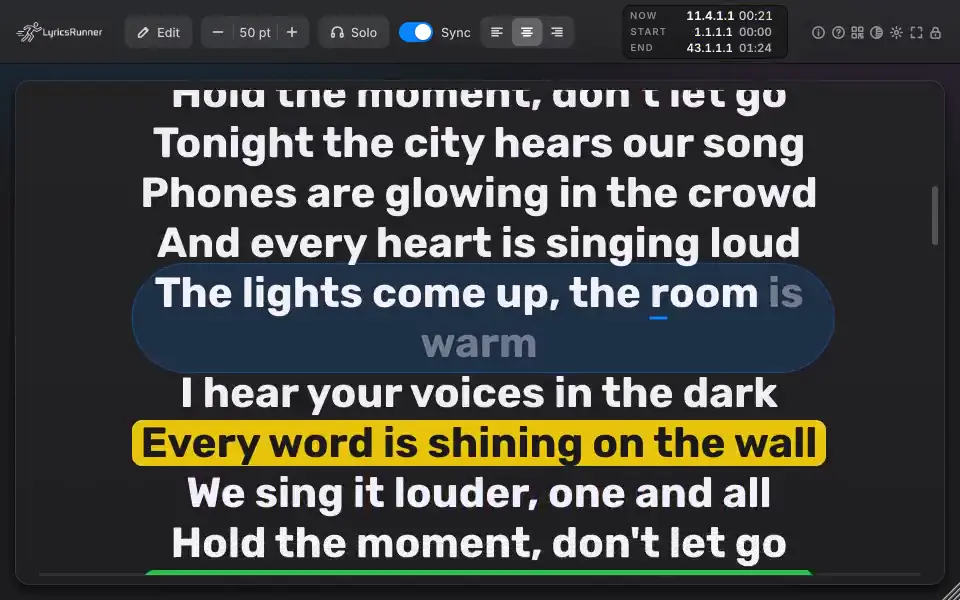
How to keep lyrics in sync with backing tracks depends on where playback is controlled. A manually scrolling document may be enough for one uninterrupted pass. For repeated loops or locating to different sections, test a display that follows your DAW timeline. Start, stop, loop and jump to a chorus during rehearsal and check what the singer sees.
LyricsRunner 2 offers a DAW lyrics display, and its NOW counter follows song position. That does not eliminate the need to check your song timing and host setup. Use the existing English user guide to review the controls, then test one difficult section rather than committing a whole session to an unfamiliar setup.
Punch in vocals without losing the next line
To punch in vocals without losing the next line, choose a lead-in that gives the performer a recognizable musical cue and a comfortable breath. Mark the entry on both references. Rehearse it once before arming the track, and verify that any scrolling display has reached the intended section after locating.
If the singer still searches for the words, try a little more context around the entry rather than adding more instructions. Keep performance notes separate from the lyric line where possible. This is a session experiment: an experienced singer and a new collaborator may need different amounts of visible context.
Print lyrics for recording session notes and backup
To print lyrics for recording session use, confirm the revision before opening the print dialog. LyricsRunner 2 has a Print lyrics command in its gear or right-click menu. It prints the song on screen with its title, lines and blank lines preserved through the system print dialog.
Use the printout for performance notes or as a backup, not as a second source of truth. After a lyric change, either replace the sheet or clearly mark the revision before the next take. Finish the session with one agreed current version so the next overdub starts from the same words.
Frequently asked questions
Should I print lyrics or use a scrolling display?
Print when the words are static and the singer can follow the sheet comfortably. Test a synchronized display when loops, restarts or reading distance cause interruptions. Keep a paper backup if it helps.
Does a lyric display fix forgotten words automatically?
No. It provides a visual reference. Rehearsal, readable text and a familiar lead-in still matter; test timing with the singer rather than assuming a display solves every missed line.
How do I avoid recording the wrong lyric version?
Keep one named current version, confirm the changed line aloud, update the singer and engineer copies, and archive the previous revision outside the active session.
Can LyricsRunner 2 print my lyrics?
Yes. Print lyrics in the gear menu or right-click menu opens the system print dialog on Mac or Windows, with the song title, lines and blank lines preserved.
If following words interrupts your recording, test the lyrics display in your actual song before choosing a license.
Explore LyricsRunner 2 and try it free