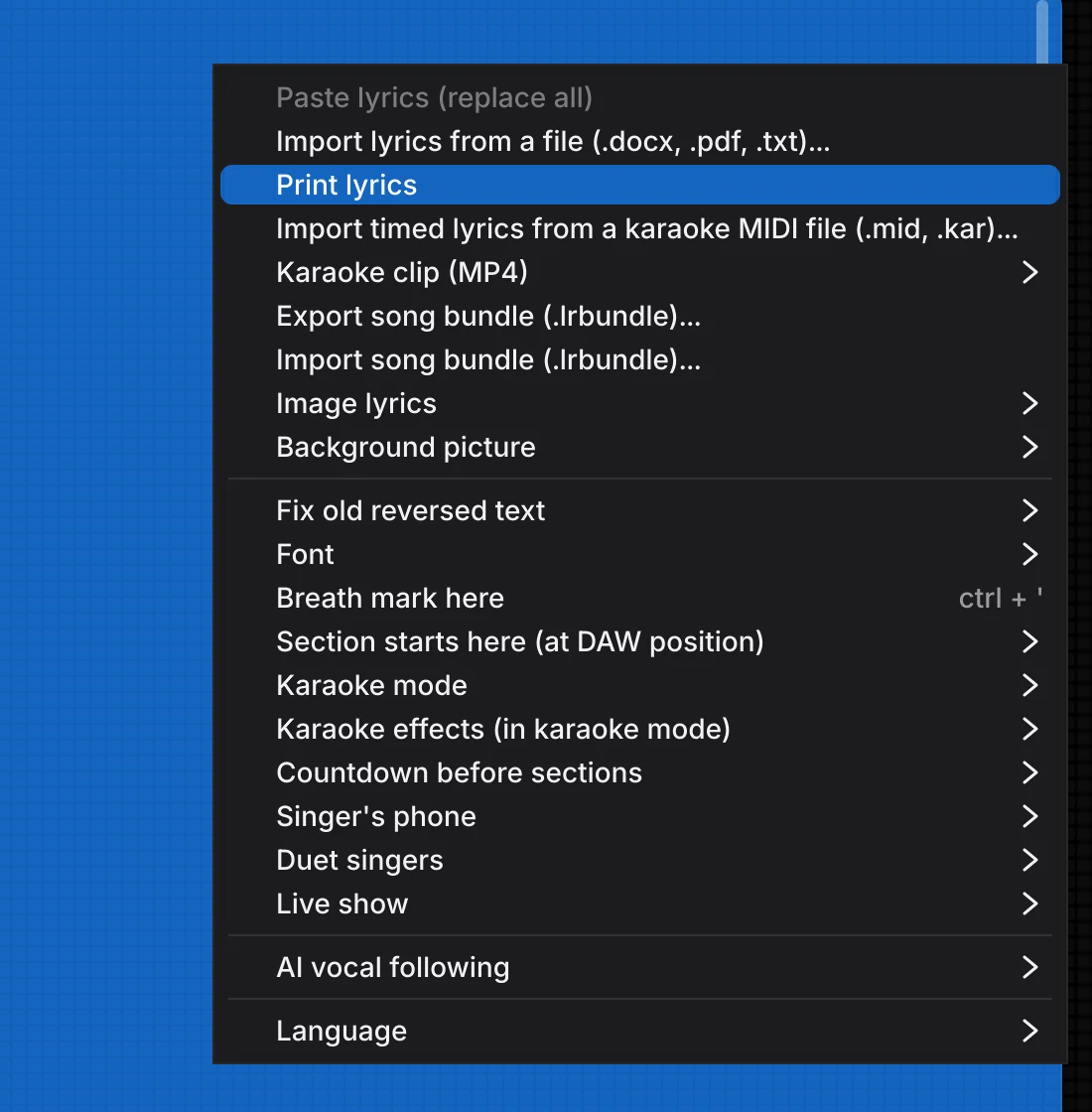
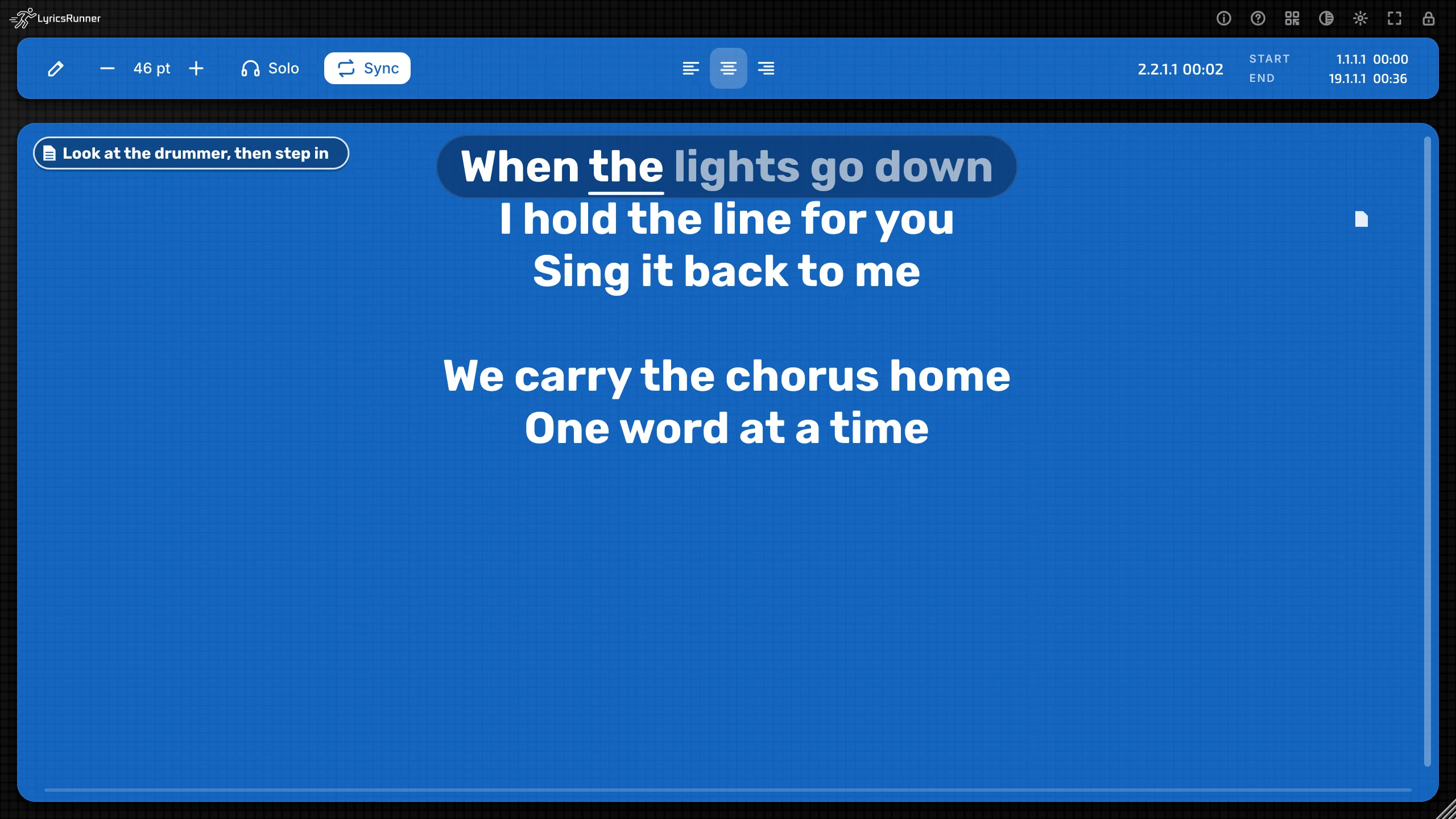
The update bar appears under the toolbar only when a newer version is on lyricsrunnervst.com.New
Automatic update check
When a project opens, or when you add LyricsRunner 2, the plug-in asks once a day whether a newer version is on lyricsrunnervst.com. If there is, a small bar says “A new version is available”, with Download and “Don't remind me for this version”. Download opens the official page in your browser. The plug-in does not replace itself while your DAW has it open. Offline, nothing is shown.
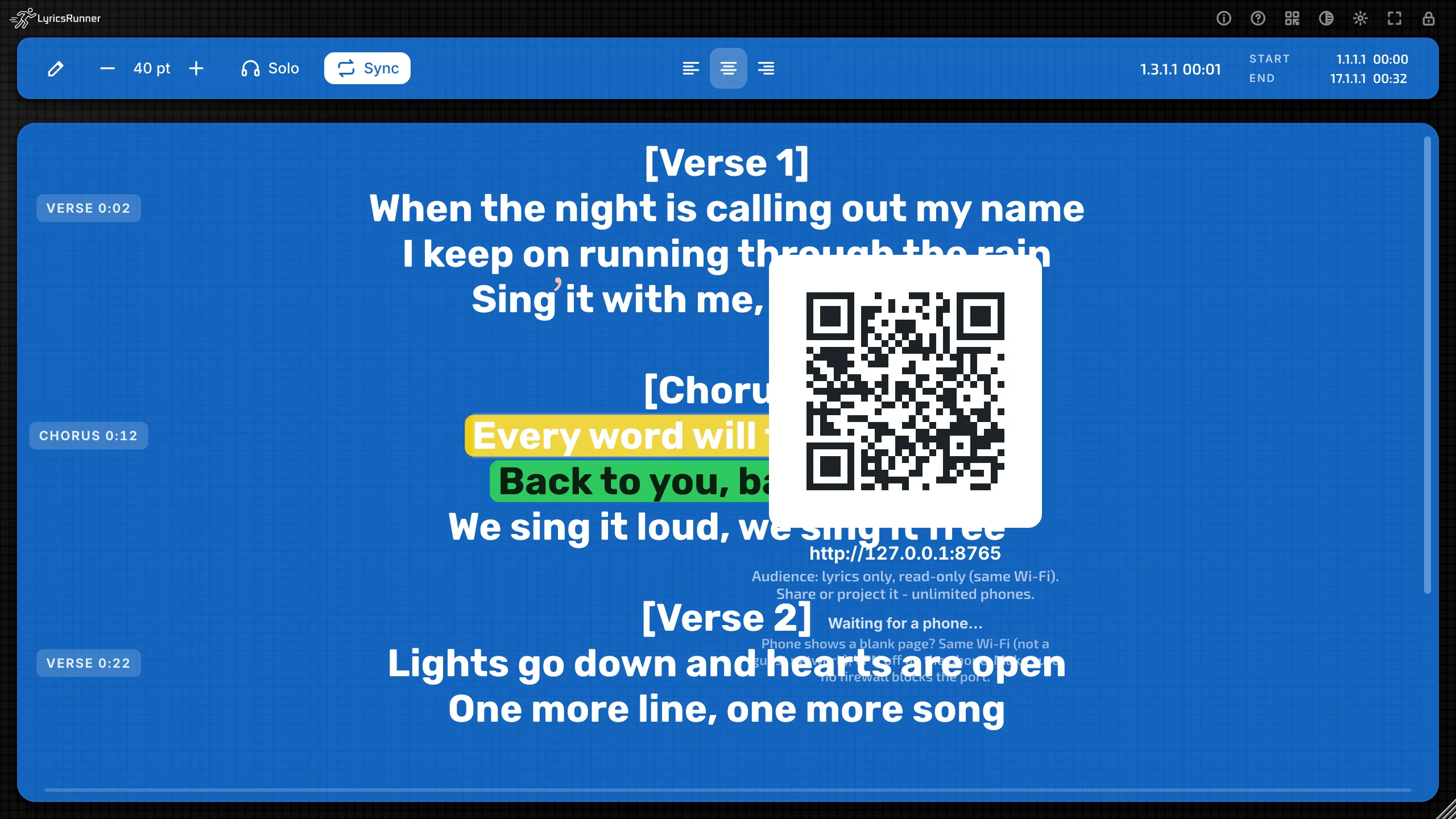
The filled lock icon shows the screen is locked. Click it again to unlock.New
Improved screen lock
One click locks this window; the next click unlocks it. You do not hold the button. The lock icon fills in so you can see the screen is locked. Full screen and the theme button still work while locked, and Esc still leaves full screen. The lock is saved with this plug-in in the project, so a window you locked opens locked, and another track keeps its own lock.
Print lyrics in the gear (sun) menu.New
Print lyrics
In the gear (sun) menu or the right-click menu, Print lyrics prints the song on screen: the title, then the lines, with blank lines kept. On Mac and Windows this opens the system print dialog.
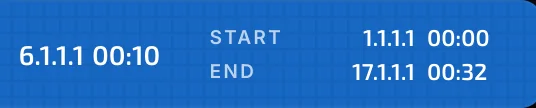
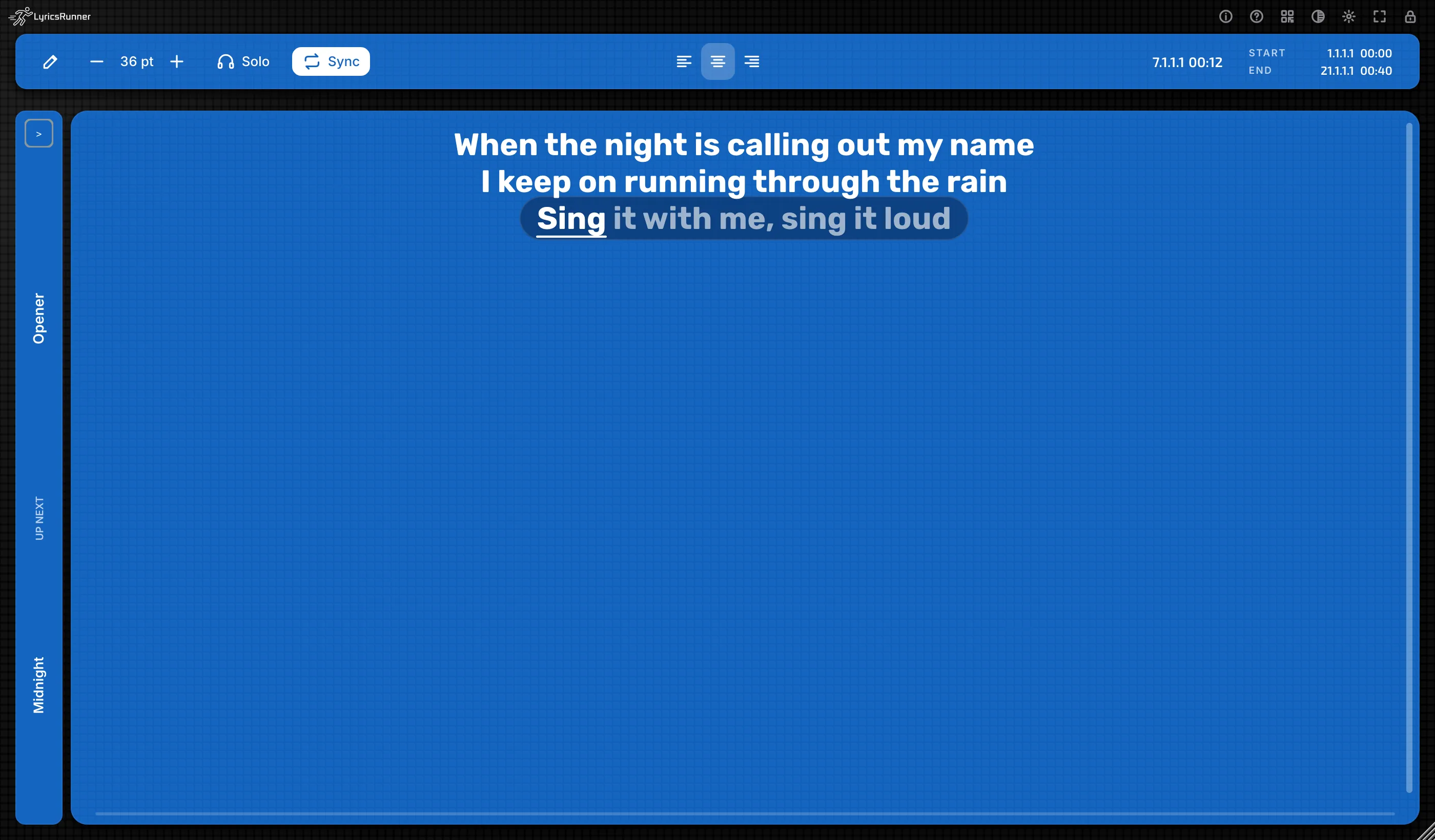
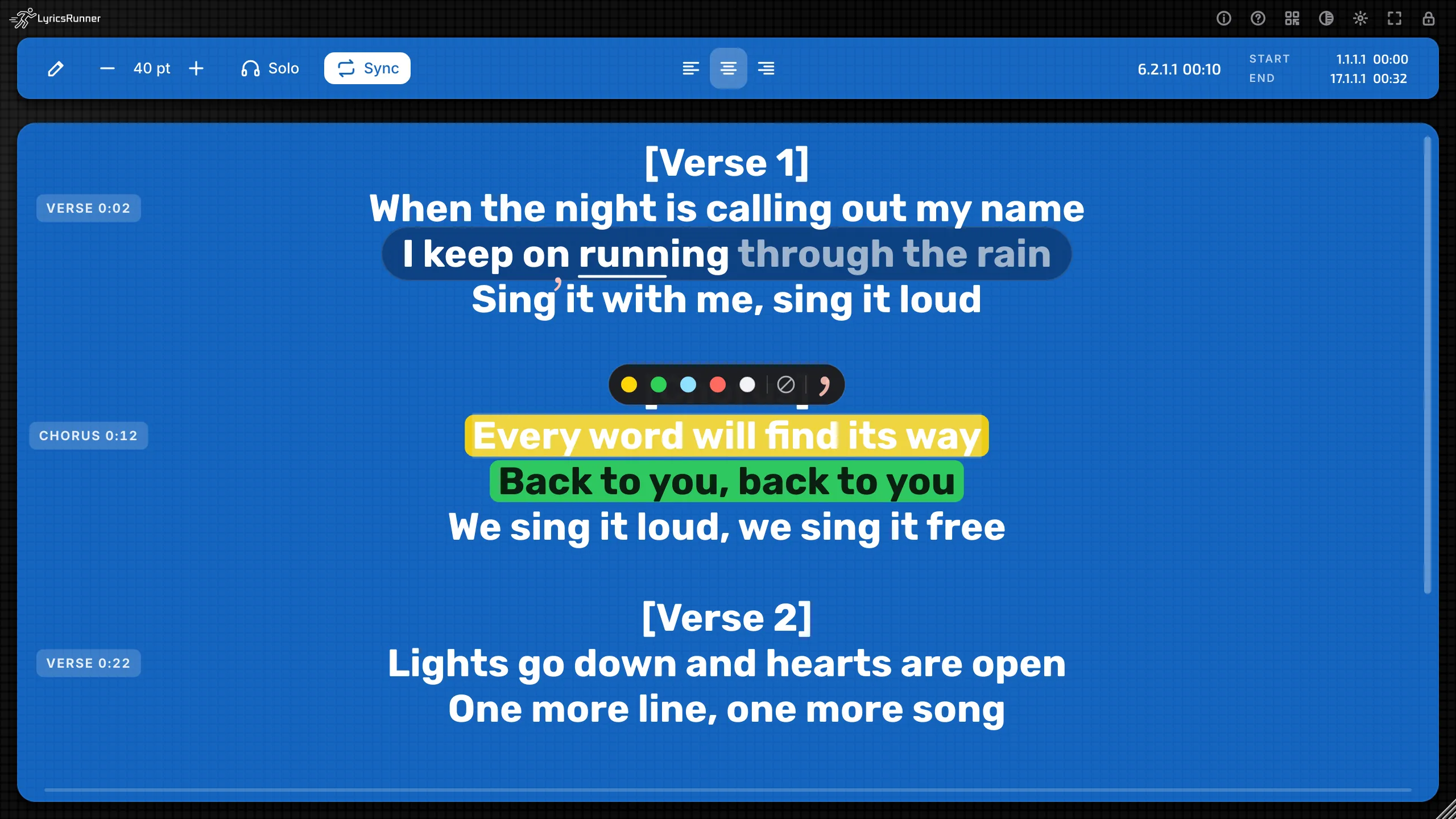
NOW follows the song position, shown here at 6.2.1.1 00:10, with Start and End beside it.Fixed
NOW counter follows the song
NOW is the playhead. It now follows the song position as you play or scroll, instead of getting stuck on 1.1.1.1.
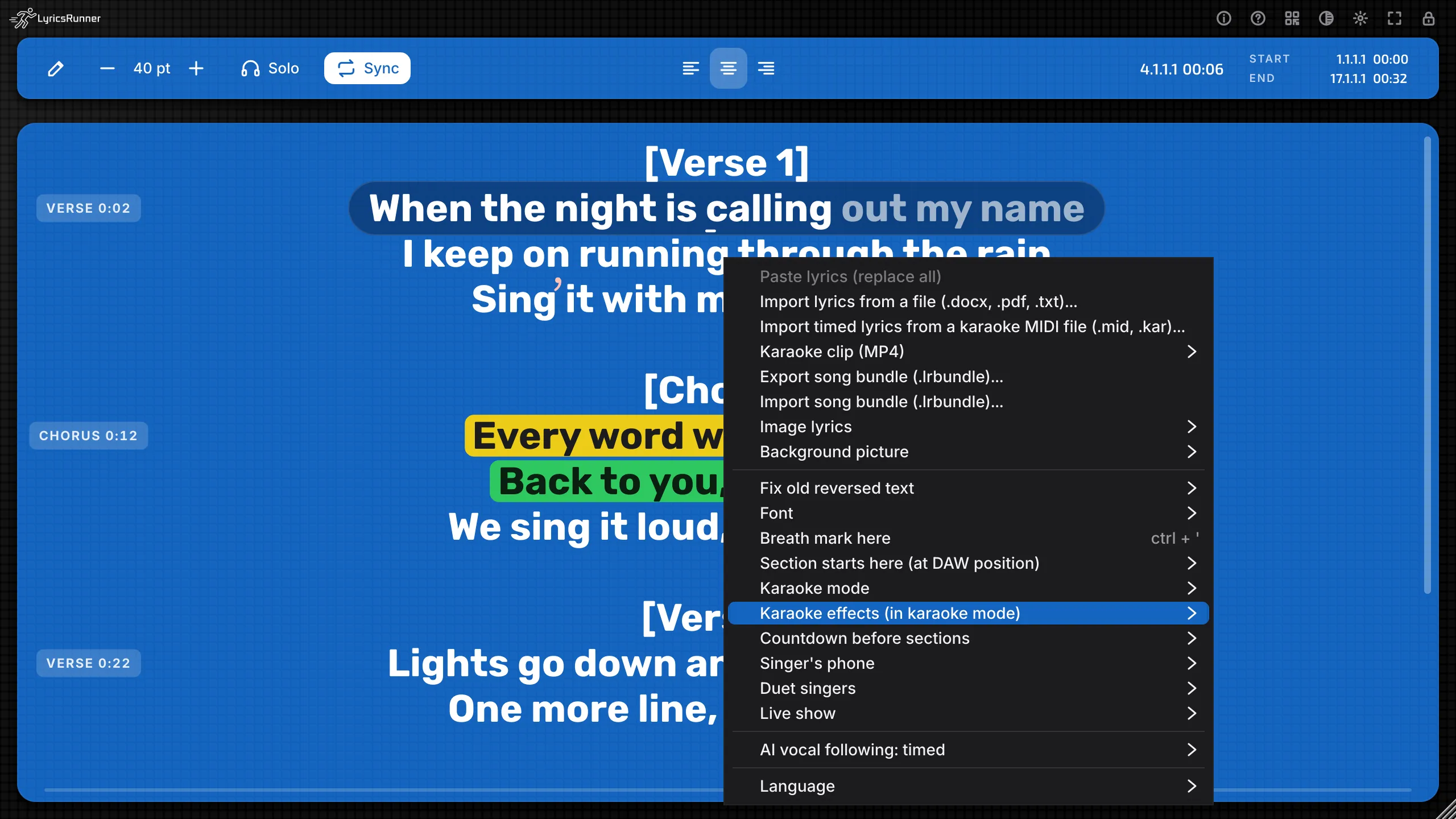
The sun (options) menu in the English LyricsRunner 2 window.Fixed
Sun (options) menu responds again
The sun / settings menu responds to mouse clicks again.
What you get in LyricsRunner 2
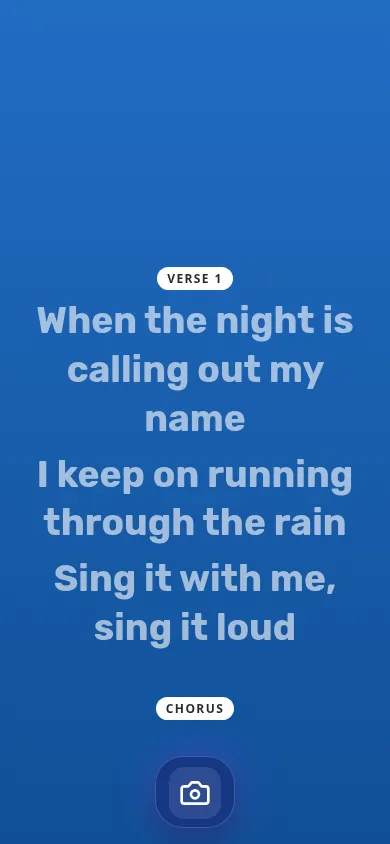
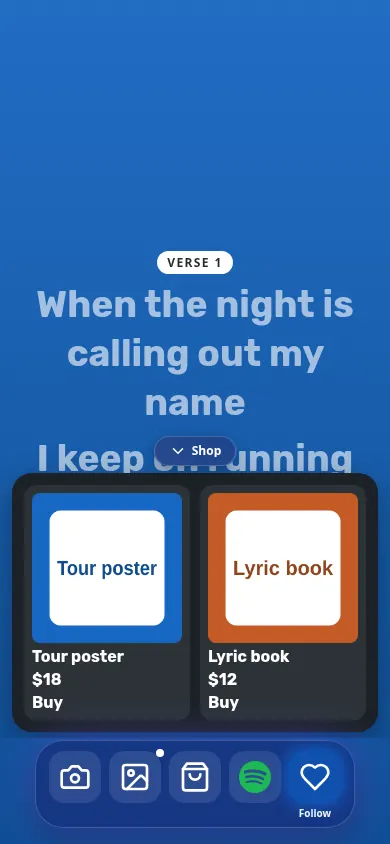
Audience phone page showing lyrics. [en]
Audience phone page
Fans scan a QR code and follow the lyrics on their phone over your local Wi-Fi. Four looks — Classic, Tesla Black, Mac Glass, Tesla White — with a Pill Dock button bar.
Fan phone page with the shop open. [en]
Fan features
Fans can follow the artist, open the merch shop drawer (arrow to open and close), tap your Spotify link and browse the photo gallery.
Audience QR setup only, not a camera or photo-sharing result. [en]
Viewer camera
Writes the current lyric line onto the photo or video, then shares straight to an Instagram Story.
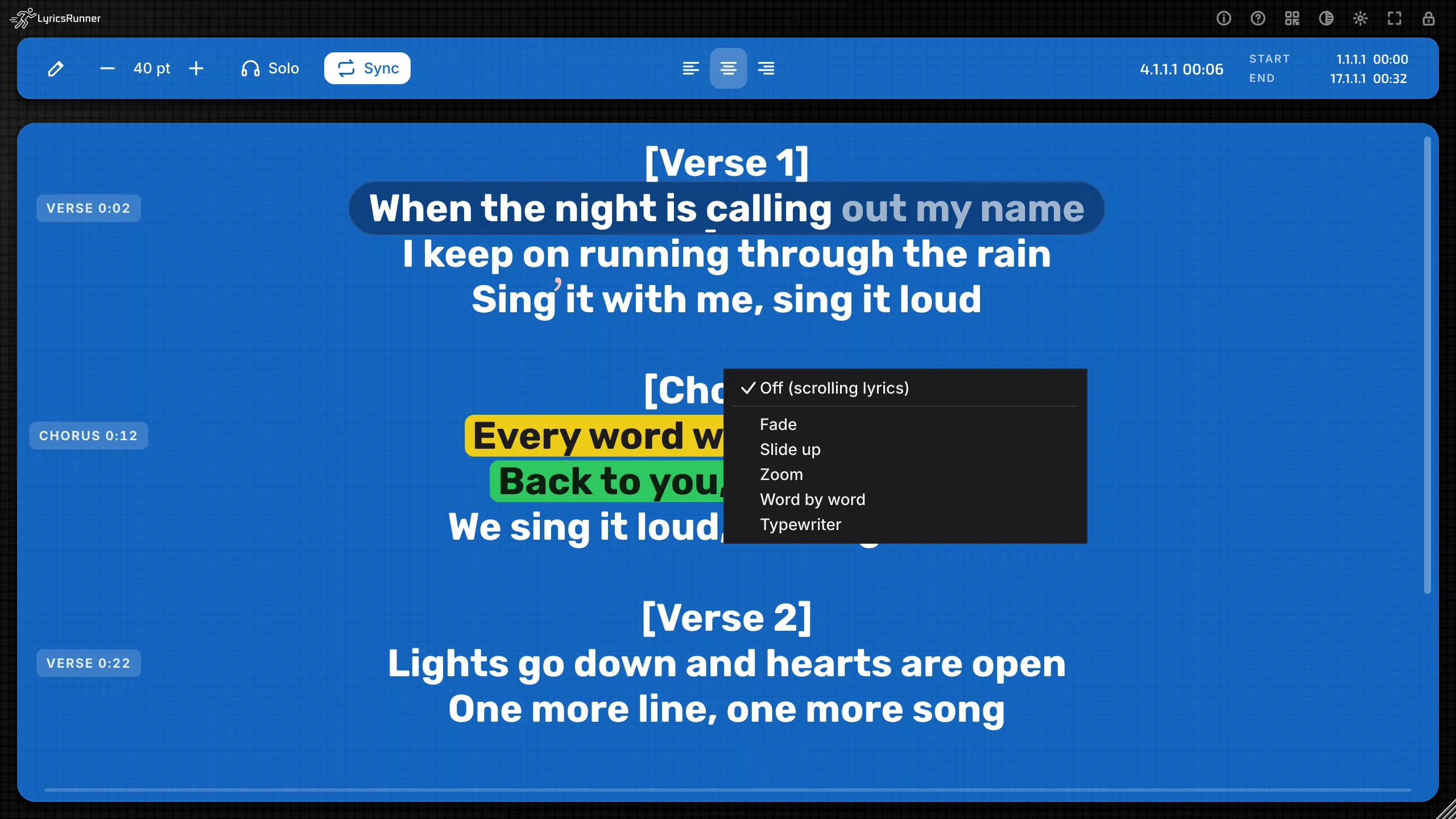
Karaoke mode menu. [en]
Karaoke modes
Fade, Slide up, Zoom, Word by word and Typewriter — plus a countdown into each section.
Show mode with the Setlist collapsed beside the current lyrics. [en]
Show mode for live setlists
One plugin holds 20+ songs. The playhead switches songs automatically. Tap New song here to stamp each change, and see UP NEXT with the next song's name between songs.
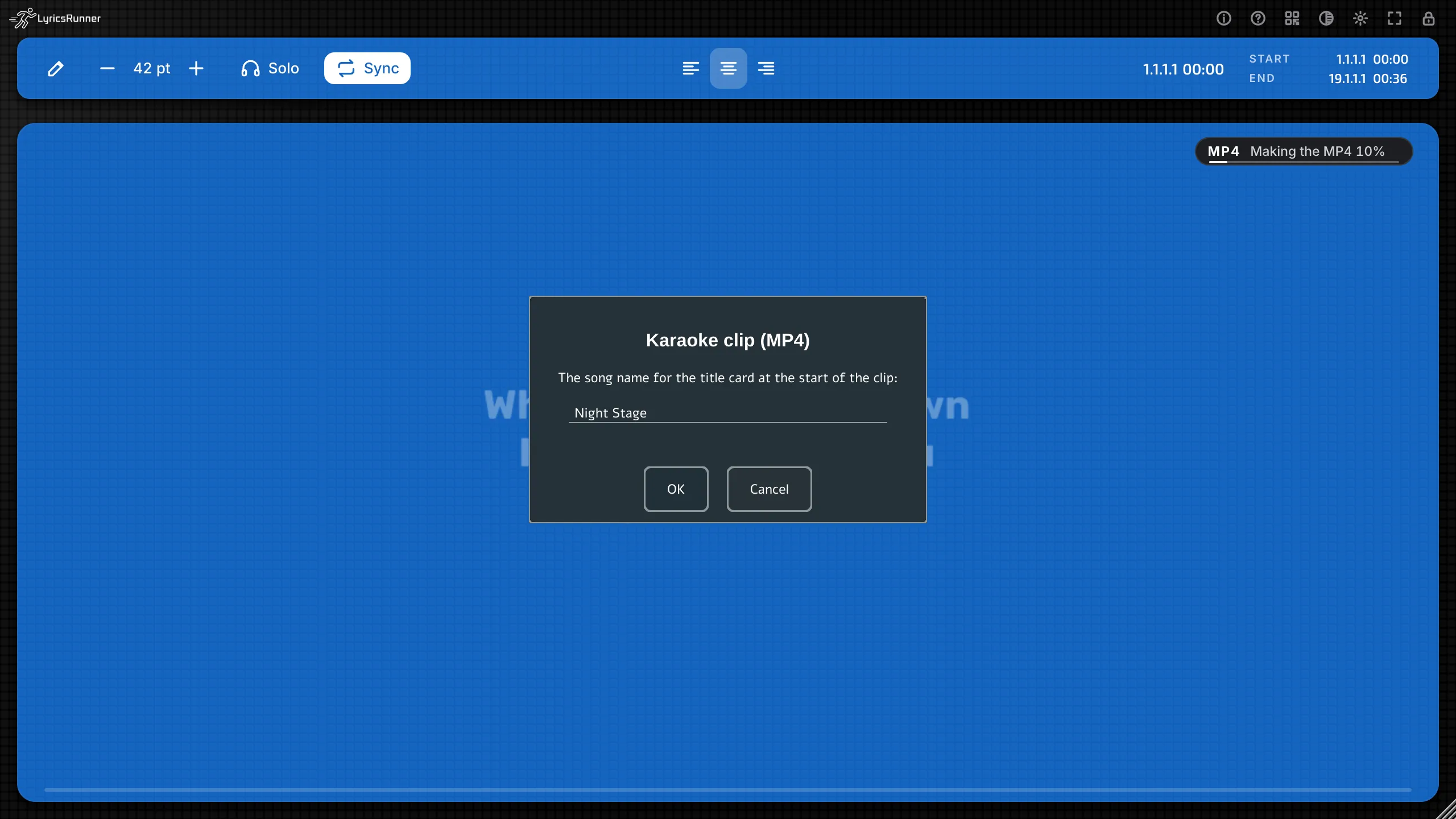
MP4 export dialog. [en]
Export to MP4
Export a karaoke clip with the song as an MP4 video.
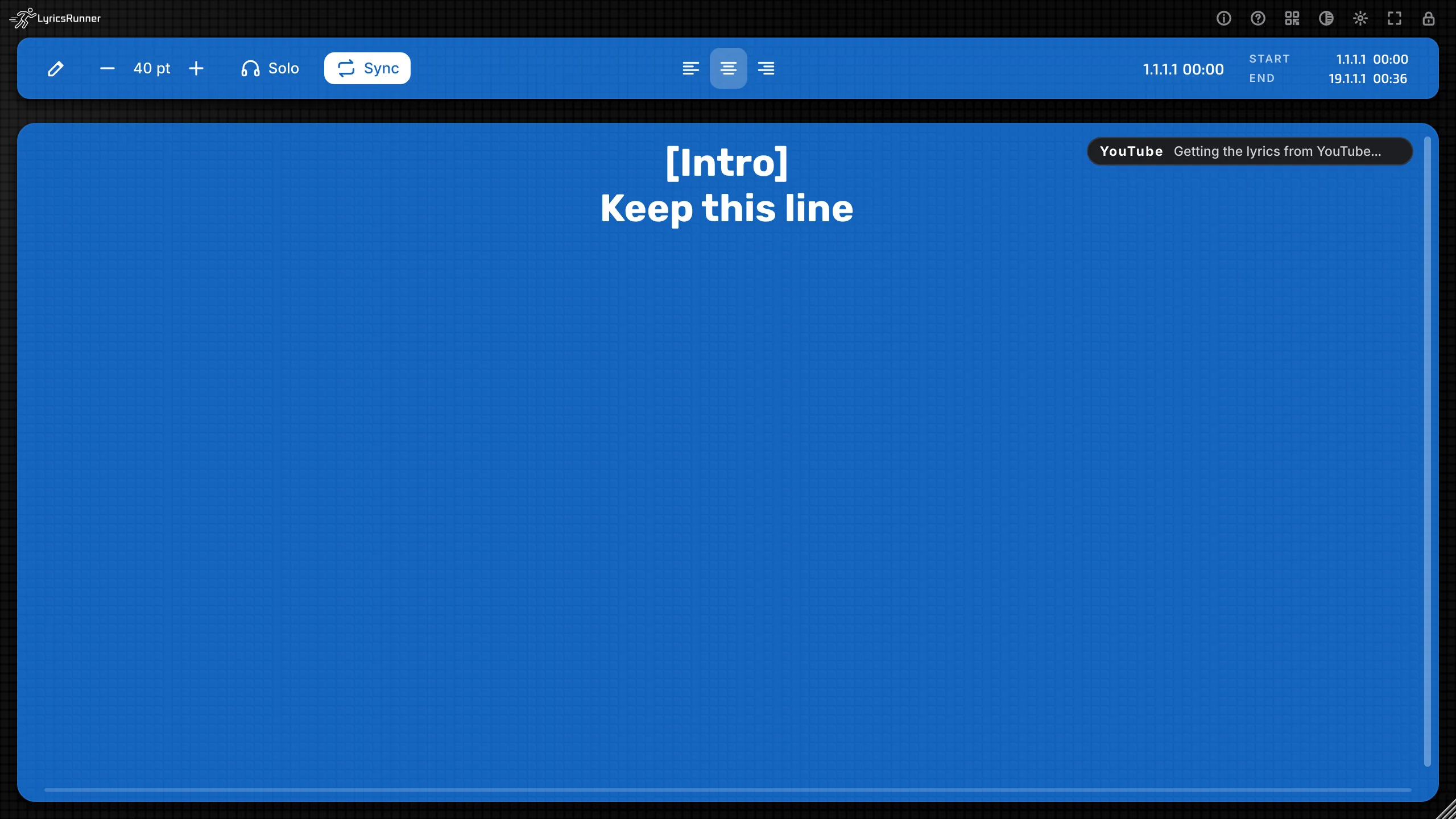
YouTube import UI only (network-stubbed capture; not proof of live fetching). [en]
Lyrics from YouTube
Paste a YouTube link and get the lyrics from its captions or description.
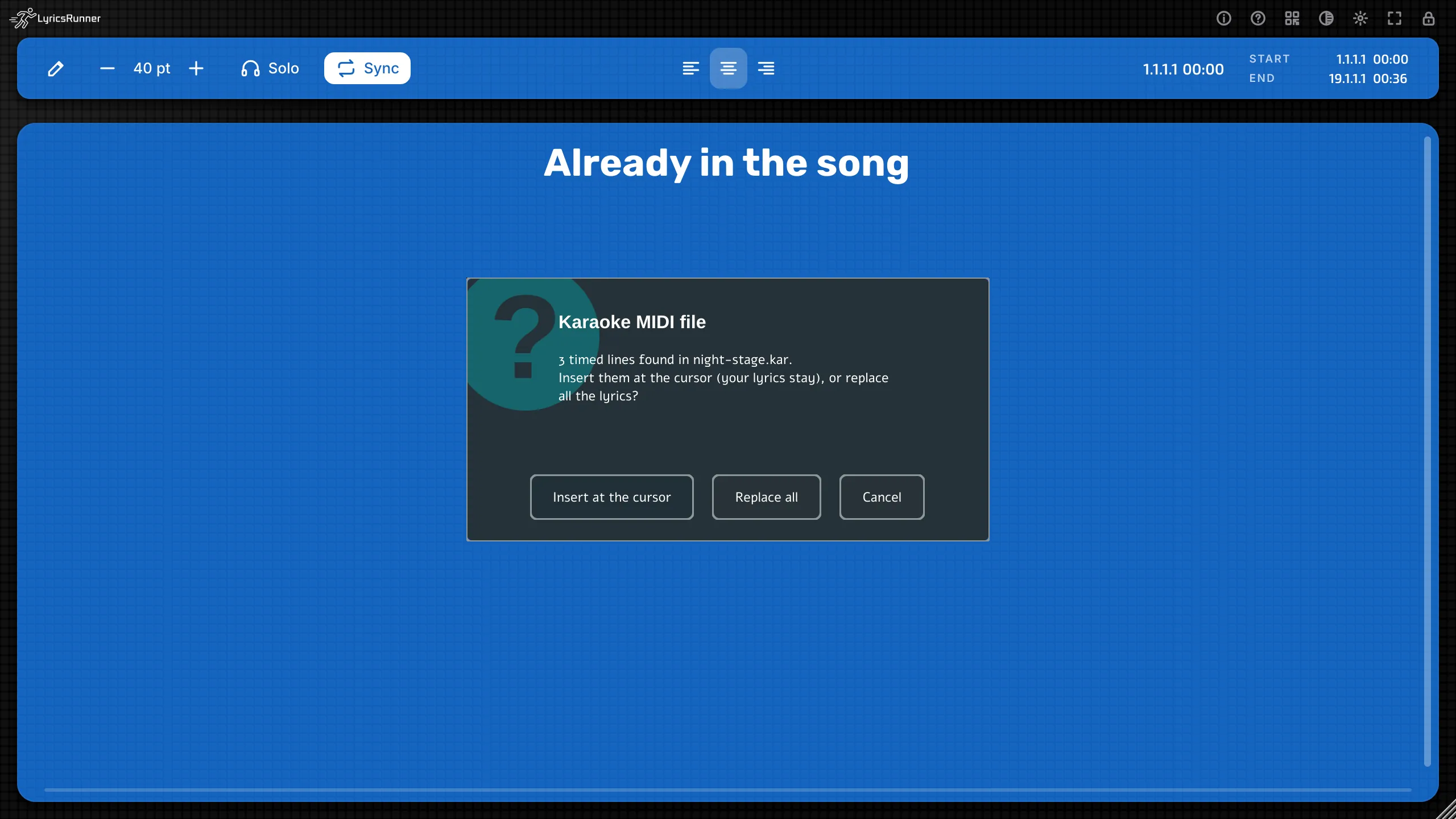
MIDI import dialog. [en]
Karaoke MIDI / .KAR
Import timed lyrics from karaoke MIDI and .KAR files.
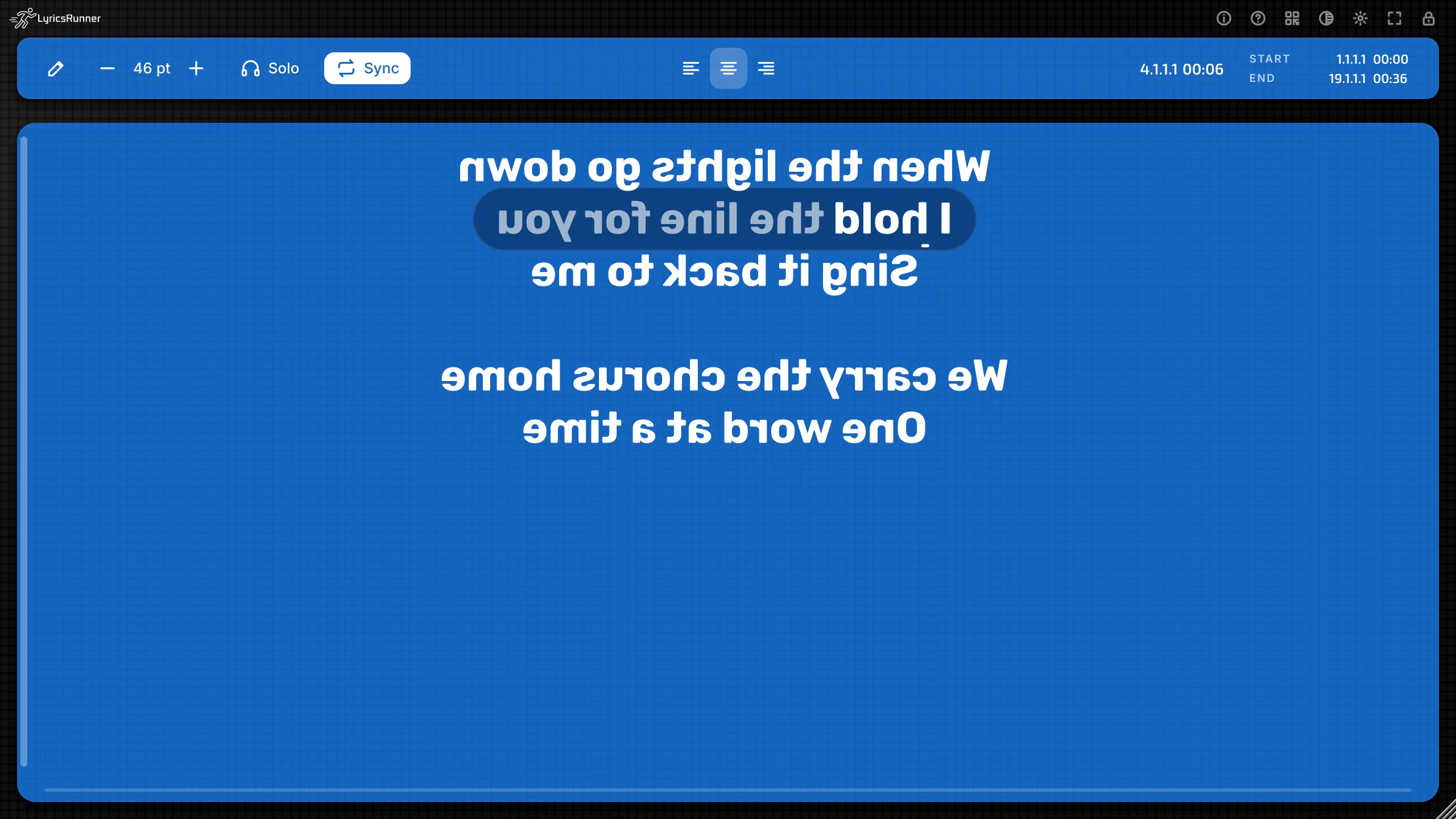
Mirror view enabled. [en]
Mirror mode
Flip the lyrics for teleprompter glass.
Stage note shown with the lyrics. [en]
Stage notes
Private notes for the singer, right on the lyric screen.
Lyric highlighter. [en]
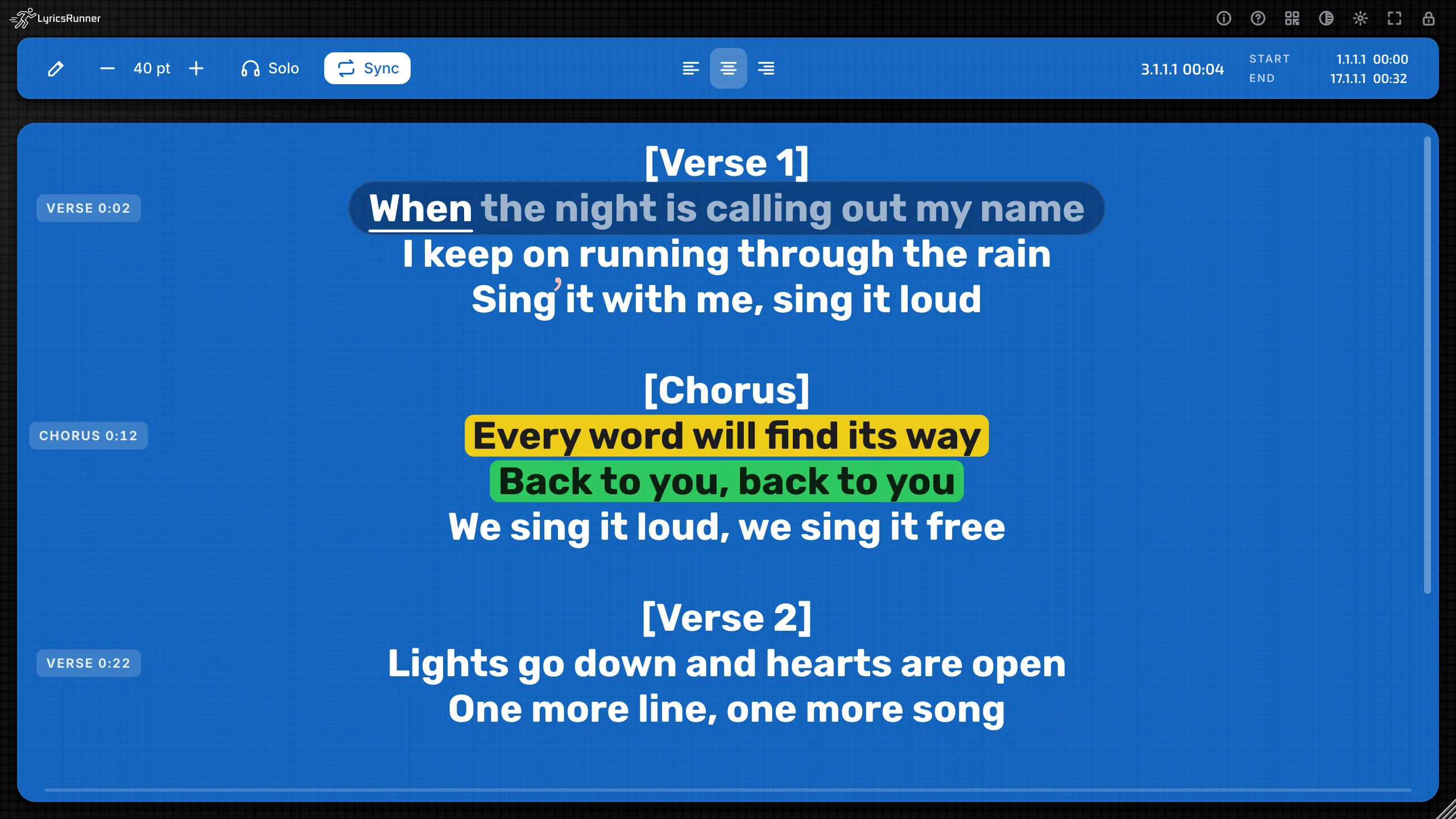
Highlighter + breath marks
Mark key words and where to breathe.
AI word-timing controls. [en]
Offline AI vocal following
Words light up as you sing. Runs on your computer — nothing is uploaded.
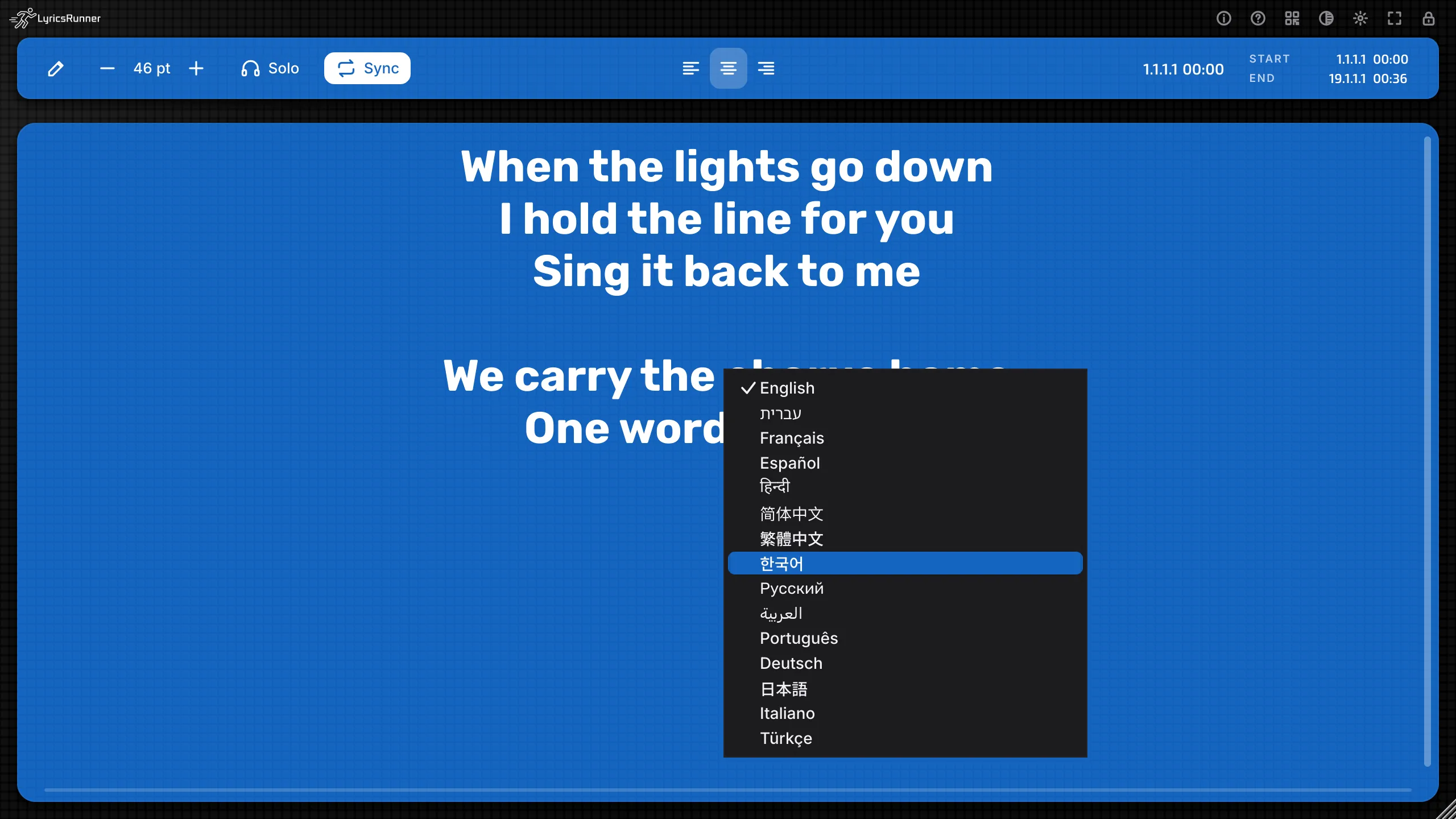
Interface language menu. [en]
15 interface languages
Including Hebrew and Arabic with full right-to-left support.
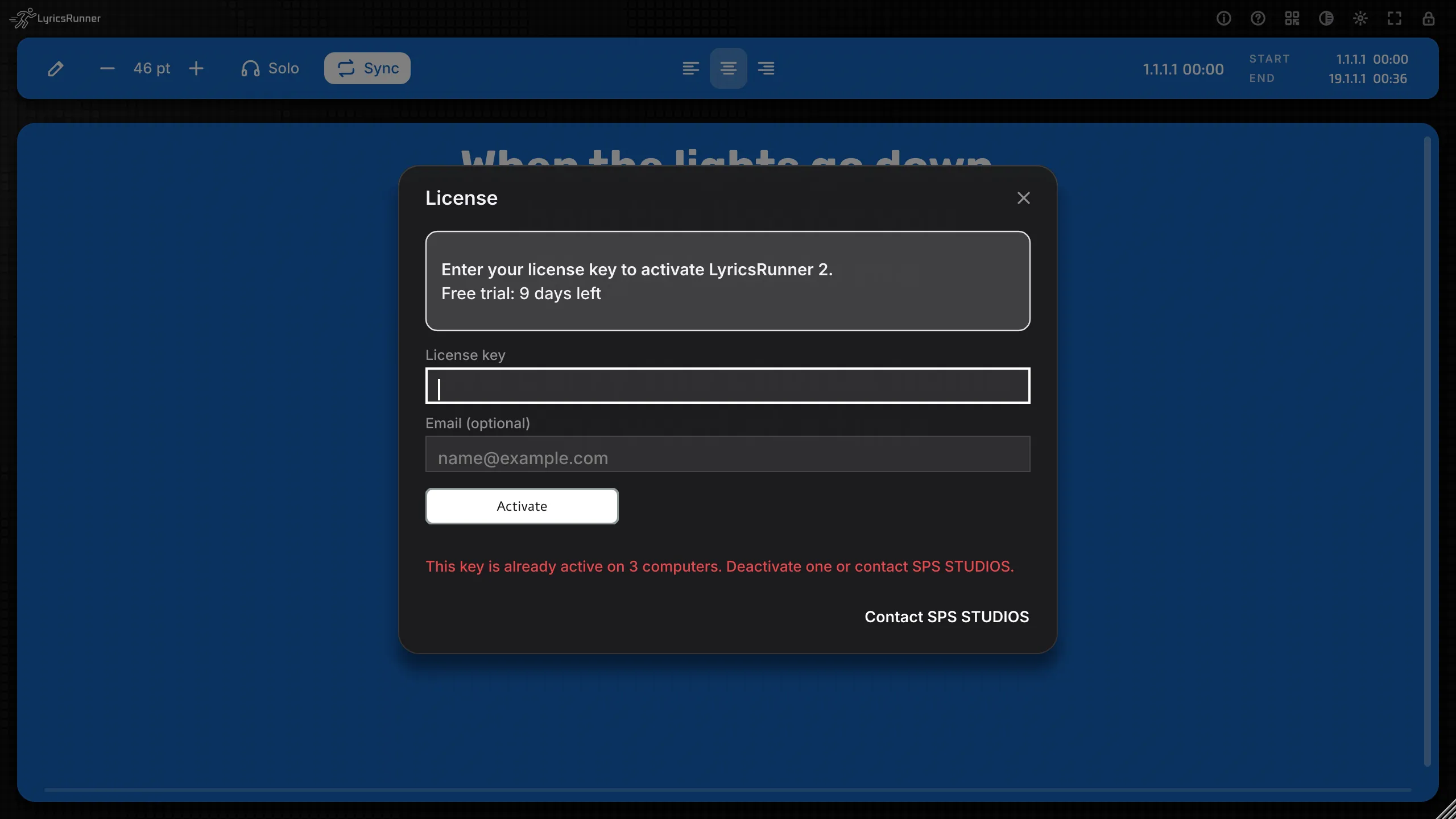
License dialog showing the three-computer allowance. [en]
Up to 3 computers
One license works on up to 3 computers.
Light and fast
Small footprint, quick to load, easy on your session.
Formats
Mac: VST3 · AU · CLAP · Standalone
Windows: VST3 · CLAP · Standalone
Installs side by side with the classic LyricsRunner — keep both.
Try the audience phone looks
Pick a look — this is what fans see on their phones.
Best bundleLyricsRunner + VocaTuneSeparately: $458Price to be decidedView bundles
Find the right tool for your next session
Clear answers. No pressure.
Before you decide
Do I need a plugin if a lyric sheet already works?
Not necessarily. A document may be enough for static words. LyricsRunner 2 becomes relevant when you want an in-DAW prompter, karaoke presentation or a setlist workflow. Test whether those solve a real interruption in your session before buying.
Will it work in my exact recording setup?
The catalog lists macOS VST3, AU, CLAP and Standalone; Windows VST3, CLAP and Standalone. A listed format is not proof for every host version. Check your operating system, host and installer, then test stop, restart and a quiet section in a real song.
Will it fix my singing or write the lyrics for me?
No. Its core job is presenting lyrics, not pitch correction or songwriting. Offline vocal following highlights words as you sing, but it is not a promise that every performance or arrangement will be tracked perfectly.
Does offline vocal following mean phones work without Wi-Fi?
No. Offline vocal following runs on your computer without uploading the vocal. The audience phone page uses your local Wi-Fi; test that connection where you intend to perform.
Does my Classic license automatically include LyricsRunner 2?
Do not assume so. Classic and LyricsRunner 2 are different versions and can be installed side by side. Check the specific purchase or upgrade terms; existing Classic customer access is unchanged.
What exactly am I buying: a plugin or the browser editor?
These are separate products. Desktop annual and lifetime plans have different license durations. LyricsRunner Web is the browser lyric-video editor, not a desktop license. Review the named products, duration and current availability on the offer before checkout.
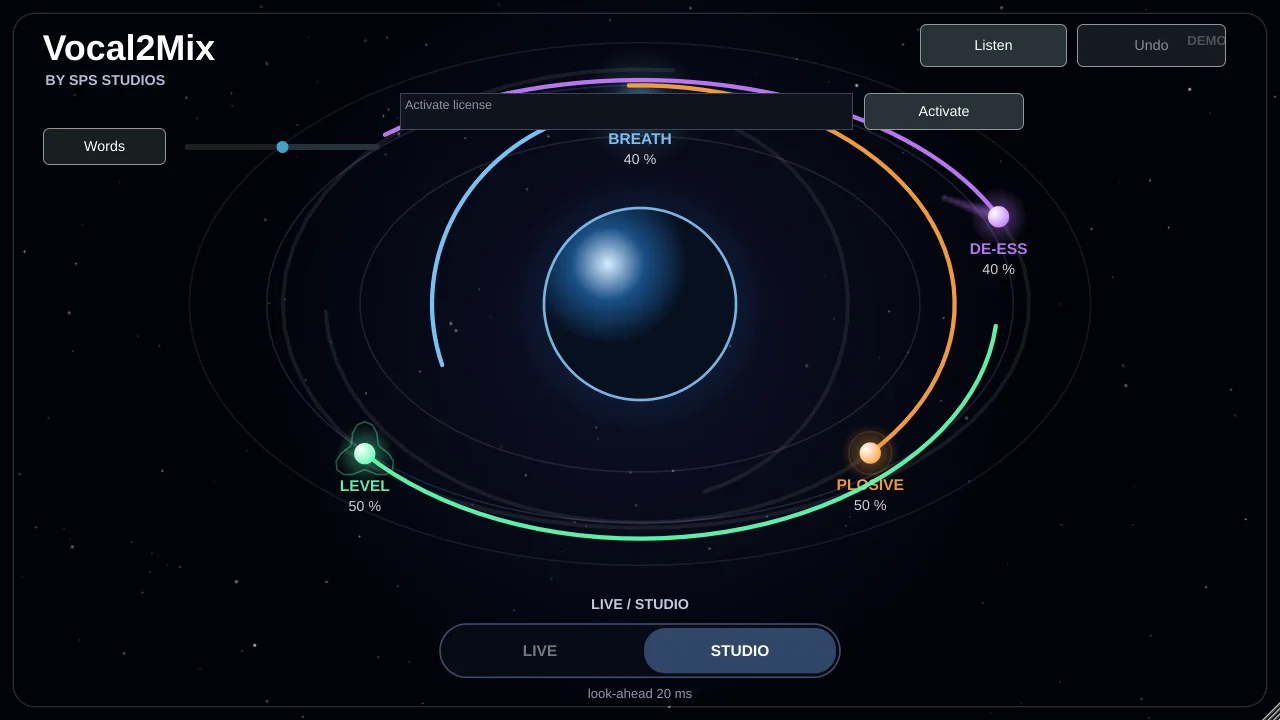
Vocal2Mix is an all-in-one plugin that prepares a vocal for the mix in one step. It lowers breaths, tames S sounds, softens P and B pops, and evens out the level automatically, with few controls and few clicks.