What Is an .LRC File? Synced Lyrics Format Explained (2026)
An .lrc file is a plain-text file that stores song lyrics together with timestamps. Each line starts with a time code such as [01:23.45], and a compatible player shows that line at exactly that moment. That is why music players, karaoke apps and lyric teleprompters can highlight words in time with the song.
The .lrc format in one example
A minimal file looks like this: [00:12.00]First line of the verse, then [00:15.50]Second line of the verse. The numbers are minutes, seconds and hundredths of a second. Lines without a timestamp are usually ignored.
Optional header tags
- [ti:] — song title
- [ar:] — artist
- [al:] — album
- [offset:] — shifts every timestamp, in milliseconds, to fix lyrics that run early or late
How to make an .lrc file for free
- Write or paste the lyrics, one sung phrase per line.
- Play the song and tap a key at the start of each line to capture its time — our free lyrics sync tool at /tools/lyrics-sync does this in the browser.
- Check the result against the track and nudge any line that lands too early.
- Save it as UTF-8 text with the .lrc extension, ideally with the same name as the audio file.
Common .lrc problems
Lyrics drifting out of sync usually means the audio file has a different intro length than the one the file was timed to; an [offset:] tag or re-timing the first line fixes it. Strange characters mean the file was not saved as UTF-8.
Using synced lyrics while recording vocals
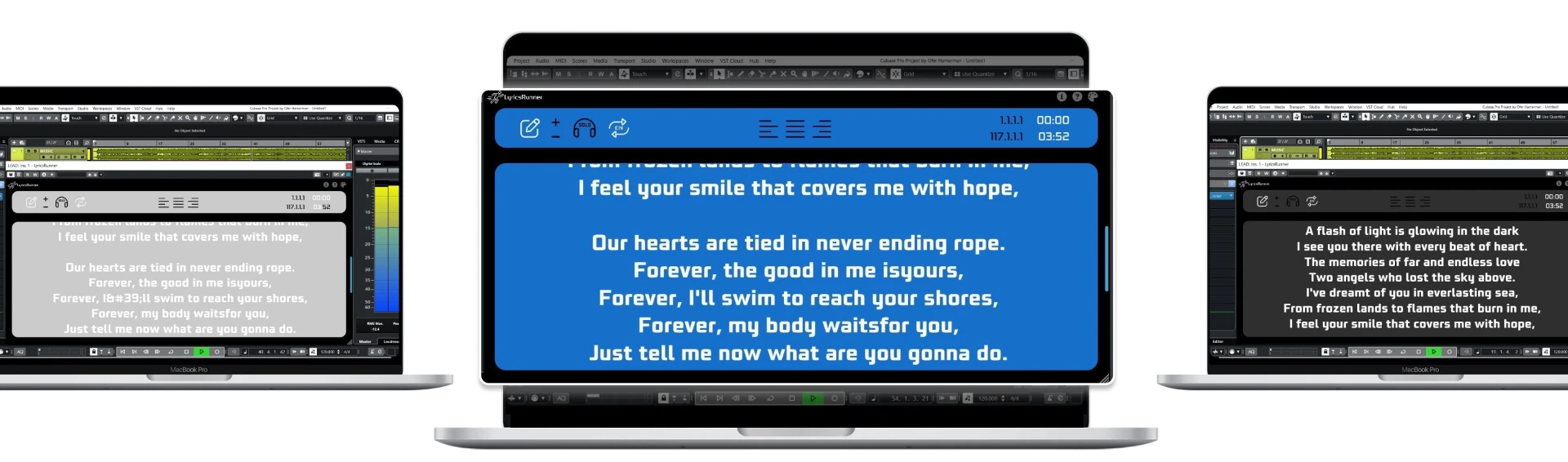
In a studio, the timing that matters is the session timeline, not a music player. LyricsRunnerVST is a lyrics teleprompter plugin (VST3, AU and AAX) that scrolls lyrics locked to your DAW's playhead, so when you loop or punch in, the right line is already on screen. You can try it free before buying.
Try it yourself
Ready to transform your sessions?
Drop your email — we'll send the 14-day trial download link to your inbox. No credit card.
- 30-day money-back guarantee
- Instant download
- Works in every major DAW