FL Studio Lyrics Plugin or Fruity NoteBook 2? A Vocal-Session Test
Searching for an FL Studio lyrics plugin often starts with a smaller problem: you can hear the beat, but the next line is on a phone across the desk. Before adding software, identify what actually interrupts the take. Is the text too small, does the wrong verse stay visible after a restart, or do singer and producer have different lyric revisions? Those problems call for different changes.
Show lyrics in FL Studio with the tools already there
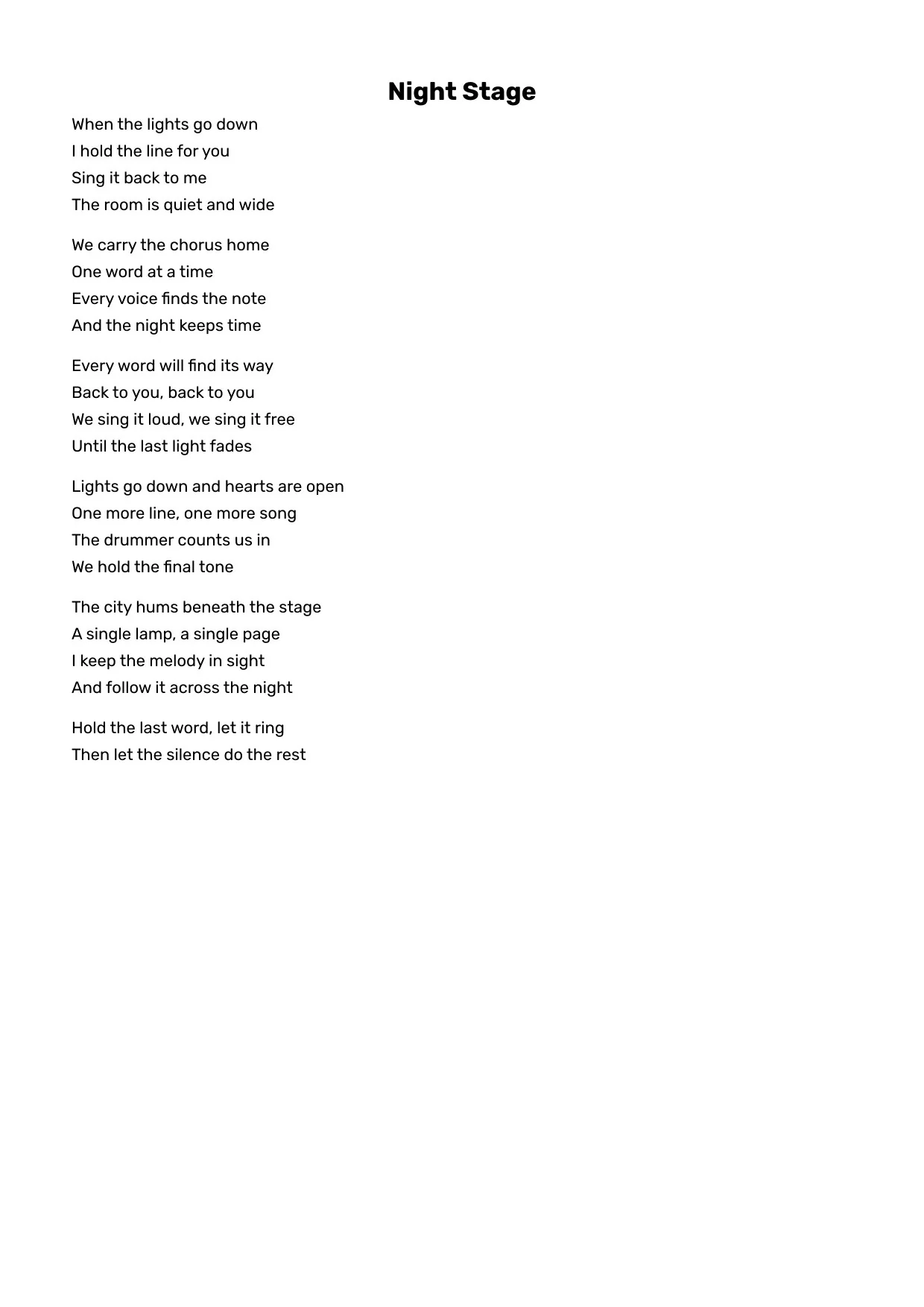
Image-Line describes Fruity NoteBook 2 as a 100-page notepad for song information, lyrics and personal notes. You can paste text, choose a page and resize the text. Its page selector is automatable. For a song whose structure is already fixed, Fruity NoteBook 2 lyrics can therefore provide more than a static note left on the screen.
The official instructions explain how to create an Automation Clip from the page selector, place it in the Playlist and use Hold points for page changes. Read the Image-Line NoteBook 2 manual for the actual controls. This is a documented native alternative, not a claim that a dedicated plugin is necessary for every vocalist.
Decide whether you need pages or a dedicated lyric display
Start with one verse and chorus. If a few readable pages remain comfortable through the take, keep that simple setup. To automate lyric pages, place changes where the performer needs them and rehearse those changes. Remember that an arrangement edit can move the useful cue: moving audio is not proof that the lyric-page automation still matches it.
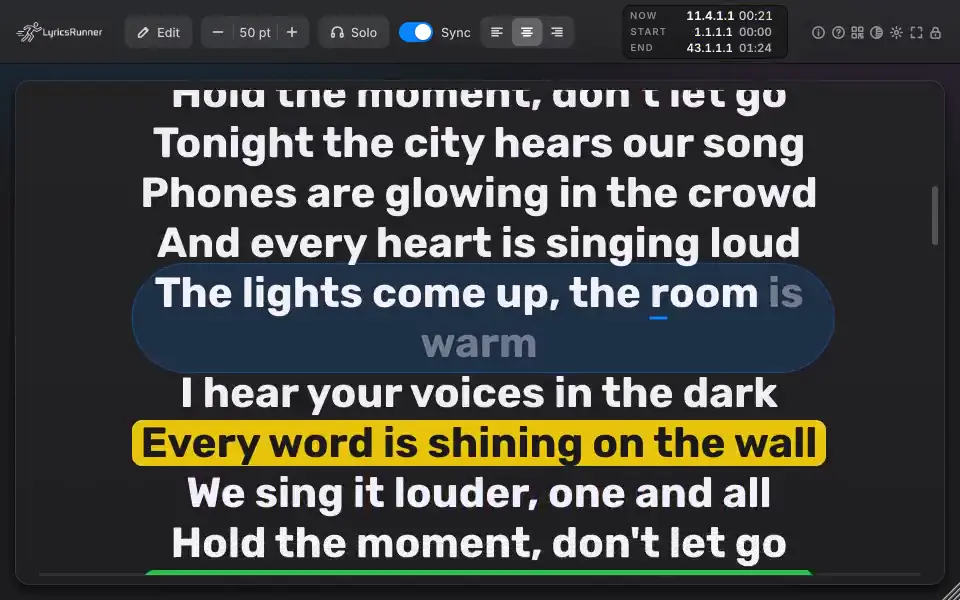
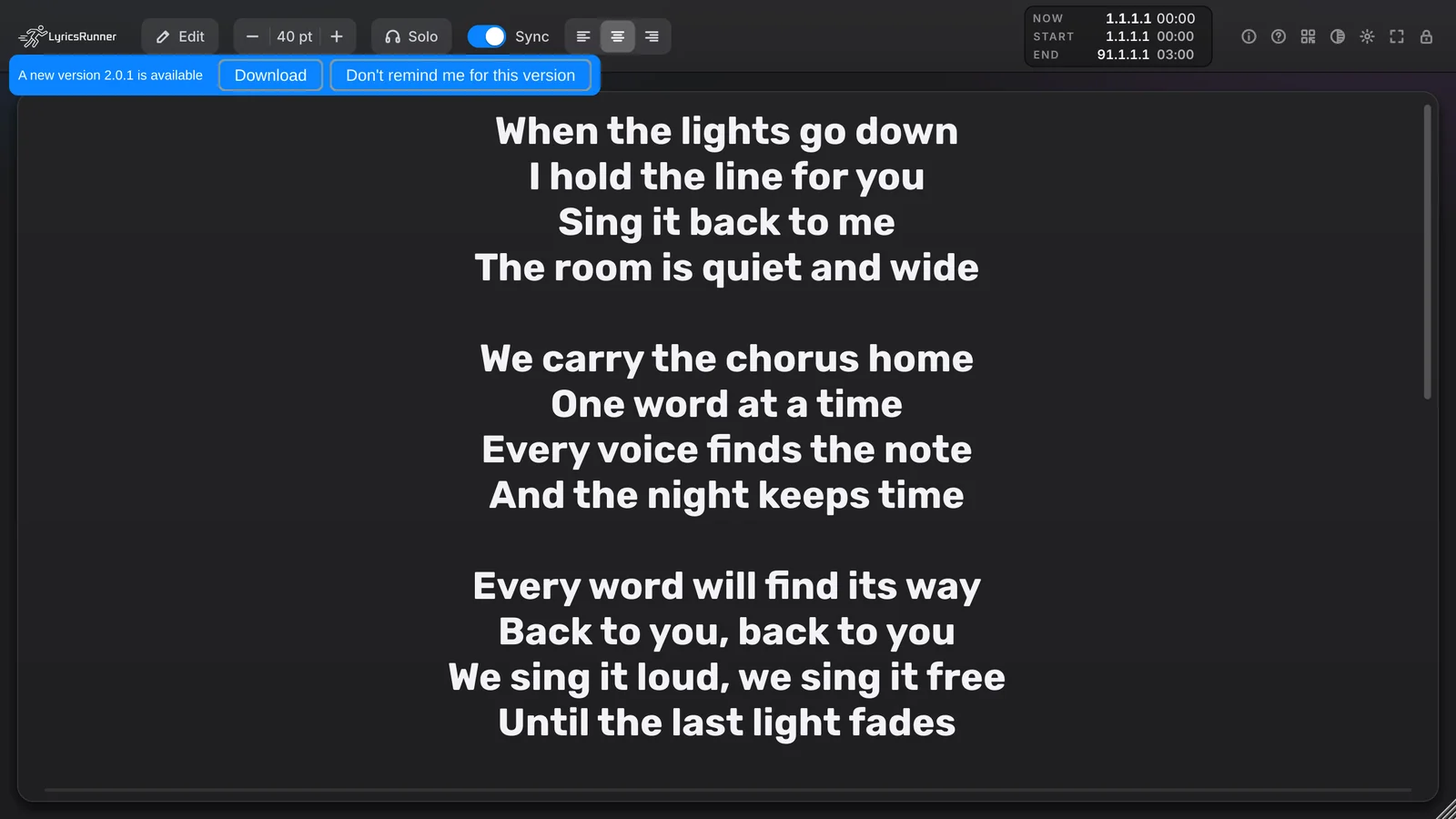
A dedicated FL Studio lyric display is worth comparing when you want a focused reading window or when repeated starts make your existing reference awkward. LyricsRunner 2 displays lyrics alongside the DAW timeline. Use the current compatibility information and English user guide to check its documented workflow. Do not infer host-specific behavior from the screenshot in this article; it shows the real plugin window, not an FL Studio session.
Test lyrics in the recording booth, not only at the desk
Place the display where the singer will read it and rehearse the fastest passage. Keep a normal microphone position. Shorten visual lines and increase text size before moving the microphone to accommodate a difficult screen. Lyrics in the recording booth need to be legible at a glance, including section labels and the first word after a break.
Ask the performer whether enough upcoming words are visible. Showing lyrics during vocal recording is a reference task, not an invitation to read every word mechanically. If the singer looks at the screen constantly, reduce clutter and rehearse the passage. A printed copy can remain useful for notes and backup; see the lyric-sheet session checklist.
Run a loop, locate and restart check
For scrolling lyrics in FL Studio, first use the actual Playlist arrangement intended for the take. Play from the count-in, stop in the verse, locate to the chorus and play again. Then rehearse a short loop that includes preparation time before the entry. Watch what happens when playback returns to the loop start. Do this without recording before relying on it during a session.
A lyrics plugin loop recording test does not validate the microphone routing or how the host stores takes. Check those separately. If the wrong words appear, compare the current text order and arrangement before changing several display settings at once. Keep a simple note of which positions you tested so the next rehearsal starts from evidence rather than memory.
Handle vocal session lyric changes deliberately
When a line changes between takes, update one approved source copy and the reference the singer sees. Confirm the changed words aloud. For a page-based workflow, inspect the relevant page and its automation cue. For a dedicated display, inspect the affected phrase and its next transition. Vocal session lyric changes are easier to manage when one person owns the current version.
Save and reopen the project, then repeat one restart. Keep the browser free lyric prompter for independent rehearsal if fixed-speed scrolling is enough. If the DAW-led test removes a real interruption, explore LyricsRunner 2 from the action below. Choose from the result of one song, not from a promise that buying another plugin must improve the performance.
Frequently asked questions
Can Fruity NoteBook 2 show lyrics?
Yes. Image-Line documents it as a notepad for song information, lyrics and notes. Its page selector can be automated with an Automation Clip.
Do I need a paid lyrics plugin in FL Studio?
Not necessarily. Built-in notes may be enough for static text or planned page changes. Compare a dedicated display only when it addresses a problem in your actual session.
Will a lyrics plugin generate the words of my song?
Do not infer transcription from lyric display. Prepare and check your own current lyrics, then use the documented display and timing controls.
Does one successful playback prove loop recording is ready?
No. Rehearse the loop return, a locate to the chorus and a restart from the count-in. Check the display and the audio recording configuration separately.
If the session timeline is your reference, check LyricsRunner 2 and test it with one real song before choosing a plan.
Explore LyricsRunner 2 and try it free