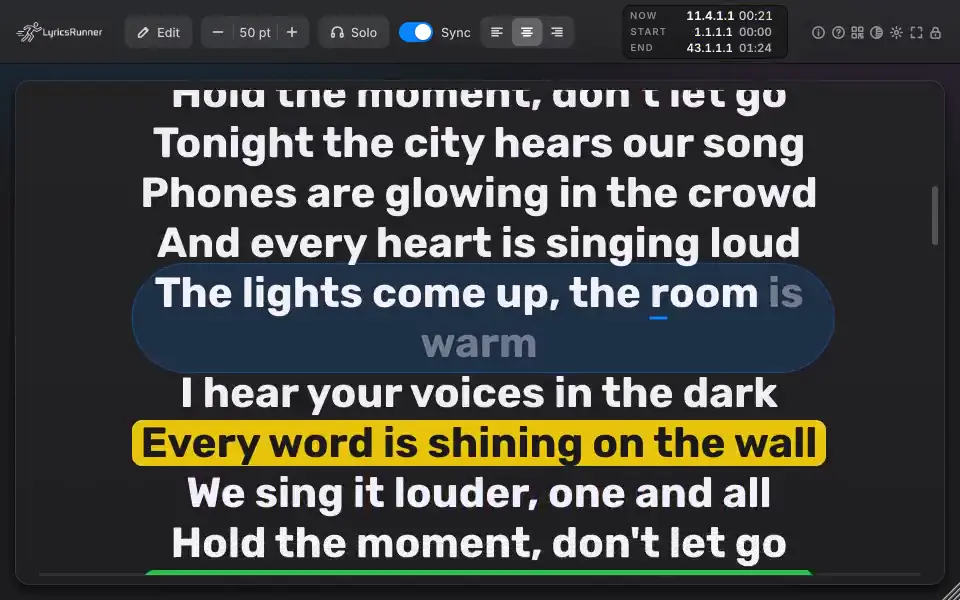
Readable stage lyrics: prepare a singer screen for quick, confident glances
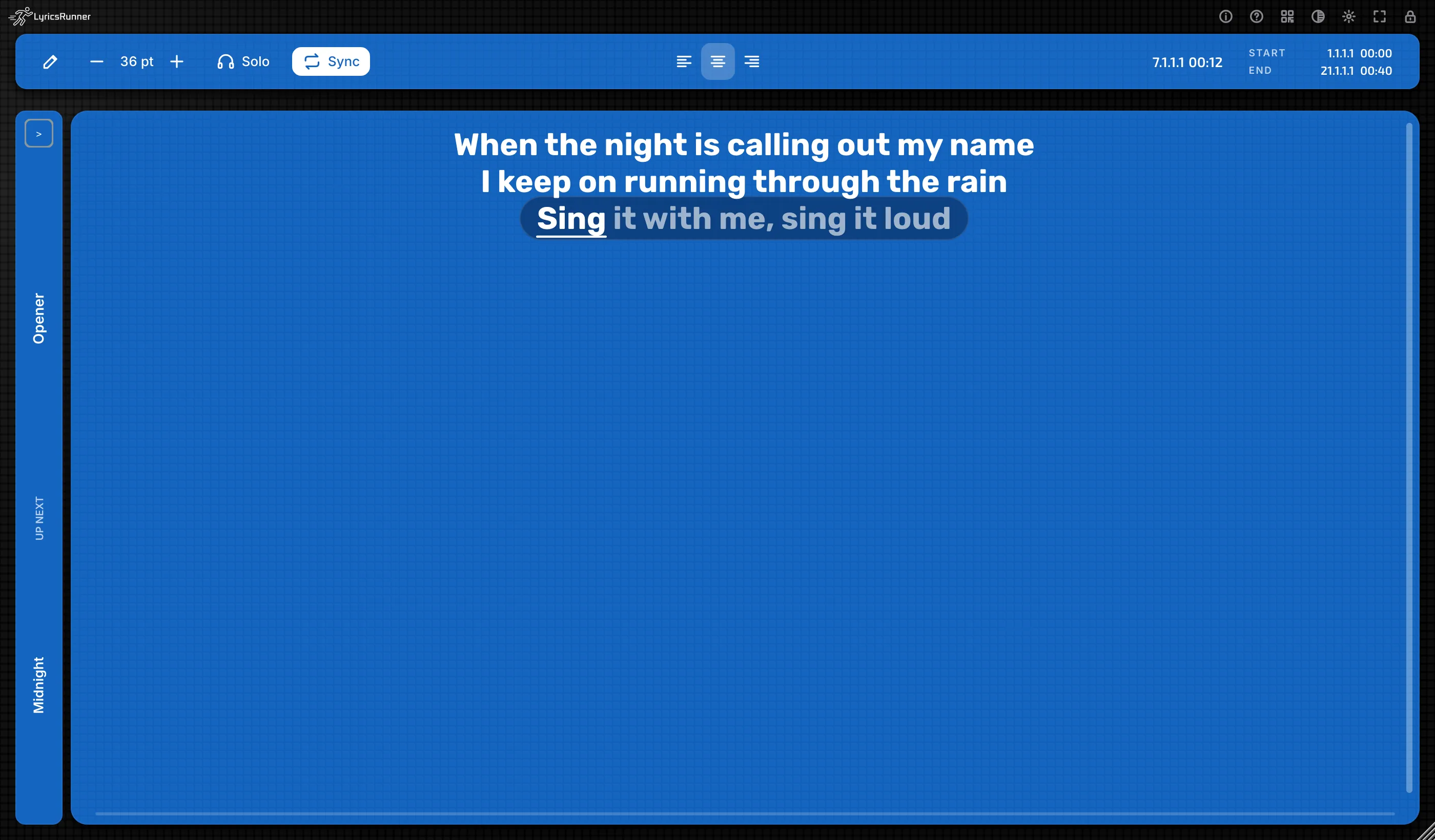
Design for the glance you actually need
A lyrics screen for singers should do more than hold all the words. Its practical purpose is to help you recognise the useful phrase during a brief glance, then return your attention to singing. Before choosing a theme, decide what you need to find: the current line, the opening of the next verse, or a word that distinguishes two similar choruses.
Test while standing with your usual microphone, rather than sitting directly in front of the computer. Sing a passage and look away between phrases. Notice where your eyes land when you return. If you must search several lines before understanding your place, there is a usability problem even when every individual letter is technically readable.
Prepare musical phrases instead of paragraphs
Open Edit and paste the lyrics with one phrase per line. Divide the text where the delivery makes sense for you. A complete verse squeezed into one line creates a long search, while placing every small word on its own line can hide the shape of the phrase. Aim for units that you recognise without mentally rebuilding the sentence.
Check repeated choruses that change only one ending. Familiar surroundings can make an altered final word surprisingly easy to miss. Preserve the exact lyric for your arrangement instead of replacing it with an unclear abbreviation. Review verse openings as well: good phrase divisions should help distinguish the sections, not merely make the document look tidy while editing.
Set the font from singing distance
Choose your stage lyric font size from the position where you will actually perform. Enlarge the words until reading feels comfortable, then check how much surrounding context remains available. Larger letters can help recognition but may also leave less material visible for anticipating the next phrase. There is no universally correct size for every room, singer and screen arrangement.
Try your usual position and a small step to either side. Include movements you naturally make during a chorus. Ask someone whether you lean towards the screen or keep your head lowered for too long. Those behaviours can reveal an uncomfortable compromise even if you can still decipher the words with extra concentration.
Compare alignment using demanding lyrics
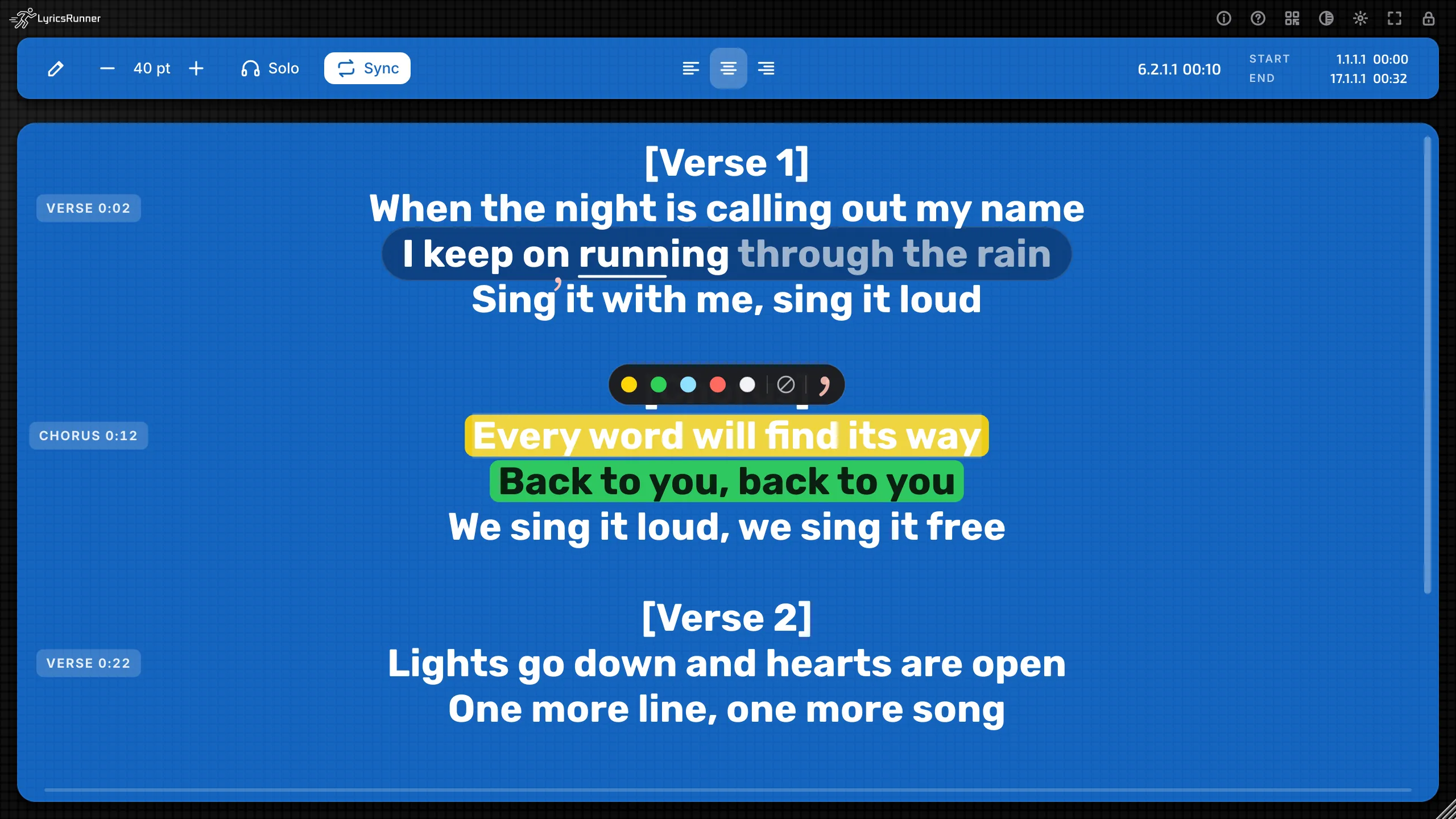
LyricsRunner 2 provides selectable alignment. Compare the choices using actual lyrics that include both long and short phrases. Some singers recognise a consistent starting edge more quickly; others prefer a centred phrase. Choose the arrangement that makes the next useful word easy for you to locate, rather than assuming one visual convention is right for everyone.
Do not judge only from a short title or a simple chorus. Sing a dense verse, glance away and return. Change one setting at a time so you can identify what improved recognition. If font size, alignment and theme all change together, an attractive result may conceal which adjustment helped and which one introduced a new difficulty.
Check glare before compensating with size
Select a theme by reading it under lighting that resembles the performance conditions. Reflections, bright lamps and dark surroundings can change the comfort of a display that seemed excellent at a desk. Check whether a bright reflection crosses the area containing the words you need most, particularly when you move your head between singing and reading.
Where practical, adjust the screen angle or location before using very large text to compensate. Singer screen placement is also a physical stage decision. Leave room for feet, microphone stands and ordinary movement. Route cables safely, and do not solve a viewing-angle problem by placing equipment in a walking route. Clear reading should not introduce a new trip hazard.
Practise fullscreen and the way out
Fullscreen can give the lyric view more room. Try it during rehearsal and practise leaving it with Esc, so that the exit is familiar before a correction is needed. Read the resulting view from your singing position again. A layout that feels comfortable inside a desktop window still deserves a practical check after changing its presentation.
If another person operates the DAW, agree who may leave fullscreen and when. A request such as “after this passage, increase the text slightly” is easier to handle than an unexpected reach for the controls in the middle of a verse. Separate readability requests from musical feedback so each change can be understood, performed and evaluated on the next pass.
Separate visual clarity from song position
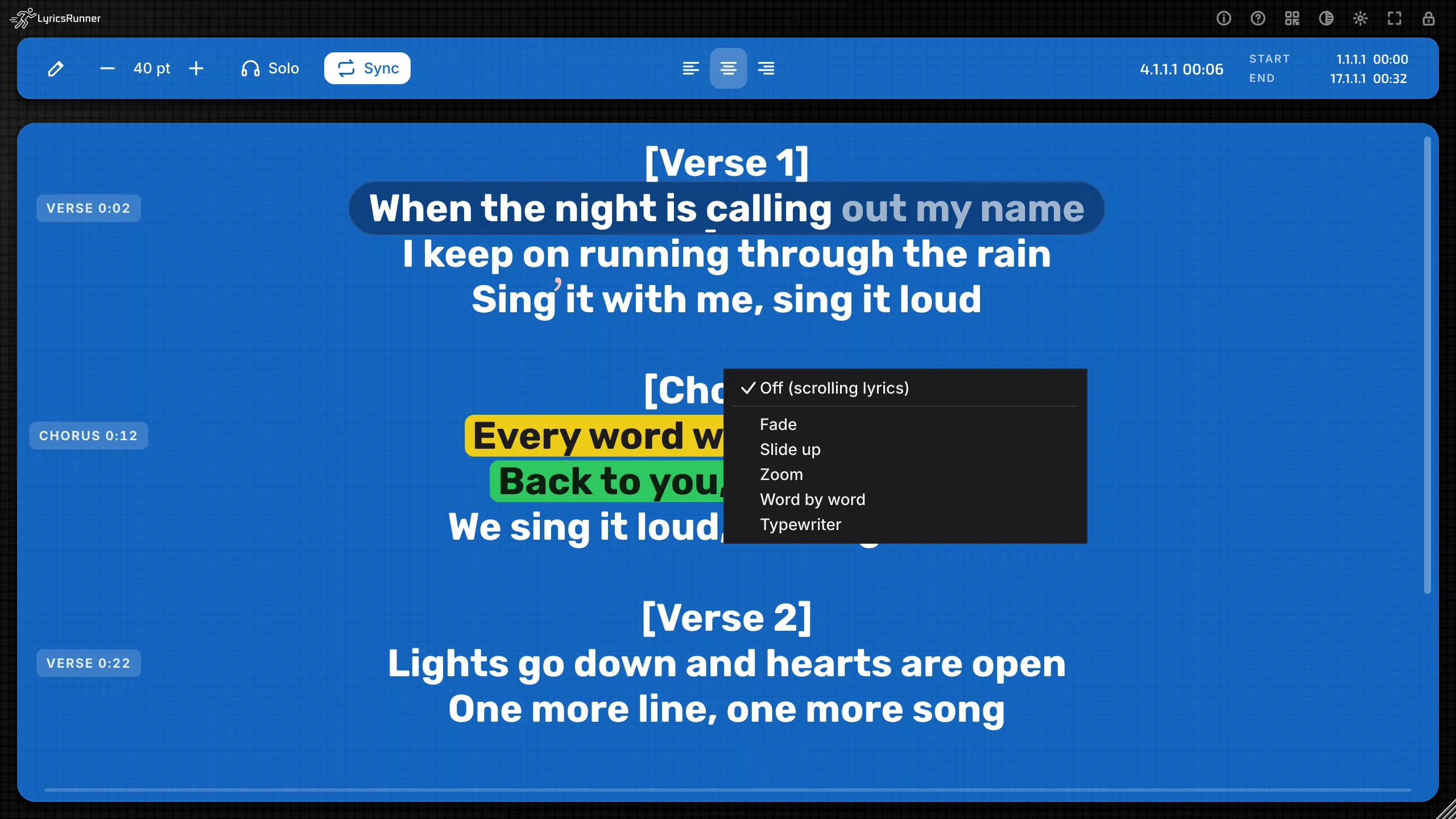
Readable words can still be difficult to follow if you are inspecting the wrong part of the song. With Sync enabled, LyricsRunner 2 follows DAW position. Turning Sync off freezes the lyrics and timing boxes. It does not switch the system into listening for your voice or identifying which phrase you have decided to sing.
Start and End spread the lines over time; this is not automatic speech recognition or exact word recognition. NOW follows song position. For a pickup phrase before a strong beat, rehearse from a suitable lead-in. Ask two separate questions: can you read the words easily, and is their presentation useful at that musical moment? Enlarging letters cannot fix an assessment made at the wrong location.
Rehearse short, deliberate glances
Choose a familiar verse and sing without staring continuously at the display. Use it to confirm the next phrase opening, then look away. If you lose your place, identify a specific cause: similar first words, an awkward line division, insufficient contrast or excessive distance. Fixing an observed cause is more useful than redesigning everything after each hesitation.
Repeat with a less familiar passage. Reduced lyric searching appears in ordinary rehearsal as fewer pauses to locate a line and fewer unnecessary head movements. A successful pass is not a guarantee of a flawless performance. Fatigue, changed lighting or a slightly different standing position may still make a previously comfortable arrangement harder to use.
Save the view and prepare printed lyrics
Once the wording and appearance are approved, save the DAW project. Lyrics, timing, look and the Show mode setlist are saved with that project. Click Lock as part of final preparation. Lock is click-to-toggle: click again to unlock.
Prepare a printed lyrics backup as another reading option. Print lyrics in the gear or right-click menu opens the system print dialog while preserving the title, lines and blank lines. Review the pages before packing them. Keep the copy in a predictable, reachable location rather than somewhere that requires crossing cables or searching through equipment during a song.
Finish with a repeatable reading check
Before the final rehearsal run, verify the exact text, phrase divisions, alignment and font size from singing distance. Check glare while standing in position and confirm that the screen and cables leave normal movement unobstructed. Sing a dense verse and a quiet entrance, since those expose different reading demands. Do not test only the shortest, most familiar chorus.
Then perform a continuous passage without adjusting settings. Tell the operator whether one specific correction remains or whether the view can now stay stable. Save the final changes, check the Lock state and locate the paper copy. A live lyric display setup should support the singer's attention, not become a separate task requiring constant supervision throughout the performance.
Next article
Prepare your reading view — Build a phrase-based layout, test it at singing distance and save the finished view in your DAW project.
Related guides
Sync lyrics to backing tracks: rehearse starts, gaps and arrangement changes
Prepare a multi-song set in Show mode: soundcheck, locking and recovery
Frequently asked questions
Does LyricsRunner 2 recognise the words I sing?
No. Start and End spread lines over time. With Sync on, the display follows DAW position, not automatic speech recognition or exact word recognition.
How do I choose a useful text size?
Test real phrases from your singing position under representative lighting. Seek comfortable words and enough surrounding context to prepare the next entrance.
Must I hold Lock to unlock?
No. Lock toggles with a click. Click it again when you need to unlock.
Can I print a reading backup?
Yes. Print lyrics in the gear or right-click menu opens the system print dialog and preserves the title, lines and blank lines. Review the resulting pages.
Build a phrase-based layout, test it at singing distance and save the finished view in your DAW project.
Prepare your reading view