LyricsRunner 2: Is a DAW Lyrics Teleprompter Right for You?
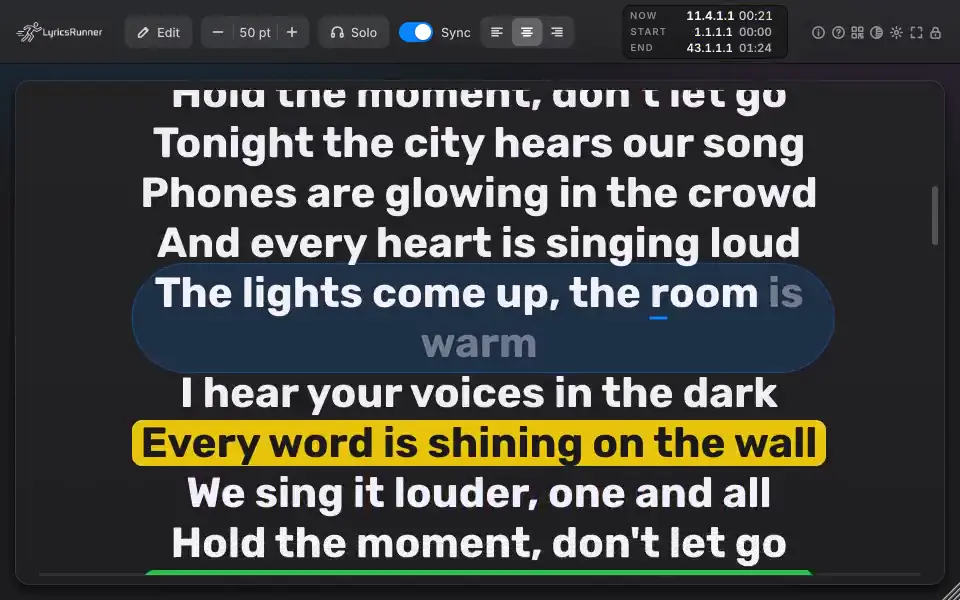
LyricsRunner 2 is for singers, producers and performers who want lyrics visible during a session rather than on a separate sheet. Its central job is lyric presentation: it is not a vocal pitch-correction processor or a tool that writes songs for you. This guide separates the desktop plugin from the browser video editor and helps you decide which workflow matches your next session.
What LyricsRunner 2 does
The current product description includes an in-DAW lyrics teleprompter, karaoke modes, an audience phone page and offline AI vocal following. These solve different problems. A studio prompter keeps words in view during recording; karaoke presentation highlights the performance; a phone page gives the audience a separate viewing destination. Offline vocal following is a different workflow from simply scrolling with the DAW transport, so test the mode you intend to use.
Who it suits
- A singer who loses their place while recording and wants a readable prompter alongside the session.
- A producer who wants to keep lyric presentation inside the recording workflow.
- A performer who needs karaoke-style presentation or an audience phone page.
For a practical trial, use one of your actual songs, not only a demo. Check the smallest text you need to read from the booth, the timing of a quiet section, and what happens when playback stops and restarts. If you intend to share lyrics to phones, test that connection in the intended venue. An offline feature does not mean every audience-sharing feature works without a network.
When a different tool may fit better
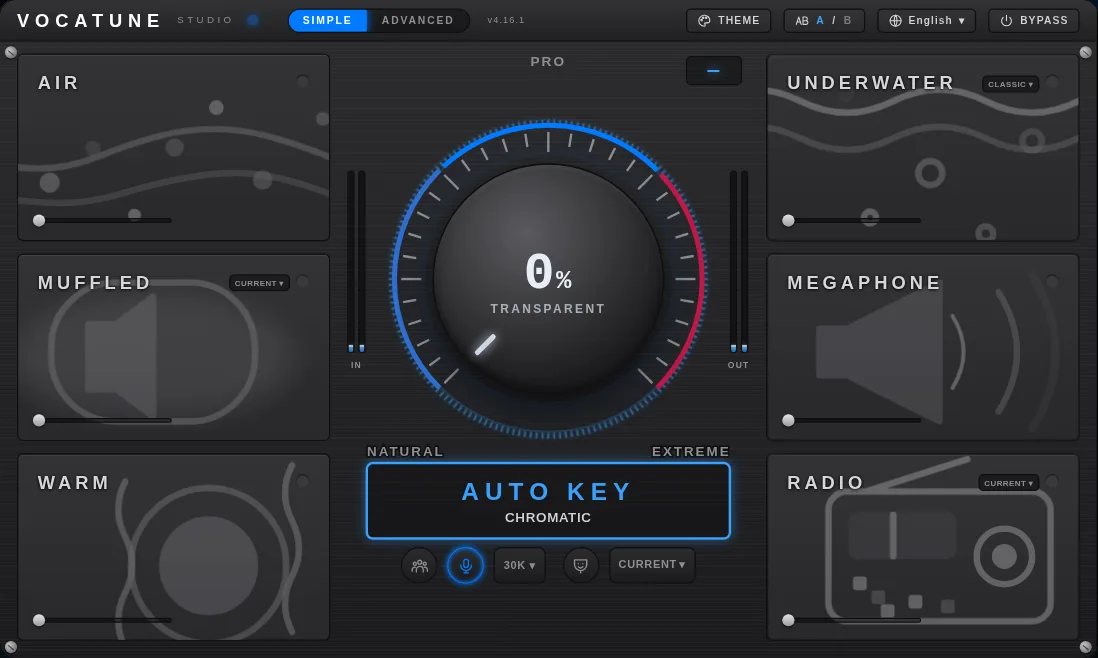
If your main problem is out-of-tune vocals, use a pitch-correction tool instead. If you only need a static lyric sheet, a document may be enough. If you need browser-based lyric-video export rather than a DAW plugin, evaluate LyricsRunner Web separately: the first clip is free and its one-time $39 payment is for a year of unlimited exports, not a lifetime desktop license. Payment activation remains subject to the verified checkout connection.
Formats and purchase checks
The catalog lists macOS VST3, AU, CLAP and Standalone, and Windows VST3, CLAP and Standalone. Match the actual installer and host to your machine; listing a format is not a guarantee for every host version. Existing Classic licenses do not automatically prove entitlement to LyricsRunner 2. Check the offer, license duration and current download availability before purchasing.
Explore LyricsRunner 2 and read the compatibility page. Choose the version and workflow you will actually use.
Try it yourself
Ready to transform your sessions?
Drop your email — we'll send the 14-day trial download link to your inbox. No credit card.
- 30-day money-back guarantee
- Instant download
- VST3 / AU / CLAP on Mac & Windows