Sync lyrics to backing tracks: rehearse starts, gaps and arrangement changes
Understand the timeline reference
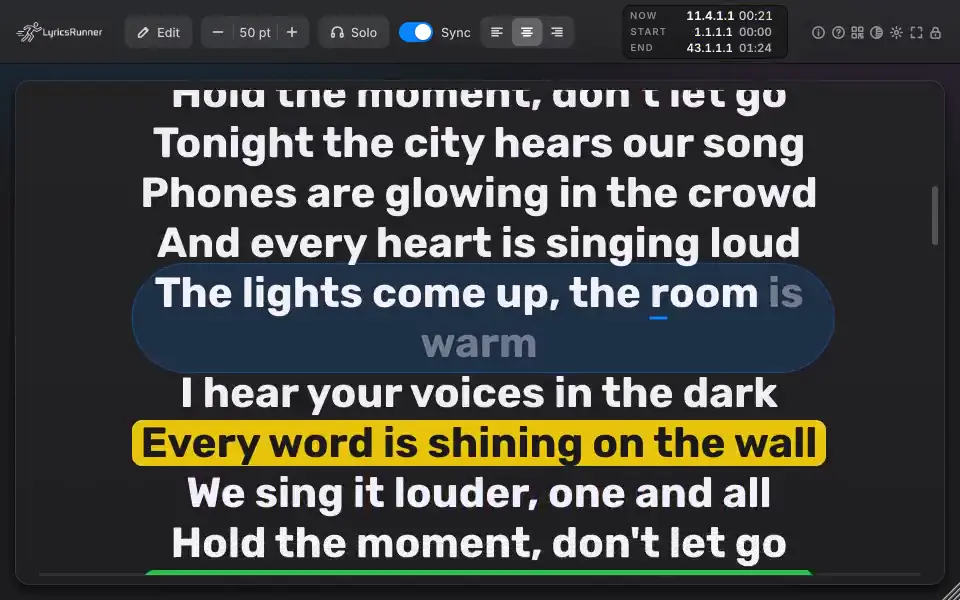
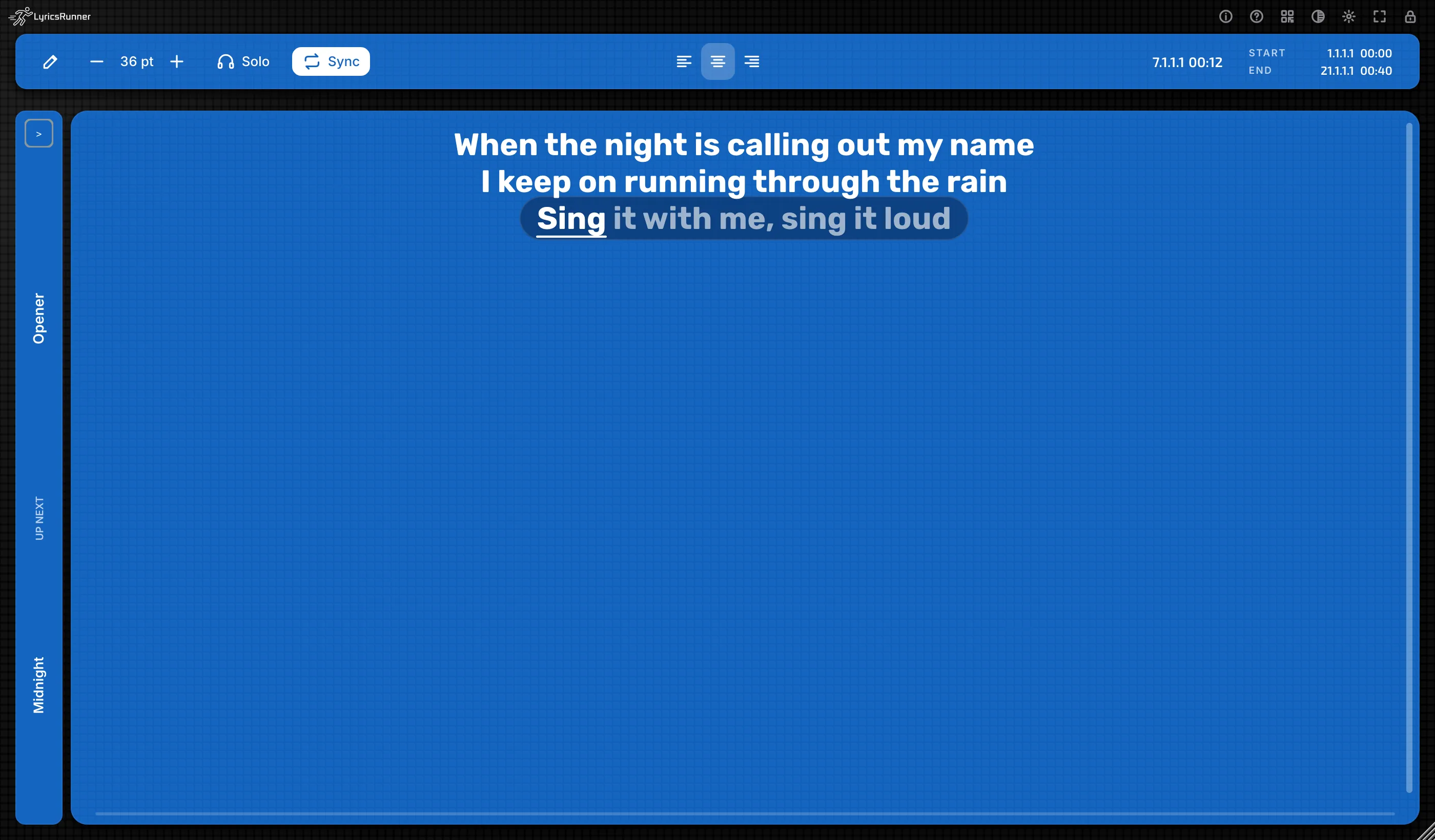
To sync lyrics to backing tracks, first identify the reference that drives the display: position in the DAW. When Sync is on, LyricsRunner 2 follows that position. It does not listen to the singer and infer which verse is being performed. Singing louder or articulating more carefully cannot correct a mismatch caused by selecting the wrong timeline location.
Start and End distribute the lyric lines over time. This is not exact word recognition and does not promise an independently recognised moment for every syllable. Evaluate the result as a reading aid for your prepared arrangement. The useful question is whether the singer can find the next phrase at a helpful moment, not whether the software appears to understand the vocal.
Match the lyric map to the backing version
Before adjusting time values, enter Edit and paste one phrase per line. Compare the words with the actual backing version you intend to use. Check for a shortened second verse, an extra final chorus or another vocal entrance in the outro. Timing controls cannot make a lyric sheet for the wrong arrangement become the correct text.
Consider a hypothetical pickup phrase that begins before the first strong beat. Keep that phrase recognisable in the lyric sequence. Describe its entrance in musical terms that the singer and operator share. “Before the first downbeat of the chorus” is more useful than “a little earlier,” particularly when several people use different informal names for the same section.
Define the vocal span and listen through
Set Start where the singing begins and End where it stops. Include an early pickup or a late final phrase when those belong to the arrangement. Then play the track while watching the lyrics. Sensible endpoints provide a starting point for testing, but they do not replace listening through transitions: the lines are spread across the selected time span.
Notice unusually dense phrases and unusually long spaces between them. Ask whether the singer has useful access to the next line rather than trying to prove exact syllable alignment. Record difficult passages with clear musical names so each correction can be tested against the same material. This makes comparison more dependable than a general impression that the last run felt closer.
Use Sync and NOW with a shared purpose
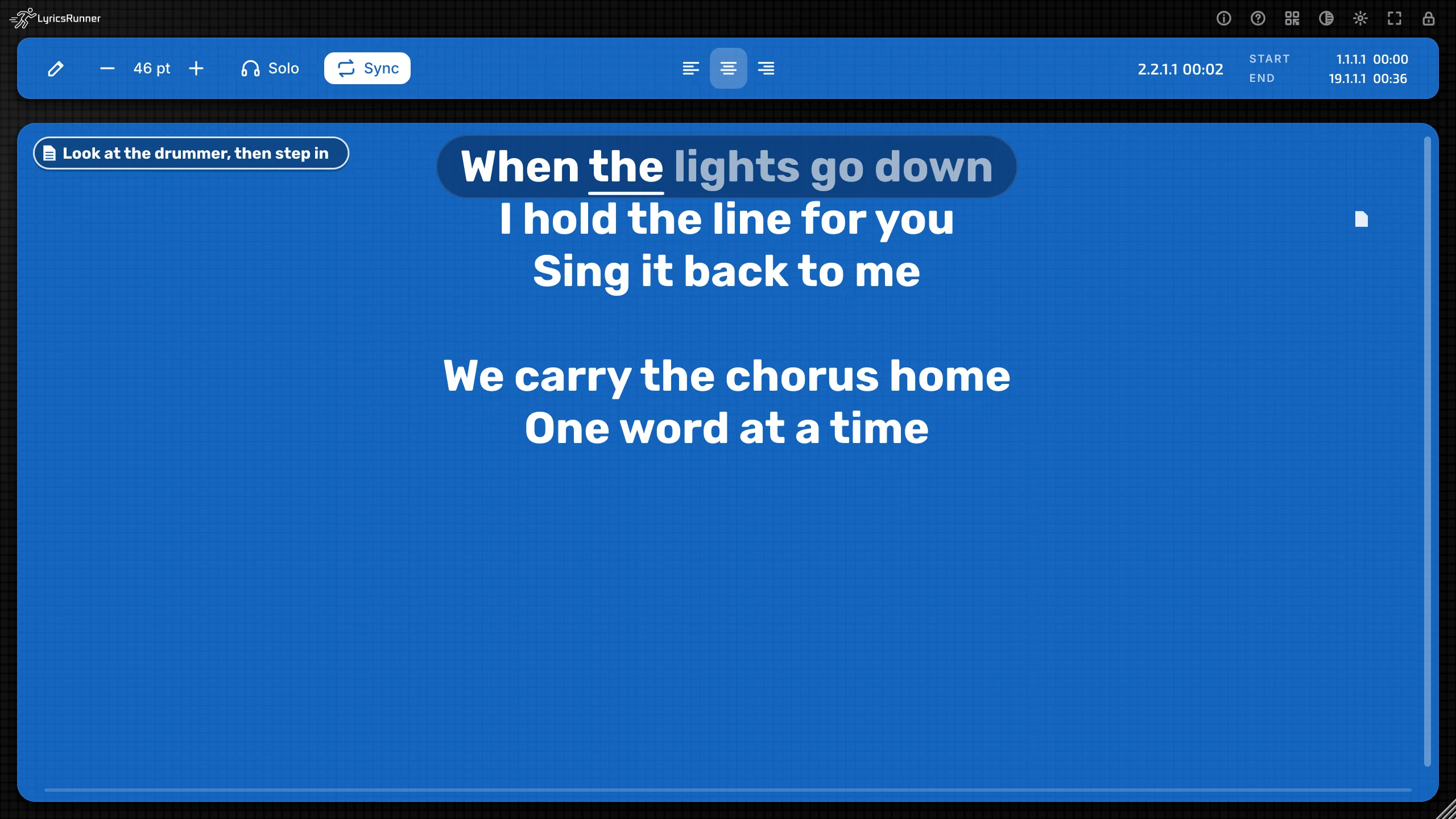
Keep Sync enabled when checking the relationship between backing audio and lyric movement. Disabling it freezes both the lyrics and the timing boxes. If the display seems unresponsive, check that state before rebuilding the text or changing the whole timing plan. Altering one condition at a time makes it easier to understand the symptom and the result.
NOW follows song position. Use it when you need to return to the current musical context instead of continuing to inspect another passage. Agree whether the operator or singer handles this during rehearsal. A concrete instruction such as “Sync on, return to NOW, restart before the pickup” is easier to apply than several unexplained clicks while both people try to diagnose the problem.
Represent instrumental waiting with Solo
A guitar break is not missing lyric content. It is a period when the singer should wait. Solo inserts a rest marker so the words wait during instrumental passages. Place the marker in the relevant part of the lyric sequence, then test the transition from the last sung phrase into the break and back to the returning vocal.
Rehearse those three parts together. Beginning only at the return hides the waiting interval you intended to assess. The marker helps organise the lyrics; it does not alter the audio arrangement. If the guitar break has a different length in a revised backing track, review the preparation against that version rather than expecting a rest marker to repair the musical edit.
Restart before the singer needs to enter
A rehearsal restart should allow enough context to orient, breathe and prepare the entrance. Starting exactly on the first syllable removes that preparation. Choose a point before the phrase that suits the arrangement, and agree on it before repeating a difficult passage. A predictable lead-in makes each attempt more useful and easier to compare.
In the pickup example, distinguish the pickup itself from the following strong beat. Ask for a restart before the pickup if “at the chorus” could mean either point. After a stop, confirm the selected location and intended entrance aloud. This simple routine often reveals whether the difficulty is lyric timing, navigation or an instruction that can be interpreted in two different ways.
Test stops and timeline jumps explicitly
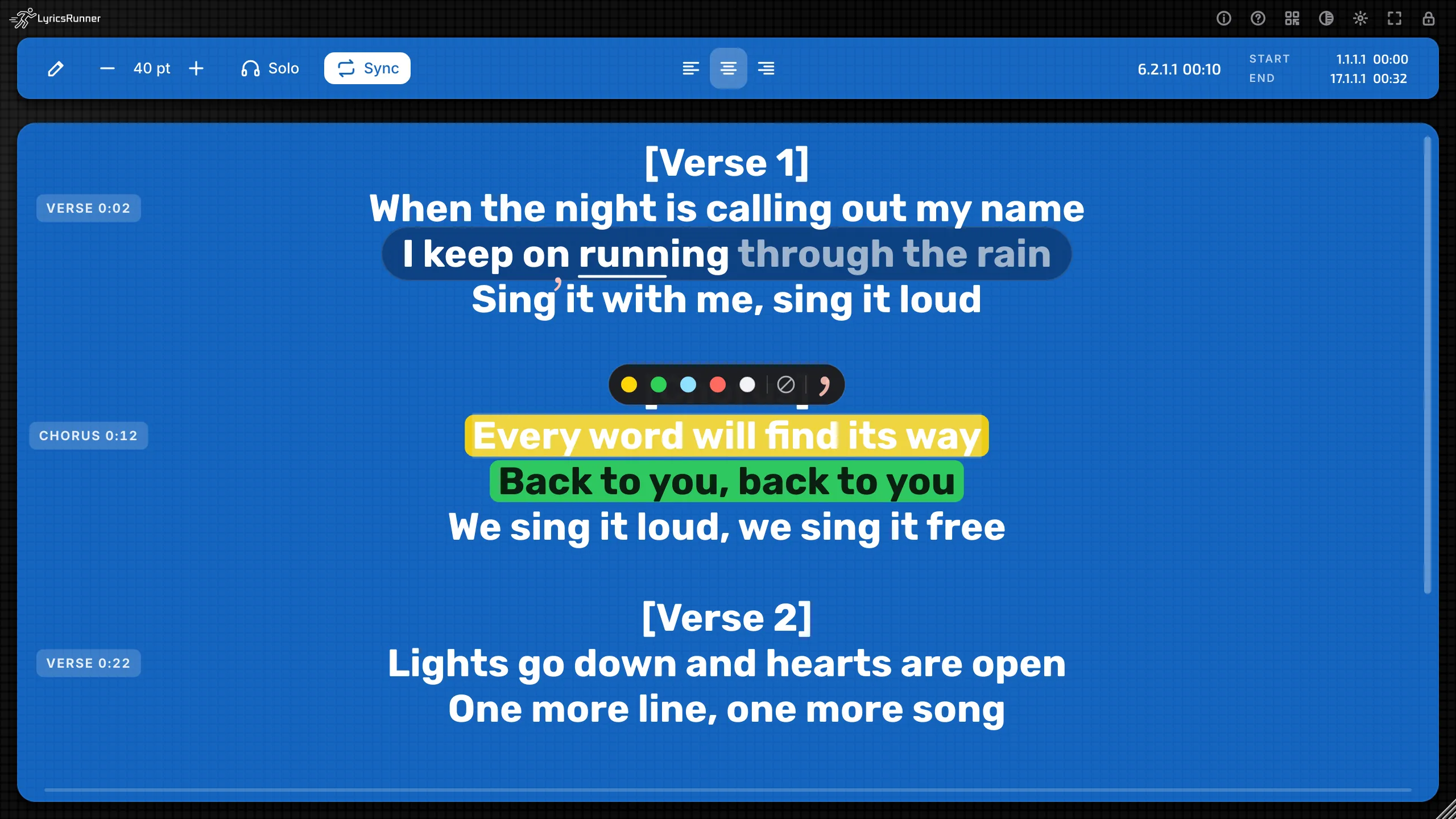
Stop deliberately during a verse, choose a new location and resume with Sync on. Listen to the backing track while observing the display. A jump on the timeline should be assessed at its destination rather than treated as a continuous progression from the previously displayed line. This is a navigation test as well as a timing check.
Try starts before a chorus, before the instrumental return and near the ending. Even if the intended performance runs without interruption, these checks give both people practical experience with planned rehearsal recovery. They do not guarantee perfect recovery in every situation. Their purpose is to establish which position has been chosen and which phrase should be expected next.
Review both words and audio after an edit
Suppose you remove half of the second verse and extend the guitar break. Compare the backing-track edit with the lyric sequence. Check that removed words are no longer presented as if they will be sung, that the rest belongs in the correct place, and that Start and End still describe the revised vocal span.
Do not expect the lyric tool to repair or rebuild the backing audio automatically. An arrangement change is a reason to rehearse again, not evidence that every related preparation has adjusted itself. Run from before the first changed section through a stable passage afterwards, then check the ending. An edit can affect the practical reading flow beyond the exact bars that were changed.
Give singer and operator distinct checks
The singer should report a musical observation: “the returning phrase is hard to find after the guitar.” The operator can then inspect specific conditions: DAW location, Sync state, phrase order, rest marker and vocal span. This is more effective than both people changing controls while trying to remember what looked wrong during the previous run.
After each correction, use the same lead-in and ask the same question. Separate readability from DAW lyric timing: a phrase may be available at a useful time but remain too small from the singer's position. Once an improvement is verified, save the DAW project. The next rehearsal can then begin from a known preparation rather than an uncertain memory of settings.
Approve a complete timing run
For the final check, include the opening pickup, first full verse, chorus transition, entry into the instrumental break, returning vocal and last sung line. Add one planned restart. Confirm that singer and operator use the same names for sections and understand how NOW follows song position. Keep Sync enabled for the playback-following checks.
Finish with a continuous run rather than only isolated fragments. Save the project containing lyrics, timing and look. Keep printed lyrics as another reading option and agree on a stop signal if a problem returns. Good preparation reduces uncertainty, but it does not turn the display into speech recognition, repair backing audio or guarantee a flawless performance under every possible condition.
Next article
Rehearse your timing map — Test an opening pickup, an instrumental return and a planned restart against the backing track before saving.
Related guides
Readable stage lyrics: prepare a singer screen for quick, confident glances
Prepare a multi-song set in Show mode: soundcheck, locking and recovery
Frequently asked questions
Why do the lyrics and timing boxes stop moving?
Check whether Sync is off. That state freezes lyrics and timing boxes. With Sync on, LyricsRunner 2 follows DAW position.
Do Start and End recognise each sung word?
No. They spread lines over time and do not provide automatic speech recognition or exact word recognition.
How should I prepare a guitar break?
Use Solo to insert a rest marker, then rehearse the final vocal phrase, the instrumental wait and the returning phrase together.
What needs checking after a shortened verse?
Compare the revised backing track with lyric order, rest markers, Start and End, and the next entrance. Save the project after verification.
Test an opening pickup, an instrumental return and a planned restart against the backing track before saving.
Rehearse your timing map