October 10, 2026🇬🇧en
Live Performance Lyrics Display: Showing Scrolling Lyrics on Stage
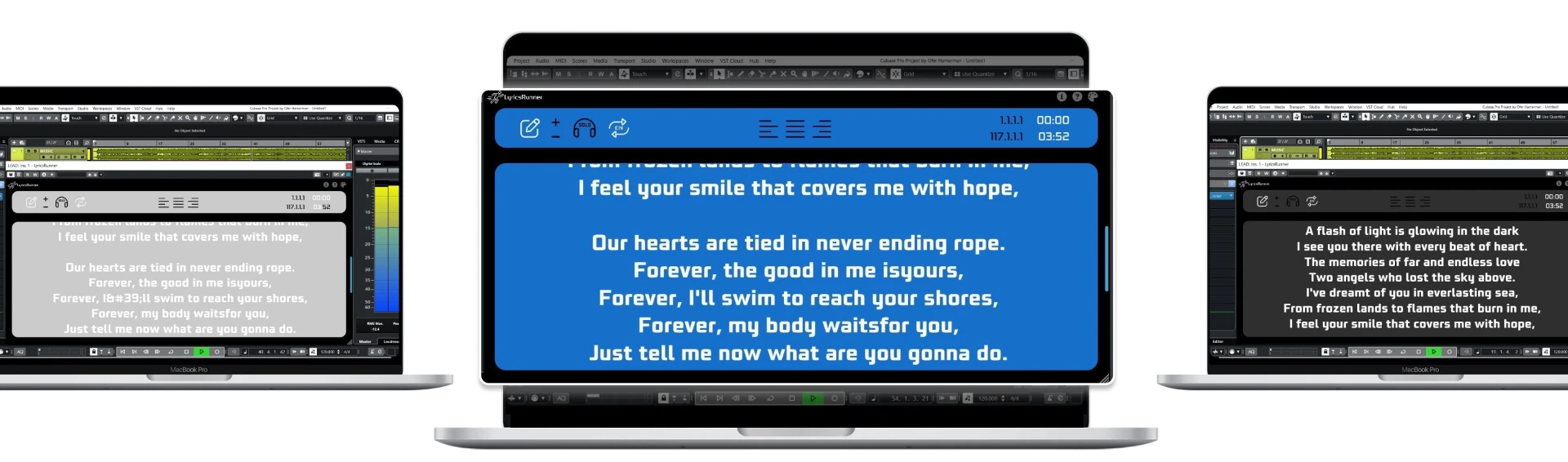
More and more performers run backing tracks from a laptop. If that laptop is already running Ableton Live or another DAW, it can also run your lyrics display.
What a good live lyrics display needs
- Big, readable text from a few metres away.
- Scrolling that follows the actual song, not a timer.
- One setup per song that loads with the set.
- A screen placed low, like a floor monitor, so you keep eye contact with the crowd.
Using LyricsRunnerVST on stage
Put LyricsRunnerVST on a track in each song's project or scene. When the backing track plays, the lyrics scroll in sync. Send the plugin window to a second monitor or tablet facing the stage.
Tips from the stage
- Use a dark background with bright text to reduce glare.
- Show only the current and next lines in large type.
- Rehearse with the display so it supports you rather than becoming a crutch.
Try it yourself
Ready to transform your sessions?
Drop your email — we'll send the 14-day trial download link to your inbox. No credit card.
- 30-day money-back guarantee
- Instant download
- Works in every major DAW