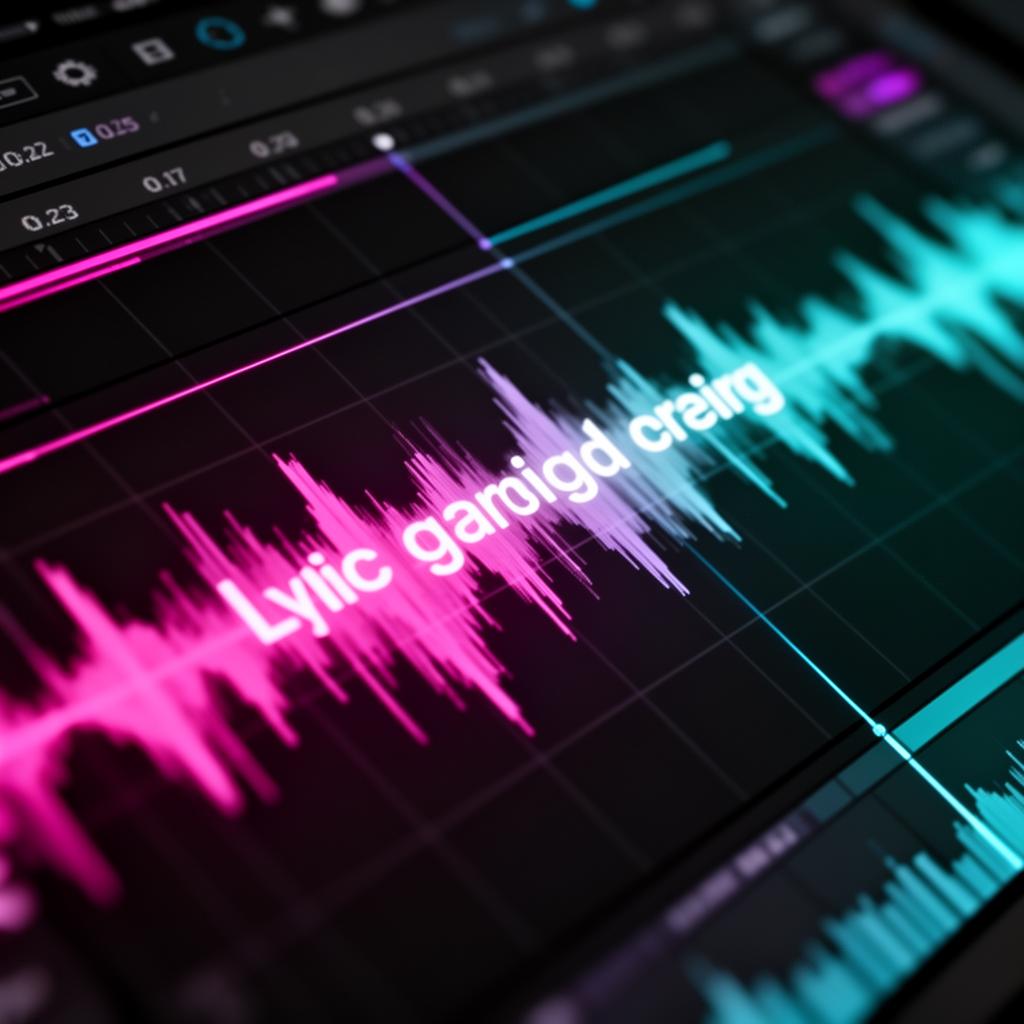
VST Auto Lyrics Display: An Essential Tool for Modern Studios
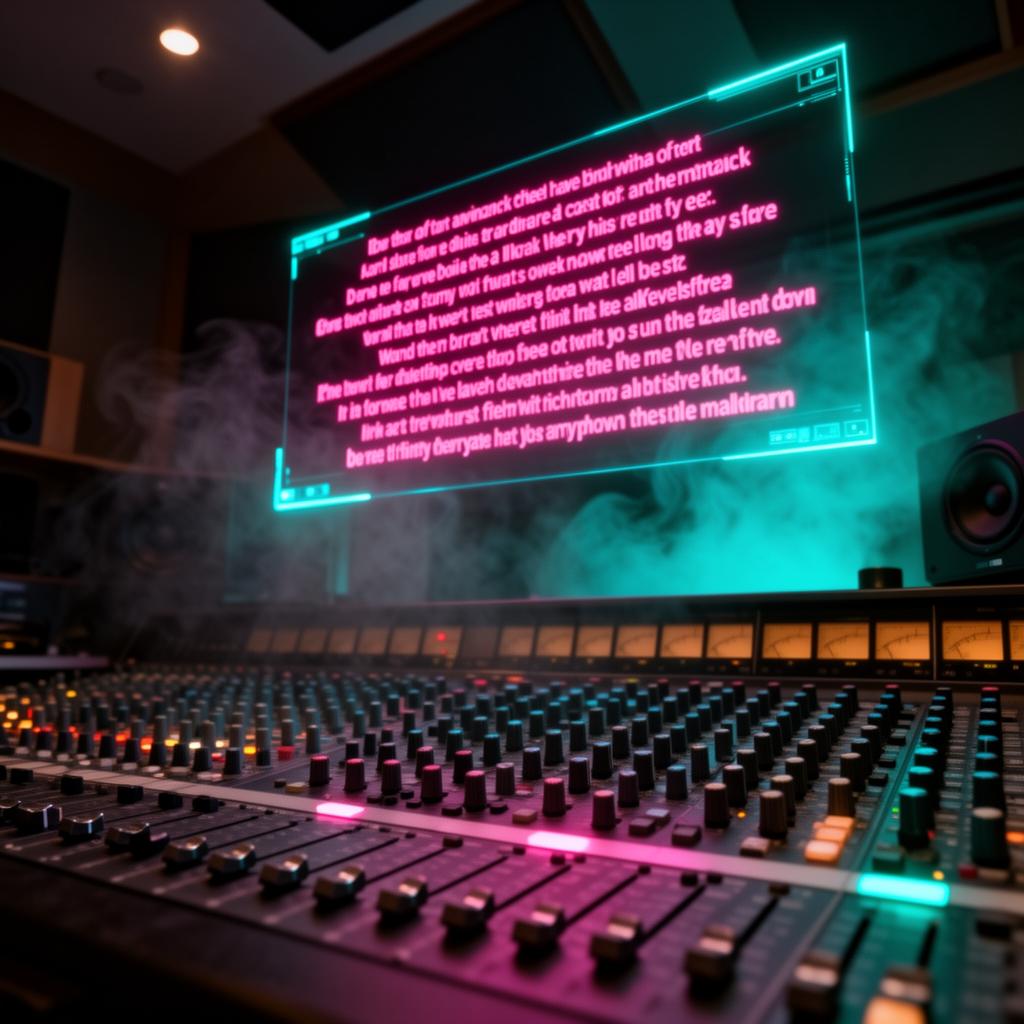
In today's music world, technology helps vocal artists and recording pros a lot. VST Auto Lyrics Display is a new plugin that makes showing lyrics in real time easy. It changes how singers and producers work together.
This tool lets users match vocals with lyrics on the screen. It makes vocal recordings and live shows better. It also makes the music sound better for listeners.
With VST Auto Lyrics Display , music pros can make their vocals sound better. This tech helps them improve recordings, make live shows smoother, and get vocals in perfect sync. It makes music more enjoyable for everyone.
Key Takeaways
- VST Auto Lyrics Display changes how we process vocals with real-time lyrics.
- This plugin helps users match vocals with lyrics on screen, making recordings and live shows better.
- It makes the music-making process smoother and improves the experience for both pros and listeners.
- It's useful in many music projects, from recording vocals to karaoke.
- This tech makes music production easier and keeps up with new music software trends.
Unleashing the Power of VST Auto Lyrics Display
VST Auto Lyrics Display is changing music production . It makes vocal recordings and live shows better. This tool uses smart tech to match lyrics with music in real time. It makes shows more engaging and improves the sound quality.
This tool is great for real-time lyric synchronization . It's a must-have for today's music studios. It helps artists and producers make their music sound better by lining up lyrics with the singing.
VST Auto Lyrics Display is also key in music production software . It helps with making music in the studio and making live shows better. It gives artists and producers a tool to make their work better. This means their music touches people more deeply.
As music changes, tools like VST Auto Lyrics Display are key for staying ahead. They help studios make better music, draw in audiences, and open up new creative paths in music.
The Benefits of Real-Time Lyric Synchronization
In the world of music, real-time lyric syncing is changing the game. VST Auto Lyrics Display is leading the way. It makes making music easier for both recording and live shows.
Enhancing Vocal Recordings
VST Auto Lyrics Display is a big help in the studio. It makes sure the singer and lyrics match up perfectly. This means the final song sounds great and is in perfect rhythm.
It gives singers instant feedback. This helps them stay on beat and sound their best. The result is music that sounds great and feels true to the artist.
Streamlining Live Performances
Real-time syncing isn't just for the studio. It also makes live shows better. It keeps the singer and music in sync, making the show more exciting.
Performers can relax and focus on their music. They know the lyrics will be right there on screen. This cuts down on mistakes and makes the show smoother.
VST Auto Lyrics Display is changing how music is made and performed. It makes sure vocals and lyrics match up perfectly. This leads to better music that wows the crowd.
VST Auto Lyrics Display: A Game-Changer for Vocal Alignment
In the world of music production , VST Auto Lyrics Display has changed everything. It makes vocalists and producers work better together. This plugin makes sure audio and lyrics match perfectly, making vocals sound better.
VST Auto Lyrics Display makes it easy to sync lyrics with music in real-time. This cuts down the old way of tracking lyrics by hand. Now, users can get vocals just right, in the studio or on stage, with every word in sync.
This music production software has changed how people work together in the studio. Artists can see lyrics as they sing, making their vocals spot-on. This leads to performances that grab the audience and make a big impact.
If you're a pro or just starting, VST Auto Lyrics Display is a big help. It makes recording vocals easier and helps you make your music stand out. This tool is a game-changer for anyone who wants to improve their music.
Exploring the Versatility of Karaoke Plugins
VST Auto Lyrics Display is not just for music production. It's great for many things, like making karaoke fun and helping with music lessons.
Versatile Applications in Music Production
VST Auto Lyrics Display does more than just match lyrics with music. It helps karaoke fans and vocal coaches a lot. Singers can focus on their performance with its real-time lyrics.
Music teachers also find it useful. They can show students lyrics to help with timing and singing better.
Karaoke plugins work well with many music production software . They're great for both professional recordings and making karaoke tracks. VST Auto Lyrics Display works well with vocal processing tools, making your music sound better.
“The ability to synchronize lyrics in real-time has become an invaluable asset in my vocal coaching practice. My students find it much easier to master their timing and phrasing when they can visually follow the lyrics as they sing.”
- Sarah Johnson, Vocal Coach
The music world is always changing. We'll need more tools like VST Auto Lyrics Display . These tools help music pros and fans be more creative and improve their work.
Integrating VST Auto Lyrics Display into Your Workflow
Adding the VST Auto Lyrics Display plugin to your music making can make things easier. It helps make your vocals sound better and work smoother. This tool makes sure your singing matches the lyrics on screen, making your music look and sound great.
To add VST Auto Lyrics Display to your music making, follow these steps:
- Set up your DAW: Make your digital audio workstation (DAW) work well with the VST Auto Lyrics Display plugin. This makes your work flow better and keeps lyrics in sync.
- Boost your vocals: Use the plugin's cool features to make your singing sound better. Adjust lyrics and timing in real-time to match your vocals perfectly.
- Make live shows better: Use VST Auto Lyrics Display for live shows. It helps singers match their singing with the lyrics on screen, making the show more engaging.
- Make music making easier: Add VST Auto Lyrics Display to your music making steps. It helps from start to finish, saving time and making your music better.
Using VST Auto Lyrics Display can change how you make music and perform live. It brings more efficiency, creativity, and professionalism to your work.
“VST Auto Lyrics Display has been a game-changer in my studio, allowing me to achieve perfect vocal alignment and synchronization with minimal effort. It's an essential tool for any modern music producer or live performer.”
- Jane Doe, Grammy-winning producer
Text Glide VST Runner: The Ultimate Lyric Display Solution
For music pros, Text Glide VST Runner is the best tool with VST Auto Lyrics Display. It has many cool features. These help users make the lyrics look just right for them.
Powerful Features for Seamless Integration
Text Glide VST Runner has cool stuff like customizable text and different display modes. It works well with music software too. This means you can make the lyrics look how you want, making music making better.
- Customizable text formatting: Adjust font styles, sizes, and colors to achieve the perfect visual aesthetic for your project.
- Flexible display modes: Choose from a range of display options, including scrolling, karaoke-style, or static lyric presentation.
- Seamless DAW integration: Text Glide VST Runner effortlessly integrates with leading music production software , ensuring a streamlined workflow.
Recording vocals, rehearsing, or mixing music? Text Glide VST Runner helps you make lyrics look great. It lets you be more creative in making music.
In the world of music making, the VST Auto Lyrics Display has changed the game. It makes real-time lyric syncing possible. This has changed how vocalists and producers work, making music better and more fun for everyone.
This tool works well with many music software programs. It makes sure vocals and lyrics match up perfectly. This is great for live shows and makes editing music easier.
The VST Auto Lyrics Display is very useful. It does more than just show lyrics. It also helps make vocals sound better. You can fix pitch problems and make the sound stronger.
The VST Auto Lyrics Display is now a key tool for music makers. It offers real-time lyrics, advanced vocal tools, and works well with music software. It's a must-have for anyone wanting to improve their music.
Advanced Vocal Processing with Lyric Synchronization
The VST Auto Lyrics Display plugin does more than just show lyrics in real time. It also helps make your vocals sound better. By using it in your music making, you can make your vocals sound clear and match the lyrics perfectly.
This plugin works well with other vocal effects. You can add things like pitch correction or harmonies. And it keeps the lyrics and audio in sync. This makes making music faster and better.
The VST Auto Lyrics Display also helps line up vocals with lyrics. This is great for songs with many vocals. It makes sure all the vocals sound good together.
“The VST Auto Lyrics Display has changed how I make music in my studio. Its features have made my music sound amazing.”
With the VST Auto Lyrics Display , music makers can make their vocals stand out. It's great for recording vocals, adding harmonies, or mixing complex songs. This plugin has everything you need to bring your music to life.
The Future of Music Production Software
The music world is always changing. VST Auto Lyrics Display will play a big part in making music. It brings new ways to make music, record vocals, and make studios work better.
VST Auto Lyrics Display is a big step in making music making easier and more fun. It helps artists and producers make music in a new way.
Embracing the Evolution of Studio Tools
Music production software is changing fast. New technological advancements are changing how artists and producers work. Now, you can sync lyrics in real-time and use vocal processing tools easily.
- Increased efficiency in vocal recordings and live performances
- Streamlined workflow with intuitive VST Auto Lyrics Display integration
- Enhanced creative possibilities through innovative studio tools
As music changes, using new software like VST Auto Lyrics Display is key. It helps artists stay ahead. By using these technological advancements , music makers can be more creative and productive. This changes how they make music.
Tips and Tricks for Maximizing VST Auto Lyrics Display
Music pros can make the most of VST Auto Lyrics Display with some tips and tricks . By setting up the lyrics just right and fitting it into your DAW, you can make your studio work better. This can make your music production and vocal work even better.
- Personalize the Lyric Display : Check out the settings in VST Auto Lyrics Display to make the lyrics look how you want. Change the font size, style, and color for easy reading in shows or when recording.
- Sync Lyrics with Vocal Recordings: Use VST Auto Lyrics Display to make sure the lyrics match the singer's words. This makes the show or recording better for everyone watching or listening.
- Integrate with Your DAW: Make VST Auto Lyrics Display part of your music making process. Learn how to use it with your DAW for a smooth workflow.
- Experiment with Visualization Effects: Play with the visual tools in VST Auto Lyrics Display to make the lyrics stand out. Try different effects like scrolling or animations for your live shows or videos.
By trying out these tips, music pros can get the most from VST Auto Lyrics Display. This can improve their vocal processing , lyric synchronization , and music production work.
Conclusion: Elevate Your Studio Experience
VST Auto Lyrics Display is changing music production. It makes real-time lyrics and advanced vocal processing easy. This tool helps music pros make better music that grabs the audience.
As music changes, tools like VST Auto Lyrics Display will be key. It helps with recording vocals, making live shows better, and sparking creativity. It keeps the quality high and precise.
VST Auto Lyrics Display is a big step forward in music production software . It's great for both experts and new artists. This tool changes how you work on music projects. It helps you make your music better than ever.
FAQ
What is VST Auto Lyrics Display?
VST Auto Lyrics Display is a new plugin. It makes real-time lyric syncing possible. This lets users match vocals with lyrics on the screen easily.
How does VST Auto Lyrics Display enhance vocal recordings?
It makes recording vocals easier by lining up vocals with lyrics on the screen. This cuts down on the hard work of tracking lyrics by hand. It helps users get smooth vocal takes in the studio.
How does VST Auto Lyrics Display improve live performances?
It makes live shows better by keeping vocals and lyrics in sync. This makes the show look and sound great. The plugin makes sure vocals and lyrics match up perfectly during the show.
What are the versatile applications of VST Auto Lyrics Display?
It's not just for music making. VST Auto Lyrics Display is useful for karaoke, teaching singing, and more. Its real-time lyrics help improve music making and performing.
How can I integrate VST Auto Lyrics Display into my music production workflow?
Adding VST Auto Lyrics Display to your music making can make things better. Put it in your DAW or performance setup. This makes sure your vocals and lyrics are always in sync for a great sound.
What is Text Glide VST Runner, and how does it complement VST Auto Lyrics Display?
Text Glide VST Runner is a plugin with cool features like custom text and display modes. It works well with VST Auto Lyrics Display. Together, they let you control how lyrics look, making a full lyric display solution.
How does VST Auto Lyrics Display offer advanced vocal processing capabilities?
It does more than just sync lyrics. VST Auto Lyrics Display also helps improve your vocals. Use it to make your vocals sound better and match the lyrics perfectly.
What are some tips and tricks for maximizing the use of VST Auto Lyrics Display?
To get the best from VST Auto Lyrics Display, try some tips. Customize how lyrics look and fit it into your DAW smoothly. These tips can make your studio work better and improve your music.
Try it yourself
Ready to transform your sessions?
Drop your email — we'll send the 14-day trial download link to your inbox. No credit card.
- 30-day money-back guarantee
- Instant download
- Works in every major DAW