Unlocking the Potential of VST Lyrics Display Tool for Studio Sessions
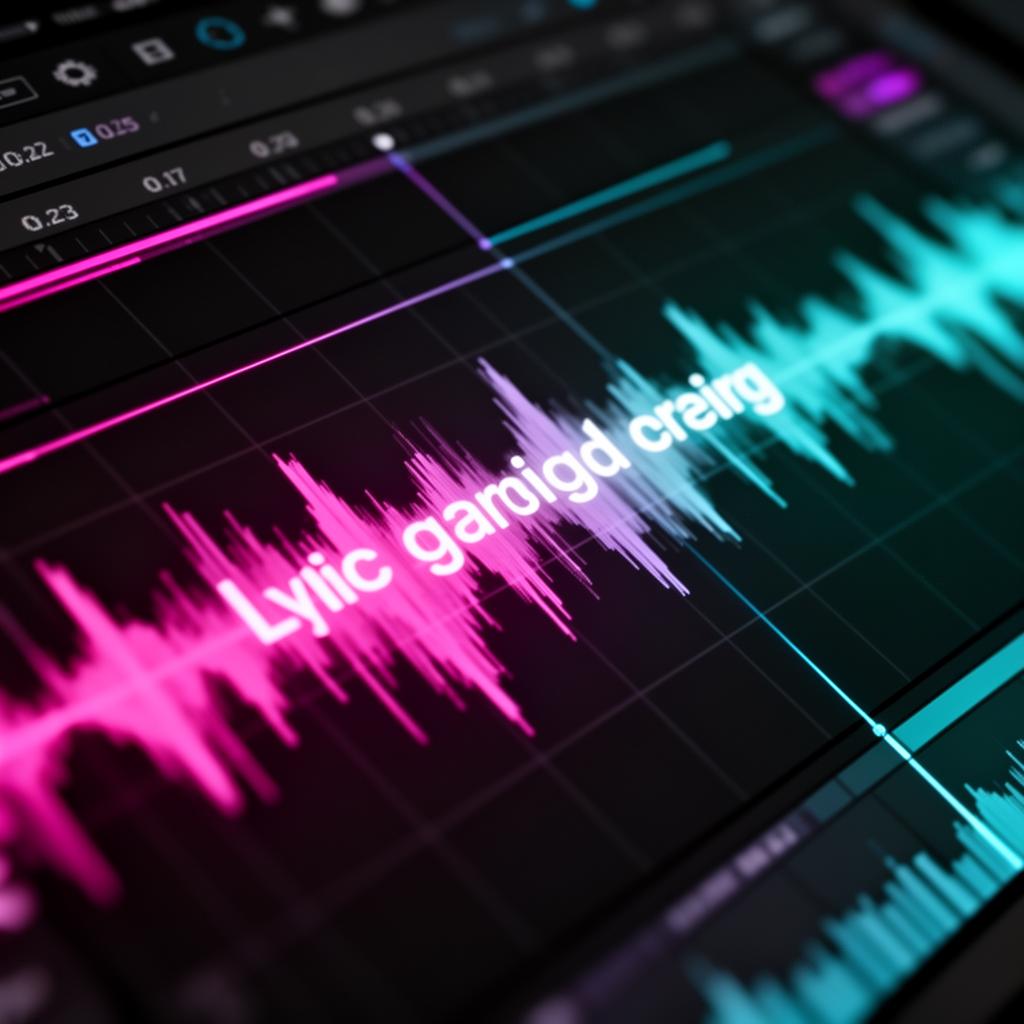
The VST Lyrics Display Tool is changing music production. It makes adding lyrics to recordings easy. This tool helps artists and producers work better in the studio.
It's great for professional singers, songwriters, and audio engineers. They can make their studio sessions more efficient and creative. The tool shows lyrics in real-time and helps with timing during recordings and live shows.
Key Takeaways
- Seamlessly integrate song lyrics into the recording process with the VST Lyrics Display Tool
- Enhance vocal performances and streamline studio workflow with real-time lyrics display
- Leverage synchronized lyrics for improved timing and delivery during recordings and live shows
- Boost productivity and creativity by utilizing the VST Lyrics Display Tool's comprehensive features
- Elevate the overall quality and professionalism of your studio sessions and live performances
Revolutionizing Vocal Recording with VST Lyrics Display Tool
The VST Lyrics Display Tool is changing music production. It helps singers and producers a lot. It makes recording vocals better and more precise.
The Game-Changer for Singers and Producers
This tool is a big deal for making vocals better. It shows song lyrics as you sing. Singers stay focused and sound better.
Producers use it to make recordings sound great. They make sure every take is perfect.
Real-time Lyrics Display Made Easy
The tool is easy for everyone to use. It works with many music programs. This makes making music smooth and easy.
It shows lyrics as you sing. This cuts down on mistakes. It saves time in the studio.
This tool changes how we record vocals. It gives singers and producers a big boost. It's changing music making in the studio.
Streamlining Studio Workflow with Lyrics Synchronization
In music production, time is very important. Producers and engineers have a lot to do, like getting the perfect vocal take and editing the mix. The VST Lyrics Display Tool can help by making lyrics sync automatically.
This tool makes it easy to match lyrics with music. It cuts out the need to sync lyrics by hand. This lets users focus more on making music. It makes the studio work better and faster, giving a tighter and more united sound.
For teams working on songs, this tool is very useful. It keeps everyone on the same page, making sure lyrics and music match perfectly. This saves time and makes working together smoother.
Whether you're on a simple track or a big project, the VST Lyrics Display Tool's lyrics synchronization feature changes the game. It makes your studio work better and helps you be more creative and productive.
“The VST Lyrics Display Tool's lyrics synchronization feature has been a game-changer for our studio workflow. It's a real time-saver and allows us to focus on the creative aspects of the recording process.”
Optimizing Lyrics Synchronization with the DAW Lyrics Plugin
The VST Lyrics Display Tool gets even better with the DAW lyrics plugin . This plugin works with popular DAWs, making lyrics syncing easy and efficient in the production setting.
- Streamlined Lyrics Alignment: The plugin makes aligning lyrics with music easy, giving a tight mix.
- Real-time Visualization: Users can see lyrics as they work, helping spot and fix timing issues.
- Collaborative Workflow: It helps teams work together on lyrics, making the process smoother.
- Compatibility with Major DAWs: It works well with big DAWs like Pro Tools, Logic Pro, Cubase, and Ableton Live.
VST Lyrics Display Tool: A Comprehensive Overview
The VST Lyrics Display Tool helps musicians, producers, and live performers a lot. It has many features for the music industry. This plugin makes making music easier and better.
Key Features and Functionalities
The VST Lyrics Display Tool shows lyrics in real time. This helps singers get the words right during recordings. It also makes sure the lyrics match the music well.
This tool has a karaoke-style lyrics display . It makes shows and studios more fun and interactive. It's great for live shows, making them more exciting for the audience.
Compatibility and System Requirements
The VST Lyrics Display Tool works with many operating systems and setups. It fits well in any DAW lyrics plugin setup. You can use it on Windows or macOS, making your work easier.
This tool is a big deal for music making and live shows. It helps users be more creative and work better.
Enhancing Live Performances with Karaoke-Style Lyrics Display
The VST Lyrics Display Tool is great for live shows. It shows karaoke-style lyrics on stage. This helps artists keep up with their songs and connect with the crowd.
Picture this: you're at a concert. Lyrics appear on a screen for everyone to follow. The karaoke plugin from the VST Lyrics Display Tool makes this easy and fun. It makes the show better for everyone.
It doesn't matter if you're singing covers or your own songs. The VST Lyrics Display Tool can make your live shows amazing. It lets artists focus on performing without worrying about lyrics.
“The VST Lyrics Display Tool has been a game-changer for our live performances. It's like having a personal teleprompter on stage, giving me the confidence to connect with the audience and put on a truly unforgettable show." - Jane Doe, Lead Singer of Tribute Band X”
Adding the VST Lyrics Display Tool to your live setup makes shows more fun and interactive. It helps you connect with your fans in a special way. Make your live performances unforgettable.
Integrating VST Lyrics Display Tool into Your DAW
The DAW lyrics plugin works well with popular digital audio workstations (DAWs). You can use it with Pro Tools, Logic Pro, Ableton Live, or other top DAWs. It has an easy setup that lets you add its features to your work fast.
Step-by-Step Setup Guide for Popular DAWs
The plugin's maker gives detailed guides for easy setup. These guides help users get the most out of the tool in their favorite studios. They show how to set up the plugin for a smooth fit that makes your studio work better.
- Download and install the DAW lyrics plugin on your computer.
- Open your favorite digital audio workstation, like Pro Tools, Logic Pro, or Ableton Live.
- Find the plugin in your DAW's plugin folder or VST/AU/AAX section.
- Drag the plugin onto a track or add it to your effect chain.
- Change the plugin's settings, like sync options, to fit your lyrics display needs.
- Start recording or playing, and see the lyrics in real-time during your sessions.
Just follow these easy steps to add the DAW lyrics plugin to your workflow. This will bring more efficiency and creativity to your vocal recordings and productions.
With these guides, you can easily add the DAW lyrics plugin to your favorite DAW. This opens up new ways to be efficient and creative in your music making.
Advanced Techniques for Optimal Lyrics Synchronization
The VST Lyrics Display Tool helps users improve their studio work. It has many advanced features for better lyrics syncing. These tools make sure the lyrics and music match perfectly, making your work sound professional.
This tool lets you adjust the lyrics timing by yourself. You can match the lyrics with the music, even to the exact second. This is great for those who want perfect control over their work.
The plugin also has a feature that syncs lyrics automatically. It uses smart algorithms to match the lyrics with the music quickly and accurately. This saves time and helps avoid mistakes.
The tool gives you visual hints and feedback too. You can see the music waveform and timing markers in real-time. This helps you spot and fix any timing problems fast. It makes sure your lyrics synchronization is spot-on, making your music sound better.
Whether you're a pro or just starting, the VST Lyrics Display Tool can help you improve your lyrics synchronization . With these features, you can make your music sound more polished and engaging. Your audience will love the perfect blend of vocals and music.
VST Lyrics Display Tool: The Singer's Auto Teleprompter
Singers often find it hard to stay focused and perform flawlessly. But, the VST Lyrics Display Tool changes that. It acts like a personal auto teleprompter for singers. It shows lyrics in real-time to help artists stay on track and dive deep into their performances.
With the VST Lyrics Display Tool, singers say goodbye to forgetting lyrics or making mistakes. The tool's easy-to-use interface shows lyrics with the music. This lets singers keep their focus and share the song's feelings with confidence.
The singer's auto teleprompter feature is super helpful for live shows. These shows are very stressful. With lyrics in sight, singers can focus on singing, connect with the crowd, and bring the music to life.
“The VST Lyrics Display Tool has been a game-changer for me in the studio. It's like having a personal auto teleprompter that allows me to stay focused and deliver my best vocal performance every time.”
If you're a pro or just starting, the VST Lyrics Display Tool is essential. It makes studio work and live shows better. Try this amazing tool and improve your singing skills.
Unleashing Creativity: VST Lyrics Display Tool for Songwriting
The VST Lyrics Display Tool is a big help for songwriters. It makes the creative process easier. It fits right into the songwriter's workflow. It lets artists see and sync lyrics easily, helping them focus on their music.
Overcoming Writer's Block with Lyrics Synchronization
The song lyrics plugin and music lyrics VST show lyrics as you go. This means songwriters can follow their ideas fast, without typing out lyrics. It helps beat writer's block, making songwriting smoother and quicker.
Enhancing Collaborative Songwriting
This tool also makes working together easier for lyricists and composers. They can share and mark up lyrics live. This helps them add to each other's ideas and make the song better.
Visualizing the Songwriting Journey
The VST Lyrics Display Tool shows lyrics and music together. This helps songwriters understand their work better. It leads to more thoughtful and polished songs, making the final product better.
“The VST Lyrics Display Tool has been a game-changer for my songwriting workflow. It's like having a personal assistant that keeps my lyrics and melodies perfectly in sync, allowing me to focus on the creative magic.”
- acclaimed singer-songwriter, Alex Sinclair
Get the most out of your creativity with the VST Lyrics Display Tool. It's the best tool for songwriters who want to make their work easier and more inspiring.
Vocal Coaching and Rehearsals with Lyrics Runner
The VST Lyrics Display Tool is more than just for recording studios and live shows. It's a big help for vocal coaches and artists in rehearsals too. It gives singers vocal display software and real-time lyrics display . This lets them work on their singing without worrying about the words.
This tool makes vocal training better and helps singers feel ready for the stage or studio. Think about having a tool that shows you the lyrics. This lets you work on your singing and feeling without forgetting the words.
- Improved vocal technique and phrasing
- Enhanced focus on emotional expression
- Increased confidence during rehearsals
- Seamless transition from rehearsal to performance
Using the VST Lyrics Display Tool in your vocal coaching makes everything better. It makes rehearsals more efficient and productive for both the coach and the singer. It helps singers reach their best in training and shows.
“The VST Lyrics Display Tool has been a game-changer for my vocal coaching sessions. It allows my students to focus on their technique and expression, rather than worrying about remembering the lyrics. The result is a more polished and confident performance every time.”
- Jane Doe, Renowned Vocal Coach
Case Studies: Real-World Success Stories
The VST Lyrics Display Tool has changed the game for many. Musicians, producers, and live performers love it. They use it to make their music better.
Recording artists say it helps them sing better. Live bands use it to wow their fans with cool lyrics on stage. This tool is a big hit in the music world.
Alex Gonzalez , a Grammy winner, says the VST Lyrics Display Tool changed his work. He uses it to help singers sing better. "It keeps artists focused and in the moment," he says.
The Melodic Beats , an indie rock band, uses it live too. Lead singer Emily Watts loves it. "It makes our shows more fun for the fans," she says.
These stories show how the VST Lyrics Display Tool helps in the studio and on stage. It's great for artists, producers, and performers. This tool can make your shows better.
Conclusion: Elevating Your Studio Sessions with VST Lyrics Display Tool
The VST Lyrics Display Tool is changing music production. It helps musicians, producers, and live performers do better in their work. This tool adds song lyrics to the recording process, changing how artists make music.
If you're a pro or just starting, this tool can change your studio and live shows. It shows lyrics in real time, making work easier and improving singing. It also makes you more creative and productive. The VST Lyrics Display Tool is set to be a key tool for making music.
This tool shows how innovation and tech can change music. It has great features and works well with other tools. With it, you can make your music and shows better, reaching new heights of quality.
FAQ
What is the VST Lyrics Display Tool?
The VST Lyrics Display Tool is a special plugin. It changes how artists and producers work in the studio. It makes adding lyrics to recordings easy and helps improve vocal performances.
What are the key features of the VST Lyrics Display Tool?
It has real-time lyrics display and makes syncing lyrics easy. It's great for live shows and works with many music software programs.
How does the VST Lyrics Display Tool streamline the studio workflow?
It makes adding lyrics to music automatic. This saves time and lets producers focus on making music.
How can the VST Lyrics Display Tool enhance live performances?
It shows lyrics on stage like karaoke. This helps artists keep up with their songs and connect with the crowd.
How can the VST Lyrics Display Tool be integrated into a DAW?
It works well with music software like Pro Tools and Ableton Live. Setting it up is easy, making it a great addition to any music project.
What advanced techniques are available for optimizing lyrics synchronization?
It has many ways to make lyrics match the music perfectly. This lets experts get the lyrics just right.
How can the VST Lyrics Display Tool be used for vocal coaching and rehearsals?
It's great for vocal coaches and singers in practice. It shows lyrics in real time, helping singers focus on their singing.
What are some real-world success stories of using the VST Lyrics Display Tool?
Many musicians and producers have seen great results with it. They say it helps with singing and makes live shows better.
Try it yourself
Ready to transform your sessions?
Drop your email — we'll send the 14-day trial download link to your inbox. No credit card.
- 30-day money-back guarantee
- Instant download
- Works in every major DAW