The Role of VST Lyrics Plugin in Efficient Music Production

In music production, managing lyrics well is key to a smooth workflow and better music. The VST Lyrics Plugin helps with this by making lyrics easy to see and align. This tool is changing the game in music making.
It makes your music production better and more precise. Let's see how this solution can boost your music making.
Key Takeaways
- Discover the transformative impact of VST Lyrics Plugin on music production efficiency.
- Understand the key features and benefits of incorporating this tool into your digital audio workstation (DAW).
- Learn how VST Lyrics Plugin can streamline your lyric display, alignment, and vocal recording processes.
- Explore the versatility of VST Lyrics Plugin in both studio and live performance settings.
- Gain insights into the integration and troubleshooting of this innovative plugin to optimize your workflow.
Introduction to VST Lyrics Plugins
In the world of music making, VST Lyrics Plugins are key tools. They help make the creative process smoother. These apps work with digital audio workstations (DAWs). They let music makers and songwriters easily manage and show lyrics during production.
What Are VST Lyrics Plugins?
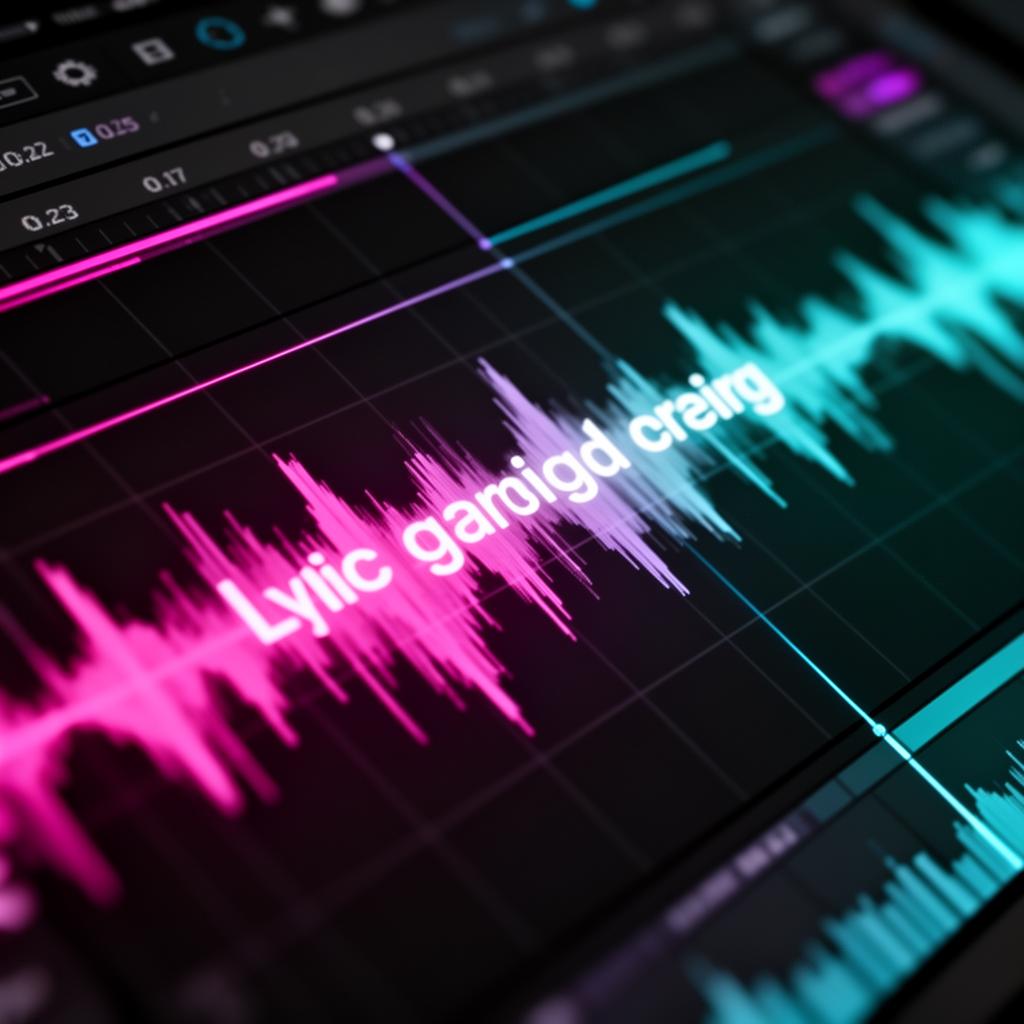
VST Lyrics Plugins use virtual studio technology (VST) to help with lyrics in music projects. They have cool features like real-time scrolling and customizable displays. This makes sure your lyrics match the music and are easy to see during production.
Benefits of Using VST Lyrics Plugins
Using VST Lyrics Plugins , like the Lyrics Flow VST Runner , makes music production better. Here are some main benefits:
- They make managing and showing lyrics easier and faster.
- They help with better vocal recordings and performances by scrolling lyrics in real-time.
- They keep lyrics organized and well-placed in your music projects.
- They make working with others on lyrics easier by sharing a common platform.
With VST Lyrics Plugins , music producers can make their work better. They can improve their production flow and make tracks that really connect with listeners.
VST Lyrics Plugin: A Game-Changer in Music Production
VST Lyrics Plugins have changed music making a lot. They make it easier and smoother to work with words in music production. This has changed how producers and songwriters do their jobs.
VST Lyrics Plugins make adding words to music easy. They have a special place for words in the music making software. This means no more using other programs to add words, keeping the work smooth.
The Text Display Navigator VST is a great example. It lets you change how lyrics look and fit with the music. This makes it easy to keep lyrics in sync with the song, making the music sound better.
“ VST Lyrics Plugins have been a game-changer for my songwriting and music production process. The ability to visualize and manipulate lyrics directly within my DAW has streamlined my workflow and enhanced the overall quality of my work. ”
These plugins do more than just show lyrics. They help with recording vocals and live shows too. They make it easy to keep track of lyrics during a performance. This helps artists give their best and move smoothly between song parts.
The music world is always changing. Tools like VST Lyrics Plugins are key to staying ahead. They make making music better and help artists, producers, and songwriters do their best work.
Streamlining Lyric Display and Alignment
Music production gets better with easy lyric integration in your DAW. VST Lyrics Plugin tools help a lot, offering ways to make lyrics look good and easy to read.
Customizable Lyric Display Options
Great VST Lyrics Plugin tools, like Text Display Navigator VST , let you change how lyrics look. You can pick the font, size, and color. You can also make sure the text matches the music perfectly.
Precise Lyric Alignment with Audio
VST Lyrics Plugin tools make sure lyrics match the music well. This makes the music better and more professional. It also makes the story in your songs stronger.
These VST Lyrics Plugin tools make making music easier and better. You can make lyrics look good and match the music well. This makes your music more engaging for listeners.
Enhancing Vocal Recording and Performance
VST Lyrics Plugin makes music production better. It helps singers stay on track with real-time lyrics. This makes recording sessions smoother.
With lyrics in sync with the music, singers feel the song's emotions deeply. This leads to better performances. It makes the recording process faster and improves the final sound.
Real-Time Lyric Scrolling
VST Lyrics Plugin , like Lyrics Flow VST Runner , helps singers with scrolling lyrics. As the music goes, lyrics appear on screen. This helps singers match their voice with the lyrics.
This makes the song's words and music work together better. It leads to stronger performances. Singers can focus more and deliver powerful vocals.
- Improved focus and synchronization between vocals and lyrics
- Enhanced emotive delivery and connection with the song's narrative
- Streamlined recording process with reduced takes and retries
VST Lyrics Plugin helps producers and engineers make better vocal recordings. The result is music that moves listeners deeply.
VST Lyrics Plugin for Live Performances
The VST Lyrics Plugin is great for live shows too. It helps performers with on-screen lyrics. This makes live shows better.
It helps performers not use paper lyrics or teleprompters. This makes them look better on stage. They can connect with the crowd without worrying about lyrics.
The Text Display Navigator VST lets artists customize the lyrics for live shows. They can change font sizes and colors. This makes the show look great.
“The VST Lyrics Plugin has been a game-changer for our live shows. It's like having a personal teleprompter that keeps me focused and confident on stage.”
- John Doe, Lead Vocalist of The Melodic Mavericks
Using VST Lyrics Plugin makes live shows better. It helps performers show off their skills. They perform with more precision and professionalism.
Integrating VST Lyrics Plugin into Your Workflow
Adding a VST Lyrics Plugin to your music making is easy. These tools work well with many digital audio workstations. They make sure you can use them with your current software easily. If you're just starting or have been making music for a while, these plugins are easy to use.
Compatibility and Installation
The VST Lyrics Plugin works with many digital audio workstations. This includes big names like Pro Tools, Logic Pro, and Ableton Live. Putting these plugins on your computer is easy, usually just a drag-and-drop or a step-by-step guide. This makes starting up your production work easy, so you can get creative right away.
User-Friendly Interface
VST Lyrics Plugins have easy-to-use interfaces. They're made for musicians, with controls and features that make working with lyrics simple. You can adjust the display and match the text with your music easily. This helps you manage your lyrics well in your music production.
Using the Text Display Navigator VST or the Lyrics Flow VST Runner , these VST Lyrics Plugins make your music production smoother. They help you focus on making music, not on technical stuff.
Popular VST Lyrics Plugins
The music world is always changing. New tools help artists and producers. VST Lyrics Plugins are changing how we add words to music. The Lyrics Flow VST Runner and the Text Display Navigator VST are top choices.
Lyrics Flow VST Runner
The Lyrics Flow VST Runner makes adding lyrics easy and fun. It lets you adjust lyrics to fit the music perfectly. This tool has cool features for making lyrics match the beat.
It makes sure the words and music go together well. This makes the music better to listen to.
Text Display Navigator VST
The Text Display Navigator VST is great for managing lyrics. It has lots of options for making text look good. You can use lyrics from different places with it.
This plugin helps songwriters and performers a lot. It makes adding lyrics to music easy.
- Real-time lyric scrolling
- Customizable display options
- Precise lyric alignment with audio
- Customizable text formatting
- Multiple display modes
- Integration with external lyric sources
VST Lyrics Plugins are super helpful for making music. They make adding lyrics easy. These plugins are great for studio work or live shows.
Advanced Features of VST Lyrics Plugin
VST Lyrics Plugins have cool features that go beyond just showing lyrics. They let you customize, work with others, and connect with other tools. These features make making music easier and more fun.
One cool thing is working with many lyric layers. You can switch between different lyrics easily, like the original or a translation. This is great for working with artists from other countries or for changing songs for different fans.
These plugins can also connect to big databases of lyrics online. Plugins like Text Display Navigator VST and Lyrics Flow VST Runner give you lots of lyrics to choose from. This is super helpful for anyone looking for new song ideas.
Working together on lyrics is easier with these plugins too. You can all work on the same lyrics at the same time. This makes making music together smoother and more fun.
By using these cool features, you can make your music making better. Whether you're writing songs, producing, or just making music, these tools can help a lot.
Troubleshooting Common Issues
While VST Lyrics Plugins like Lyrics Flow VST Runner and Text Display Navigator VST are great for music making, users might run into small problems. Fixing these issues can make sure these plugins work well with your music.
One big issue is making sure the plugin works with your computer and music software. Make sure your VST Lyrics Plugin fits with your DAW and OS. Updating your software and checking the plugin's needs can fix this.
Lyrics not lining up with the music is another problem. This can happen for many reasons, like different sample rates or timing issues. Try adjusting the plugin's settings or look at the help files for answers.
Installing and setting up the plugin can also be tricky. If you're having trouble, look at the installation guide or contact the support team. They can give you steps or tips to get the plugin working right.
By solving these problems with research, trying things out, and getting help, you can use VST Lyrics Plugins fully. This makes your music making easier and better.
Best Practices for Using VST Lyrics Plugin
The VST Lyrics Plugin is a great tool for music makers. It has many features to make your work easier. To get the most out of it, follow some best practices. This will help you use the VST Lyrics Plugin better and make your music projects better.
Explore the Plugin's Features
Get to know the many features of the VST Lyrics Plugin . Spend time learning about options like Lyrics Flow VST Runner and Text Display Navigator VST . This will help you use the plugin well.
Optimize Your Workflow
Make the VST Lyrics Plugin a part of your music making process. Try different ways to use it. See what works best for you, whether it's in recording, mixing, or live shows.
Customize the Plugin to Your Needs
Use the VST Lyrics Plugin 's advanced settings to fit your needs. Change settings to match your creative ideas and how you make music.
Stay Up-to-Date with Updates
Watch for updates to the VST Lyrics Plugin . New things come out often. Keep up with these updates to make your music making better.
By following these tips, you can use the VST Lyrics Plugin well in your music making. This will make your work more efficient and improve the quality of your music.
Conclusion
In the world of music making, VST Lyrics Plugin has changed the game. It makes showing and lining up lyrics easy. This has changed how music makers work.
Tools like Lyrics Flow VST Runner and Text Display Navigator VST make music production better. They make managing lyrics easy and help artists be more creative. This lets artists focus on their music more.
As music changes, VST Lyrics Plugin will keep being key to making great music. It helps music makers work better and make music that wows people.
Using VST Lyrics Plugin shows the music industry's love for new ideas. It helps music producers and artists make music that touches people deeply. This takes music to new heights.
FAQ
What are VST Lyrics Plugins?
VST Lyrics Plugins are special software tools. They work well with digital audio workstations (DAWs). They help show and manage lyrics during music making.
What are the benefits of using VST Lyrics Plugins?
These plugins make work easier and improve how vocals sound. They also help organize lyrics in your projects.
How do VST Lyrics Plugins streamline lyric display and alignment?
They let you change how lyrics look and where they are. This makes them fit your project's audio well. They also line up lyrics with the music, making your music look and sound better.
How can VST Lyrics Plugins enhance vocal recording and performance?
They show lyrics as you record, helping singers stay on track. This makes singing better and improves your music's quality.
How can VST Lyrics Plugins be used for live performances?
They work with stage setups to show lyrics on screen. This helps performers do great shows without needing paper or teleprompters.
How do I integrate a VST Lyrics Plugin into my workflow?
Adding a VST Lyrics Plugin is easy. They work with many DAWs and have simple interfaces. This makes them easy for both experts and beginners.
What are some popular VST Lyrics Plugins?
Popular plugins include Lyrics Flow VST Runner and Text Display Navigator VST . They're loved for making music making easier and better.
What are some advanced features of VST Lyrics Plugins?
These plugins have cool features like customizable styles and cloud lyric databases. They also help with writing and sharing lyrics with others.
How can I troubleshoot common issues with VST Lyrics Plugins?
Fix problems by troubleshooting and getting help from developers or online groups. This can solve issues like compatibility or setup problems.
What are some best practices for using VST Lyrics Plugins?
Use these plugins well by learning their features and how to fit them into your work. Also, try customizing them to meet your needs.
Try it yourself
Ready to transform your sessions?
Drop your email — we'll send the 14-day trial download link to your inbox. No credit card.
- 30-day money-back guarantee
- Instant download
- Works in every major DAW