Music Lyrics Display: Sync and sing in the studio!!
Did you know a music studio recording session can last 3 to 7 hours? This time is spent aiming for the perfect take. But what if we could cut down on this time, making the recording process smoother?
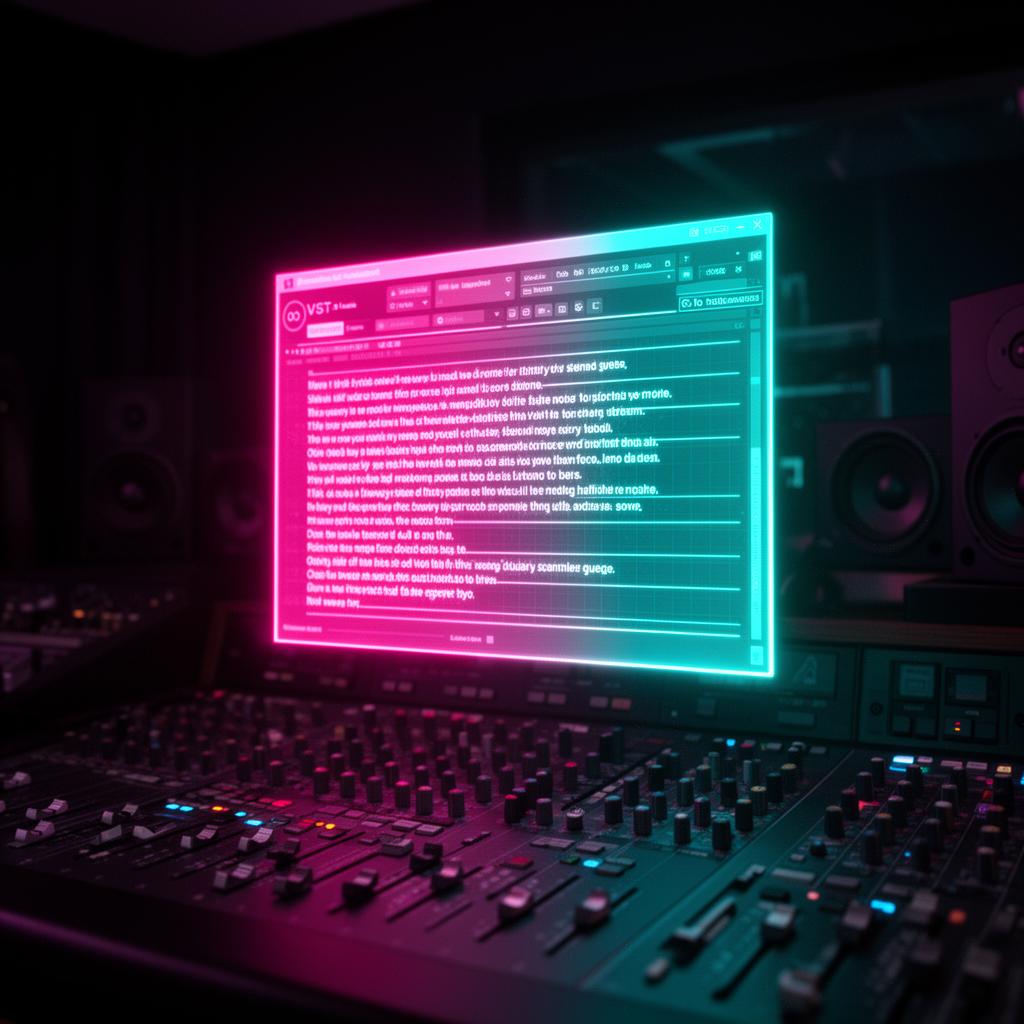
Enter Lyrics Runner VST , a game-changer for the music industry. This plug-in displays song lyrics automatically. Musicians and singers will find it much easier to keep up with their songs. It eliminates the hassle of searching for lyrics.
Picture this: You walk into the studio and the lyrics are right there in front of you. No more paper shuffling or web searches. Lyrics Runner VST does all that for you!
This plug-in not only saves time but also makes singing more fun. With an interactive lyrics platform , you see the song text as you sing. This helps you keep in sync with the music perfectly. You won’t miss those important cues anymore!
But wait, there’s more. Lyrics Runner VST lets you pick how you view your lyrics. Search for lyrics easily or transcribe them from audio. You can also personalize the display to make it easier on your eyes.
If you use Apple Music or an Android music player , there are ways to make your listening experience better. You can learn to sync lyrics, report issues, and even convert audio to text with our guide.
Key Takeaways:
- Lyrics Runner VST is a groundbreaking plug-in that shows lyrics automatically, saving time in the studio.
- It brings an interactive way to view lyrics, making sure you're perfectly in tune with the music.
- Lyrics Runner VST comes with lots of ways to present and adjust your lyrics, including searching and custom backgrounds.
- Apple Music can play time-synced lyrics , and Android music players put on lyrics through metadata.
- Android can change audio files to text via third-party tools, adding more ways to use and view them.
Interactive Lyrics Platform for Seamless Sing-along Experience
Lyrics Runner VST is a unique platform for musicians and singers. It changes how we look at lyrics in studio sessions. It makes singing easier and more accurate.
This platform syncs lyrics perfectly with the music. It shows the words as the song plays. This makes it easy for users to sing along and feel the emotion with the artist.
Seeing the lyrics while singing is very helpful. It helps keep the right pace and feel of the song. This visual aspect ensures every song feels right and emotional.
“Lyrics Runner VST has changed my studio work. It feels like I have a personal guide for each song. It’s made my singing so much better." - Mary Johnson, Professional Singer”
"Lyrics Runner VST has changed my studio work. It feels like I have a personal guide for each song. It’s made my singing so much better." - Mary Johnson, Professional Singer
It not only makes performances better but also speeds up recording time. Musicians spend less time worrying about the lyrics. This lets them focus on their craft and save time recording.
Lyrics Runner VST is changing the music game. It makes studio sessions more engaging. Singers can now easily give their best performance. It's making singing and studio work much better.
Lyrics Presentation and Customization Options
Lyrics Runner VST offers cool ways to show and change lyrics. It fits what you like, making it great for all.
Create an Engaging Experience
Finding lyrics is easy with the search tool. It saves a lot of time. This tool also turns songs into written words without you typing them. It's a big help!
There's a simple view for the lyrics. So, no more struggling to read small or messy lyrics. Now, you can focus on your music, with clear words right in front of you.
Customize to Suit Your Style
But there's more to Lyrics Runner VST than better lyrics. You can change the background, making it just the way you like. It's a personal touch for your music.
Changing the look around the lyrics helps set the mood. You can pick from dark to light backgrounds. This lets your studio or stage feel just right for you.
For musicians and singers, a great setup can boost creativity. Lyrics Runner VST lets you change your lyrics view into something inspiring.
“Lyrics Runner VST gives me clear lyrics and lets me set the stage with the right background vibe. It’s like having my own show!”
Lyrics Runner VST gives you lots of ways to show lyrics your way. It's perfect for making your music space just how you want it. Enjoy better songwriting and performances!
Synced Lyrics Playback on Apple Music
Apple Music is loved for its many music features. One standout is synced lyrics. This lets users follow their songs' lyrics as they listen.
To see synced lyrics, just tap the "Lyrics" button while a song is playing. The words will match up perfectly with the music in real time.
Having synced lyrics makes listening more fun. You can sing along easily. Or understand the song better by reading.
Sometimes though, songs won't have synced lyrics. But don't worry, the full lyrics are still there for you to check out.
Benefits of Synced Lyrics Playback on Apple Music
Synced lyrics are great for users. They allow for:
- Enhanced Music Experience: Engage in the music by singing or reading the lyrics.
- Improved Connection with Artists: Understand songs better, connecting with the artists.
- Creative Learning Tool: Aiding aspiring musicians in learning and practicing singing.
Let's look at synced lyrics in action with the song "I wanna dance with somebody":
“I wanna dance with somebody, I wanna feel the heat with somebody." "Yeah, I wanna dance with somebody, With somebody who loves me.”
"I wanna dance with somebody, I wanna feel the heat with somebody."
"Yeah, I wanna dance with somebody, With somebody who loves me."
Apple Music's synced and full lyrics feature ensures a richer music experience. It's all about enjoying your favorite songs to the fullest.
Singing Features on Apple Music
Apple Music has cool features for music fans. One feature lets you sing with your favorite songs. It's called Apple Music Sing . It works on certain iPhones and iPads. This feature makes singing more fun and helps you get better.
To start, play a song on Apple Music. Then hit the "Mic" button. Now, you're ready to sing along with the song.
Apple Music also lets you adjust your voice. There's a slider for controlling pitch and volume. Just move the slider to get your voice sounding perfect!
Want to up your singing game even more? You can hook up your iPhone or iPad to an Apple TV 4K. Then, your device's camera shows you singing on the big screen. It's like having a concert in your own home.
Love singing? Apple Music Sing is for you. It doesn't matter if you're a pro singer or just having fun. This feature makes your music journey better. It makes you feel like a star!
Reporting Lyrics Concerns on Apple Music
Apple Music makes it fun to listen to songs by showing lyrics in real time. But sometimes, these lyrics might be wrong or missing. Luckily, Apple Music has an easy way to report these issues.
When you spot a mistake in the lyrics, just touch and hold the line on your screen. From there, select the part you want to fix and press "Report a Concern."
The app will then show you what to do next. This step ensures that all lyrics stay accurate and high quality for everyone.
By letting users report issues, Apple Music creates a team effort to correct and improve song lyrics. This makes listening to music a better experience for all fans.
Displaying Lyrics in Android Music Player
In Android music players, showing lyrics is done through the right metadata tags.
Developers use libraries like Javamusictag to get lyrics from MP3 files. They save the lyrics as a string or buffer to show in the player.
If lyrics aren't in the MP3, they can get them from APIs like chartlyrics.com. This makes more lyrics available and enhances the song experience for users.
Getting lyrics to play with the music is harder. But, an easier way is to just show the whole lyrics. Then, users can scroll through and sing their favorite parts without the need for perfect timing.
Converting Audio Files to Text in Android
Turning audio into text on Android is great for many things. It can help transcribe recordings or let you use voice commands. Android itself doesn't do this, but there are tools like Nuance that make it easy for developers.
Nuance is a top name in speech and image software. Their tech makes it simple to change speech to text in Android apps. They use smart speech recognition to accurately change audio to text.
A&T is also a good pick. It's an API that helps turn audio into text smoothly. A&T is known for its clear and correct transcripts, which suit many needs.
Benefits of Audio to Text Conversion in Android
- Enhanced Accessibility: It helps those who are hard of hearing understand audio in an easy way.
- Efficient Data Analysis: It makes reviewing voice recordings or interviews simpler for researchers and teachers.
- Effortless Note-taking: Turn voice recordings into written notes easily for studying whenever.
Integration of Audio to Text Conversion into Android Applications
Adding audio-to-text to an app with Nuance or A&T is clear-cut. Just check their guides to add the feature.
“Here’s a bit of code that shows how to use Nuance for this: // This code tells your app to start listening for audio SpeechRecognizer recognizer = SpeechRecognizer.createRecognizer(context, null); … recognizer.startListening();”
Here’s a bit of code that shows how to use Nuance for this:
Aside from these, other tools are out there for Android devs to pick from. They let you do more with voice in your apps, based on what you need.
Using audio-to-text in apps opens up new chances. It can be for giving interviews a written form or making apps you talk to. This feature adds a lot to what you can do with apps on Android.
Syncing Lyrics as Subtitles for Music Playback in Android
Adding lyrics as subtitles in Android makes music more fun. The words show up, synced perfectly with the music. This way, users get to enjoy music in a whole new way.
Each music lyric line is matched with when it should show up. This is tied to the song's timeline. So, the right words appear at the perfect time in the song.
String operations are key to putting lyrics in sync as subtitles. They help get the right words at the right time. This lets users see lyrics as they play through a song, lining up perfectly.
“Syncing lyrics as subtitles for music playback in Android adds a dynamic element to the music listening experience. It allows users to engage more deeply with the lyrics, fostering a stronger connection with the music.”
"Syncing lyrics as subtitles for music playback in Android adds a dynamic element to the music listening experience. It allows users to engage more deeply with the lyrics, fostering a stronger connection with the music."
Having synced lyrics is great for karaoke and learning songs. It's ideal for singing along or understanding lyrics better. Plus, the visual words help with practice and learning.
For more on how synced lyrics work in Android, see the table below:
String operations bring out the best in Android music apps. They give users a great experience. Whether it's for learning or just enjoying music, synced lyrics make it all better.
So, why just listen to music when you can sing along with the words right there?
Conclusion: Elevate Your Studio Sessions with Music Lyrics Display
Enhance your studio sessions with Music Lyrics Display , launched by Lyrics Runner VST. It's changing how artists perform, boosting their accuracy and impact.
This platform syncs lyrics perfectly with your music, making the experience dynamic. You won't have to search or memorize lyrics anymore. Lyrics Runner VST's vast database lets you quickly find any lyrics, saving time and focus.
Personalize the lyrics background for the best eye comfort. Whether you're pro or an enthusiast, Music Lyrics Display lifts your studio sessions. This way, you can concentrate on your art and give your top performance.
Experience the game-changing benefits of an interactive lyrics tool with Music Lyrics Display and Lyrics Runner VST. Unleash the full potential of your singing and musical skills. Embrace the harmonious blend of music and lyrics for a studio adventure like never before. Boost your music, celebrate your creativity, and transform your studio moments.
FAQ
What is Lyrics Runner VST?
Lyrics Runner VST is a plug-in that shows song lyrics while you listen. You don't have to search for them anymore.
Does Lyrics Runner VST have a song lyrics database?
Yes. Lyrics Runner VST has a big database of song lyrics. You can quickly find any lyrics you're looking for.
How much time can Lyrics Runner VST save during recording sessions?
It can make recording sessions shorter by about 15 minutes each. This adds up to saving about 180 hours a year.
What is the purpose of Lyrics Runner VST's interactive lyrics platform?
This platform makes singing along easy and fun. It shows lyrics right when they should be sung, making performances better.
What presentation and customization options does Lyrics Runner VST offer for lyrics?
There are many ways to show and personalize lyrics with Lyrics Runner VST. You can change the background and use a special viewer for clear reading.
Can Lyrics Runner VST transcribe lyrics from audio recordings?
Yes. It can understand the words of a song from its sound without you having to do anything.
How can I display lyrics in the Apple Music app?
Just tap the "Lyrics" button while listening to a song. You can see the lyrics that go with the music or the whole song's lyrics.
What singing features are available in Apple Music?
Select iPhones and iPads can enhance your singing with Apple Music Sing . Just tap the "Mic" and adjust your voice.
How can I report missing or incorrect lyrics on Apple Music?
While the lyrics are showing, press and hold a line you want to fix. Then choose "Report a Concern" to tell Apple about it.
How can I display lyrics in Android music players?
You need the right tags or an API. Sites like chartlyrics.com can help fetch lyrics for you.
Is it possible to convert audio files to text in Android?
On its own, Android can't turn audio into text. But, apps like Nuance and A&T can listen and write down the words for you.
How can I sync lyrics as subtitles for music playback in Android?
To show lyrics like movie subtitles, you need timestamps for when each line starts. With some coding, you can match the lyrics to the song as it plays.
Try it yourself
Ready to transform your sessions?
Drop your email — we'll send the 14-day trial download link to your inbox. No credit card.
- 30-day money-back guarantee
- Instant download
- Works in every major DAW