Lyrics Visualization VST – Enhance Your Audio
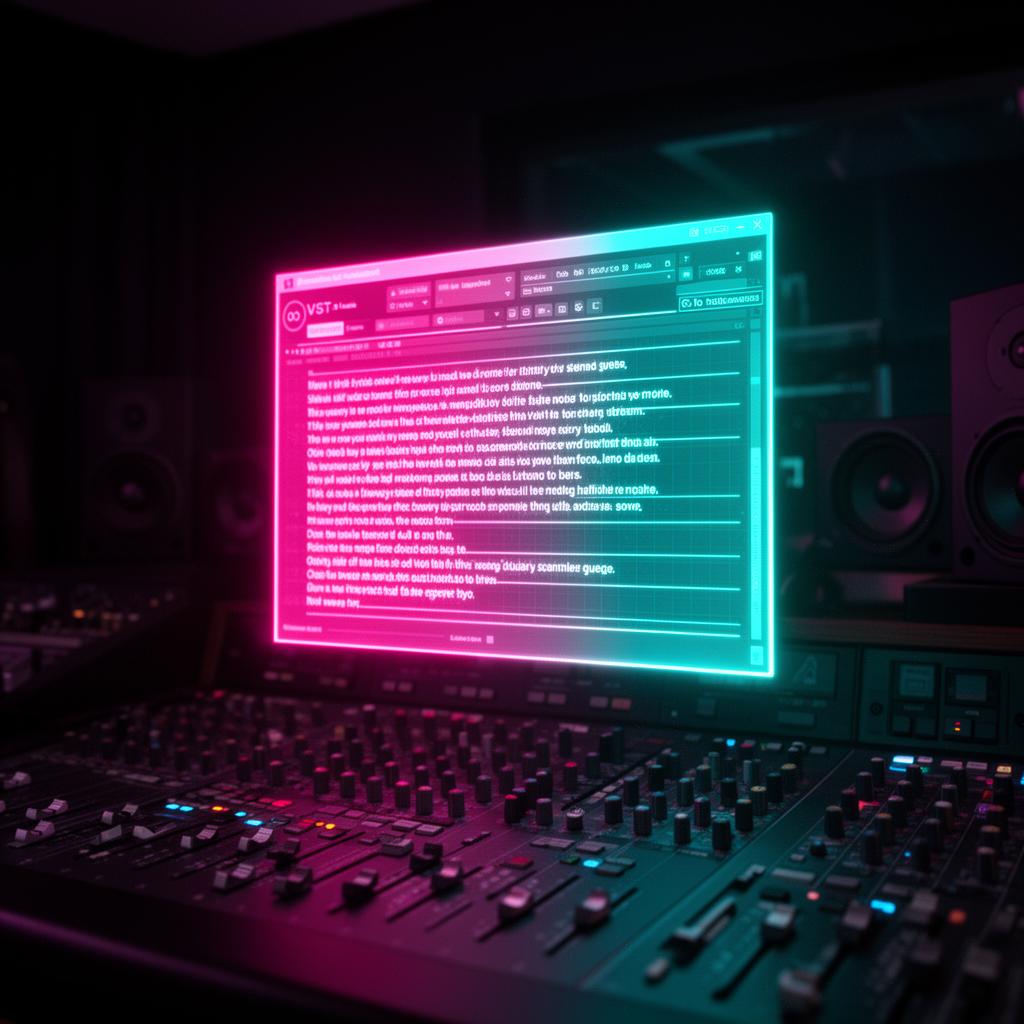
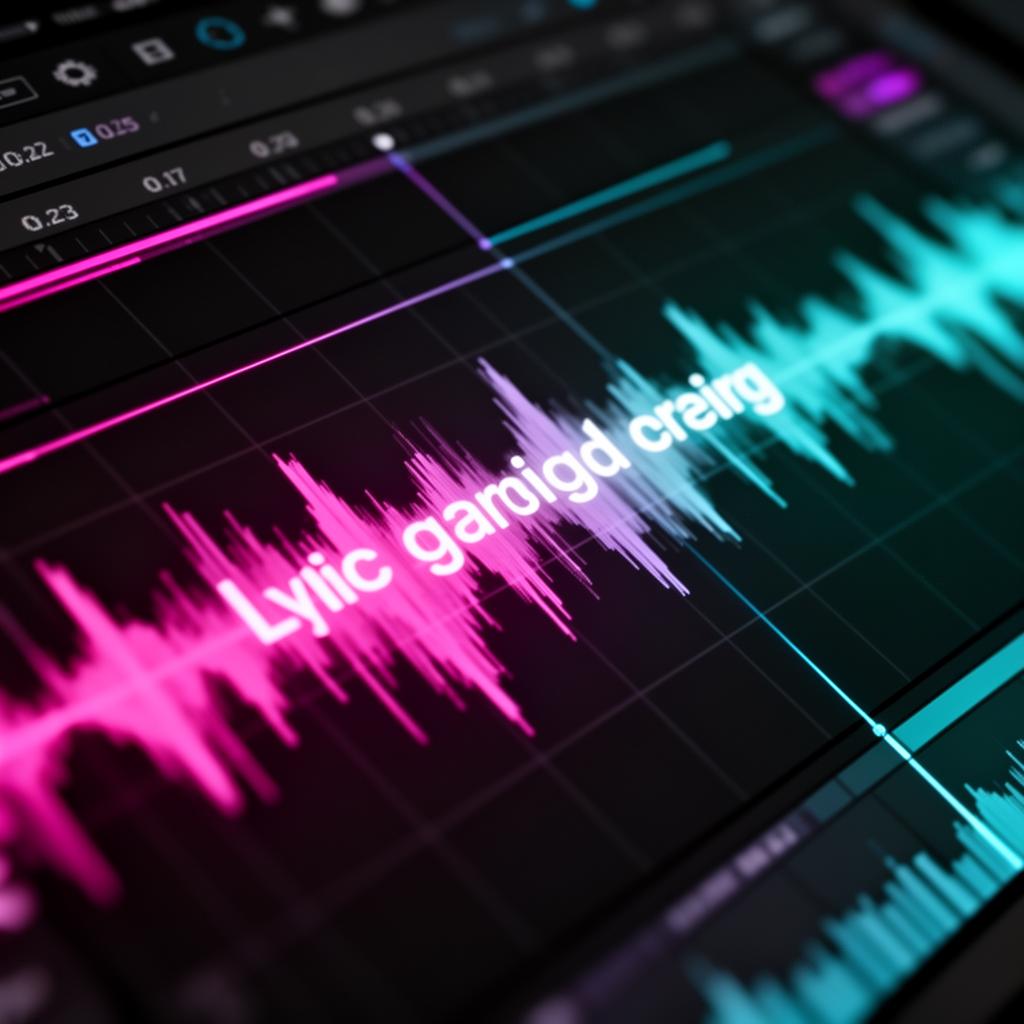
Using a Lyrics Visualization VST can take your music production to the next level. It changes how recording studios work worldwide. By showing lyrics in real-time, it makes the process smoother and more fun.
For anyone in the music industry, from pros to those just starting, this tool is a game-changer. No more manual lyric searches or messy sheets. With a Lyrics Visualization VST , you get an easier, more creative workflow.
This article will dive into the benefits of a Lyrics Visualization VST plugin. It offers automatic lyric display and lets you customize the view. With this, you’ll save time and make your studio work more enjoyable. Let’s boost your music production!
Key Takeaways:
- Lyrics Visualization VST is an advanced music technology that showcases song lyrics in real-time.
- This plugin enhances studio efficiency by eliminating the need for manual lyrics scrolling .
- It seamlessly integrates with popular music production software and offers customizable visual effects.
- Lyrics Visualization VST saves time, enhances focus, and improves overall studio productivity.
- By incorporating a Lyrics Visualization VST , artists can deliver captivating vocal performances with ease.
The Game-Changing Lyrics Scrolling App
LyricsRunnerVST is changing how studios work. It's a key plugin for showing lyrics while the song plays. This means artists don't have to worry about their lyrics. They can just concentrate on singing. It acts like a teleprompter , smoothly working with studio VST systems. This makes the studio more efficient and boosts the quality of the songs.
Before, handling lyrics in studios was hard. It could cause a lot of problems and stop the recording. Luckily, LyricsRunnerVST makes this part easy. Artists don't have to worry about the lyrics anymore.
It shows lyrics without anyone having to touch it. The words move exactly as the song does. This helps artists perform better. They always know what line comes next. So, they sing without any breaks.
LyricsRunnerVST fits right into the tools studios already use. This makes it a must-have for anyone who wants to record great songs. Artists can stay focused and sing their best. They don't need to mess with the lyrics again and again.
“LyricsRunnerVST has truly transformed my studio sessions. The seamless lyrics scrolling feature has improved my focus and allowed me to deliver my best performances without any interruptions. It's a game-changer!" - Kelly Thompson, Recording Artist”
"LyricsRunnerVST has truly transformed my studio sessions. The seamless lyrics scrolling feature has improved my focus and allowed me to deliver my best performances without any interruptions. It's a game-changer!" - Kelly Thompson, Recording Artist
It's not just about working better. LyricsRunnerVST also makes the studio look good. Artists can change how the lyrics show up. This makes the studio a nicer place to work in.
Say farewell to paper lyrics with LyricsRunnerVST. It offers a clean, smooth way to handle lyrics. This way, artists can really get into their songs. They sing better without the hassle of paper.
Streamlined Music Production with LyricsRunnerVST
LyricsRunnerVST is a game-changing lyrics plugin. It works smoothly with popular digital audio workstations (DAWs). These include Cubase , Logic , Ableton , and more. It lets musicians and producers use its features with ease.
This tool saves artists and vocalists a lot of time. Instead of manually scrolling lyrics while recording, they can rely on a teleprompter -like experience. Lyrics sync perfectly with the music. This allows for better performances by cutting out distractions.
Using and editing lyrics with LyricsRunnerVST is easy. Import your lyrics and tweak them right in the plugin. It syncs the scrolling with your music's tempo. This makes your performances sound professional and seamless.
Here's a table showing which digital audio workstations LyricsRunnerVST works with:
It works with Cubase , Logic , Ableton , and many others. LyricsRunnerVST fits right into your studio setup. It helps you work better and make music production simpler.
Advantages of Streamlined Music Production
Adding LyricsRunnerVST to your digital audio workstation has many benefits. Here are some:
- Efficient workflow: Spend more time perfecting your performance instead of managing lyrics.
- Enhanced creativity: Create music with fewer interruptions.
- Seamless collaboration: Easily share lyrics and ideas with others.
- Improved accuracy: Experience perfect synchronicity between your lyrics and music.
By using LyricsRunnerVST, you can make your studio sessions exceptional. It removes the need for manual lyric scrolling. Enjoy a smoother, more productive music production journey.
A Professional Studio Experience with LyricsRunnerVST
Creating music in the studio becomes much easier with LyricsRunnerVST. This tool offers a professional experience that boosts your productivity. It simplifies managing lyrics during vocal takes. This way, you can focus entirely on your creativity.
LyricsRunnerVST excels in displaying song lyrics efficiently. Forget about old lyric sheets or annoying phone interruptions. You can view your lyrics on a sleek, eye-catching screen. This ensures your recording process stays smooth.
This tool also works seamlessly with many music production software . It fits right in with Cubase, Logic, Ableton, and many more. No matter your choice of software, LyricsRunnerVST will work for you.
It's quick and easy to set up LyricsRunnerVST. You can adjust the background to suit your taste. This makes the experience visually pleasing and tailored to your preferences. You get to control how your lyrics are displayed.
With LyricsRunnerVST, your recording process becomes hassle-free. No more manual lyric management. This plugin ensures that your lyrics are always in sync with the music. All these benefits lead to an enhanced experience in the studio.
“LyricsRunnerVST has truly transformed the way I work in the studio. It's made lyrics management effortless and improved my performance quality. I can't imagine recording without it!" – Professional Recording Artist”
"LyricsRunnerVST has truly transformed the way I work in the studio. It's made lyrics management effortless and improved my performance quality. I can't imagine recording without it!" – Professional Recording Artist
Try out LyricsRunnerVST in your studio for a significant improvement in your music production. It eliminates the difficulties of managing lyrics, letting your creativity stand out. Enjoy a streamlined recording process with LyricsRunnerVST.
Seamless Integration and Customization with LyricsRunnerVST
LyricsRunnerVST is great for musicians who use digital audio workstations (DAWs). It makes working in the studio easier. This tool is perfect for musicians who want to simplify their music-making process.
One cool thing about LyricsRunnerVST is how you can change the size of the lyrics. Musicians can make the lyrics big enough to see easily while recording. This means artists can make their own setup comfortable for them during music sessions.
It works like a teleprompter , helping singers focus on their songs. The lyrics move on their own, syncing with the music. This way, artists don’t have to worry about manually moving the lyrics while recording.
LyricsRunnerVST also lets artists pick their own background for the lyrics. They can choose what fits their style or the mood of their music. This makes their studio space more welcoming. It helps artists get lost in the music while they create.
Customizable Display Features:
- Resize lyrics display for optimal visibility
- Choose from a variety of customizable backgrounds
- Enhance visual comfort during recording sessions
- Create a personalized and immersive studio environment
LyricsRunnerVST gives musicians a lot of freedom in their studio setup. It smoothly works with DAWs, lets you adjust the display, and acts like a teleprompter. All these features help artists focus on their music. They can create amazing songs with ease.
Advantages of Using LyricsRunnerVST
LyricsRunnerVST gives a boost to studio work and helps musicians and pros be more productive. This plugin saves a lot of time, lets you focus better, and makes working in the studio more efficient. It also gives artists more freedom during live performances.
Time Savings
Typing in song lyrics with LyricsRunnerVST takes under a minute. This quick step means a lot less time scrolling lyrics manually. It can save 15 minutes per session, adding up to 180 hours over a year.
This saved time is perfect for practicing vocals, trying new melodies, or adding your unique style to music.
Focus Enhancement
By showing lyrics automatically, LyricsRunnerVST lets artists concentrate on their performance. No more scrolling through sheets or trying to remember words. The lyrics match the music perfectly, letting artists give their best without interruption. This sharp focus boosts the quality of recordings and showcases their musical talent.
Improved Studio Productivity
Dealing with lyrics gets a lot easier with LyricsRunnerVST. It displays lyrics in a way that's easy to see, without the clutter of paper or files. It's not just artists who benefit – producers and technicians also find it simpler as they don't have to handle lyric sheets all the time.
This makes studio time sharper and helps everyone work better together.
Live Performance Freedom
Beyond the studio, LyricsRunnerVST also shines during live shows. It shows lyrics in real-time, letting artists engage more with the audience. Without the need to scroll, performances feel more natural and dynamic.
Overall, LyricsRunnerVST offers a bunch of benefits. It boosts studio work, focus, saves time, and liberates performances. This tool can really push artists to reach new creative heights and deliver outstanding shows.
Compatible with All Advanced Music Software
LyricsRunnerVST works well with many advanced music tools. It's great for both music makers and singers. You can use it with Cubase, Logic, Ableton, Protools , FL Studio , and more. It fits right into your favorite digital workspace.
It's easy to add LyricsRunnerVST to your music-making setup. This special tool lets artists add their song lyrics. Then, it shows the words moving with the music, all on its own.
Because it works with lots of popular music programs, you won't have to keep scrolling lyrics by hand. This handy feature makes recording easier. You can stay focused on your music and put on a great show without tech troubles.
LyricsRunnerVST improves your studio work in a big way. It makes things smoother and lifts the quality of your music. Get ready to enjoy more productive music sessions with this cool tool.
Testimonials from Professionals
Many in the music industry love LyricsRunnerVST. Producers , studio owners , and singers say it gives them more confidence. They also point out that it helps sessions run more smoothly.
Producers
“LyricsRunnerVST has changed our studio game. We see lyrics in real time, saving us time. This tool helps us make better music. It's a must-have for producers." - Mark Johnson, Music Producer”
Studio Owners
“Before LyricsRunnerVST, handling lyrics was tough in our studio. Now, sessions are much better. Artists don't have to handle lyric sheets, so everything is smoother. This change has made our studio work a lot better." - Emily Davis, Studio Owner”
Professional Singers
“LyricsRunnerVST is my secret to better studio sessions as a singer. I feel more confident seeing lyrics in real time. This lets me put my all into each song. It’s an amazing boost for my recordings." - Sarah Thompson, Professional Singer”
Seamless Integration and System Requirements
LyricsRunnerVST works smoothly with many DAWs, making your music making better with little effort. It works with 64-bit VST3 hosts on Windows and Mac . This makes it great for a lot of people.
Installation Process
Starting with LyricsRunnerVST is easy. Just download and install it, following simple steps. Once you download the VST3 file, run the setup. It will be in your DAW ready to make your lyrics better.
System Requirements
Before you add LyricsRunnerVST, check if your system is good enough. This prevents problems and makes sure the plugin works well. These are the key requirements:
- Operating System: Windows 7 or newer, Mac OS X 10.9 or up
- DAW Compatibility: Cubase, Logic, Ableton, Protools , FL Studio , Studio One , Reaper
- Processor: Intel Core i5 or similar
- RAM: 4 GB or more
- Storage: 500 MB free space
- Additional Needs: Internet for activation and updates
“Make sure your system fits these to get the most from LyricsRunnerVST.”
LyricsRunnerVST smoothly joins your music making setup. It’s made to keep your creative flow going, without tech glitches. So, you can work without worrying about the tech stuff.
Aftercare Service and Latest Information
At LyricsRunnerVST, we care about your user experience. We offer quick and reliable support for your questions and issues. Reach us through our inquiry form for direct help from our team.
Keep up with what's new on LyricsRunnerVST by visiting our support page . There, you can find helpful materials, FAQs, and tutorials. We update our latest updates frequently with new features, fixes, and news.
To enjoy all of LyricsRunnerVST's features, sign up for a Pioneer DJ account . Join a fun music community, where you can discuss, learn, and take part in unique events.
Join the Pioneer DJ Community
Being part of the Pioneer DJ community offers many perks:
- Connect with fellow music producers and singers
- Get the inside scoop on new releases and deals
- Access to special tutorials and learning materials
- Discuss and share your music experiences
Why Choose LyricsRunnerVST?
“I've had a great experience with LyricsRunnerVST. The support is top-notch, and they're always making it better. Also, creating a Pioneer DJ account has been a big plus for me.” - Alex Parker, Music Producer”
“LyricsRunnerVST helped me a lot with my questions. Their support for customization was very helpful. Don't forget to check the updates – they really make a difference.” - Emily Simmons, Vocalist”
Improve your LyricsRunnerVST experience with good support, keeping updated, and joining the Pioneer DJ community. Your satisfaction matters, and we're here to give you the best experience.
Purchase Terms and Conditions
Before you buy LyricsRunnerVST, make sure you read and agree to these rules:
Product Distributor
AlphaTheta Corporation distributes LyricsRunnerVST. They offer top-notch music tech solutions.
Sales Prices
Visit the product page to see the latest prices for LyricsRunnerVST. Prices change with new deals.
Payment Methods
We've made paying easy for you. Use your credit card or PayPal for a secure, simple checkout.
Product Delivery
After you pay, the product heads your way. You'll get steps to download and install LyricsRunnerVST fast.
Returns and Refunds
We're about top-notch products and happy customers. Generally, we don't do returns or refunds for LyricsRunnerVST. So, think hard before you buy.
“The purchase terms and conditions for LyricsRunnerVST provide clarity and ensure a seamless buying experience. It's important for customers to review the details before making their purchase decision." - David, Music Producer”
"The purchase terms and conditions for LyricsRunnerVST provide clarity and ensure a seamless buying experience. It's important for customers to review the details before making their purchase decision." - David, Music Producer
“The purchase process for LyricsRunnerVST was straightforward and efficient. I appreciate the secure payment options and timely delivery of the product." - Sarah, Singer”
"The purchase process for LyricsRunnerVST was straightforward and efficient. I appreciate the secure payment options and timely delivery of the product." - Sarah, Singer
Procedures for Settling Disputes and Legal Conditions
Dealing with issues over LyricsRunnerVST's purchase means understanding the legal stuff. Which laws apply depends on where you live. If you're outside the EEA or UK , Japanese law steps in for any legal fights. But, for those in the EEA or UK , your local laws and courts decide.
Knowing how to solve disputes fairly is key. Everything you need to know is in the terms and conditions of the buying agreement. Learning these rules can help you handle any issues calmly and confidently.
We really care about making you happy with LyricsRunnerVST. But sometimes, arguments might happen. It's important to get how the legal and dispute steps work. This can help to solve things right, if there's ever a problem.
FAQ
What is LyricsRunnerVST?
LyricsRunnerVST is a new VST plugin. It shows lyrics live, making recording better in the studio and during live shows.
Which digital audio workstations (DAWs) does LyricsRunnerVST integrate with?
It works smoothly with top DAWs like Cubase, Logic, Ableton, and more. You can use it to jazz up your studio toolkit.
How does LyricsRunnerVST enhance the studio experience?
It makes working with lyrics easier. You get a big, easy-to-read display that's customizable. This means fewer mistakes and a smoother recording session.
How can I customize the lyrics display in LyricsRunnerVST?
You're in control! Change the size of the lyrics to your likings and pick a cool background. Make your studio look and feel awesome.
What advantages does LyricsRunnerVST offer?
Going with LyricsRunnerVST saves time and helps you stay focused. It boosts your productivity in the studio and gives you freedom on stage.
Is LyricsRunnerVST compatible with all advanced music software?
It sure is! It works with all popular music software , ensuring you can enjoy its benefits no matter your setup.
What do professionals in the music industry say about LyricsRunnerVST?
They love it! They say it saves time, builds confidence in singers, and makes performances better.
What are the system requirements for LyricsRunnerVST?
You need a 64-bit VST3 system on Windows or Mac . Check the requirements to ensure everything runs smoothly.
How can I access aftercare services for LyricsRunnerVST?
Reach out through the LyricsRunnerVST website form. Also, stay in the loop with updates on the support page.
What are the terms and conditions for purchasing LyricsRunnerVST?
Buy from AlphaTheta Corporation. You'll find prices on the product page. Pay with card or PayPal. No returns unless the law says so.
What procedures are in place for settling disputes related to the purchase of LyricsRunnerVST?
Legal matters follow the consumer's country laws. Outside EEA or UK it's Japan's laws. Read the purchase terms for more info on dispute resolution.
Try it yourself
Ready to transform your sessions?
Drop your email — we'll send the 14-day trial download link to your inbox. No credit card.
- 30-day money-back guarantee
- Instant download
- Works in every major DAW