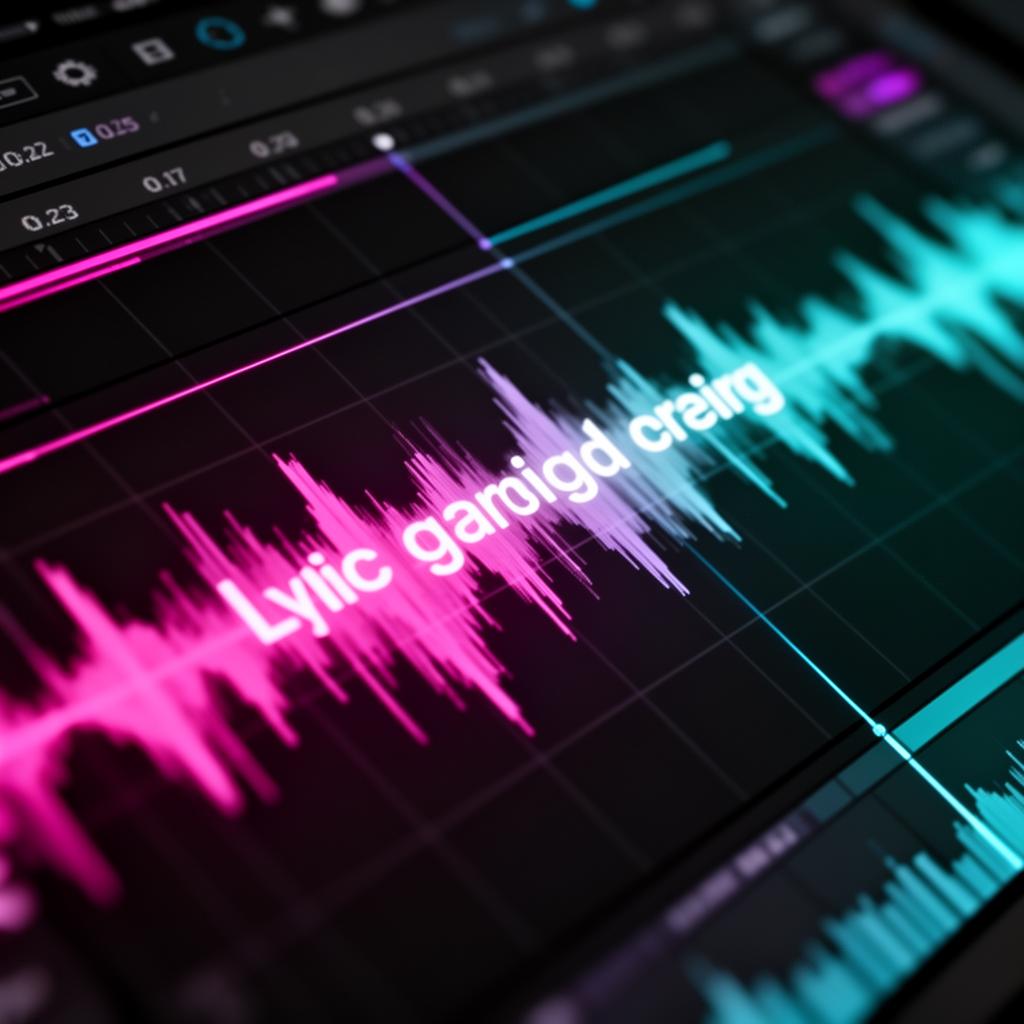
Best Lyrics Screen Display Solutions for Singers
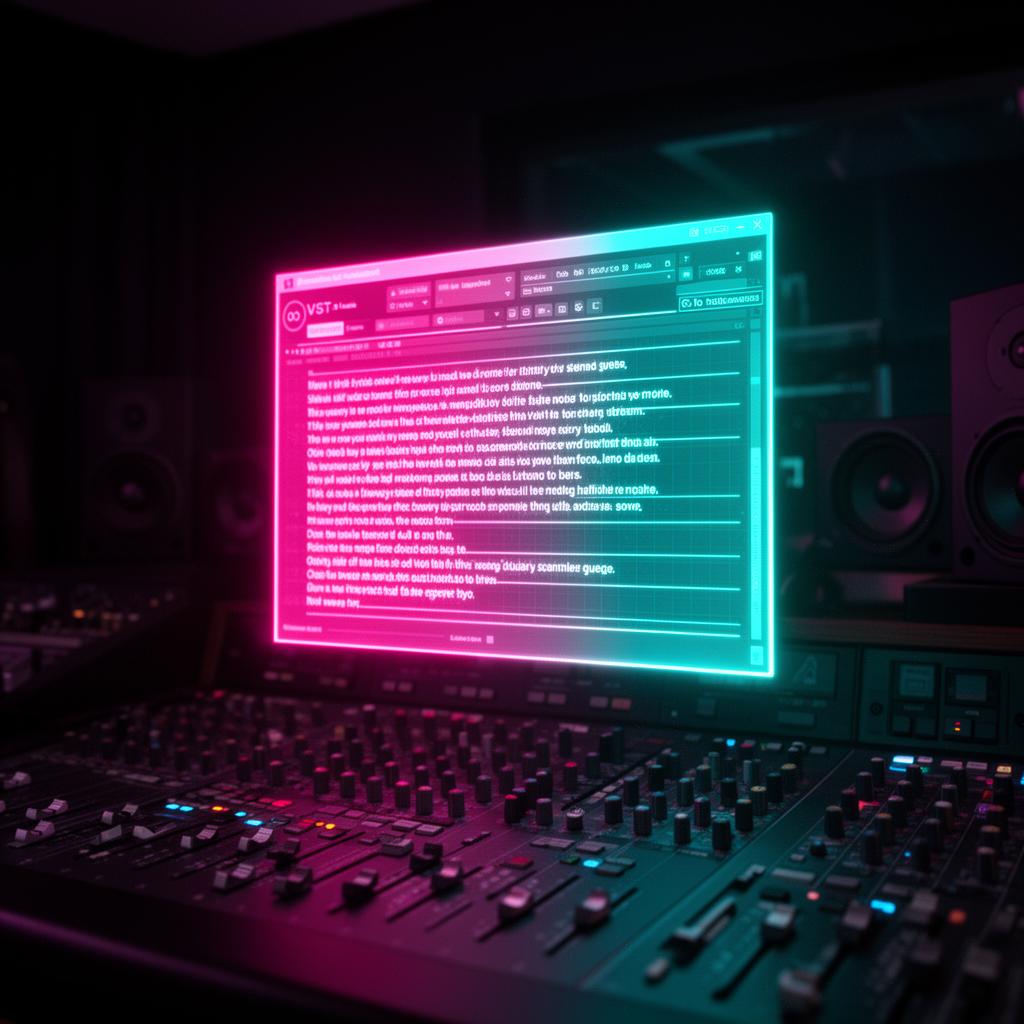
Did you know singers can save about 180 hours of recording time a year using lyrics screen displays? These tools show lyrics and have customizable backgrounds. They make recording sessions 15 minutes shorter. Singers can better focus on their performance and need fewer physical lyric sheets.
Having a clear way to see lyrics is key for singing confidently and accurately. Lyrics screen displays do away with music stands and the need to memorize. With many options out there, picking the best one might seem hard.
Key Takeaways:
- Lyrics screen display solutions save singers around 180 hours of recording time per year.
- Having lyrics displayed on a screen eliminates the need for music stands or relying on memory.
- Choosing the right lyrics screen display solution is crucial for enhancing performance.
- There are various options available, such as song text teleprompter software , dynamic lyrics display tools, real-time lyrics display apps, and interactive lyrics viewer tools.
- Singers should consider factors like ease of use, compatibility, and customization options when selecting a solution.
Elevate Your Performance with Lyrics Runner VST
Improve your singing with the Lyrics Runner VST plugin. It's made for singers, helping you see lyrics clearly. It also changes backgrounds for better view.
With Lyrics Runner VST , finding lyrics is easy. No need to search on paper or tablets. This plugin works with your studio to save time. Singularly focus on your performance instead.
Lyrics Runner VST lets you customize your view. Pick the right background to fit your song’s mood. It lets you create the perfect setting for your lyrics.
This tool improves your recording experience. It gets rid of manual lyric handling, cutting mistakes. Enjoy better recording quality and avoid breaks in your work.
Unleash your talent with the lyrics visualization feature.
Lyrics Runner VST is more than text on a screen. It offers a dynamic way to show lyrics. Move and express yourself with the song, making your performance unique.
“Lyrics Runner VST has changed my singing. Seeing my lyrics live, with my background choice, makes a big impact. It's my personal teleprompter.” - Sarah, Professional Singer”
See the plugin in action:
Ready to upgrade your singing? Try Lyrics Runner VST for a new way to perform. No more wasting time with sheets or scrolling. Just focus on your show, and impress your audience.
The Importance of Lyrics Screen Display
Lyrics screen display is crucial for singers. It helps them sing with confidence and accuracy. No more music stands or relying on memory.
This setup makes performers better. It ensures they stay on track easily. This leads to a more professional show.
Singers say goodbye to paper lyrics and tablet scrolling with a screen display. They can concentrate on engaging their audience. It's a big help, keeping distractions away.
They can also pick how the lyrics look. Choosing font and color makes lyrics more visible. Even from far away or in bad lighting.
“Having lyrics displayed on a screen eliminates the need for music stands or relying on memory.”
"Having lyrics displayed on a screen eliminates the need for music stands or relying on memory."
The screen boosts a singer's confidence. Lyrics are always right there to see. This leads to a more connecting performance.
Overall, this tech changes the game for singers. It makes singing simpler and more accurate on stage. It lets singers shine with their true voice and style.
The Advantages of Lyrics Screen Display
Lyrics screen display is great for singers. They can see the lyrics clearly without looking at paper or tablets. This way, they can keep their eyes up, never missing a step or forgetting the words.
This tool helps singers focus on their show and their fans. They don't have to stress about remembering the lyrics. They get to express themselves emotionally and interact with the crowd more.
This system can be personalized to what the singer likes. You can pick the font and adjust colors for better viewing. This makes the whole scene look better, too.
“"The lyric display screen revolutionizes the way singers perform. It allows me to focus on connecting with the audience, knowing that the lyrics are right in front of me. It's a game-changer." - Sarah Johnson, Professional Singer”
""The lyric display screen revolutionizes the way singers perform. It allows me to focus on connecting with the audience, knowing that the lyrics are right in front of me. It's a game-changer." - Sarah Johnson, Professional Singer
Using a lyric screen improves the performance for everyone. It cuts down on mistakes and keeps the show smooth. There's less chance of losing lyrics, making the singer feel secure from start to end.
Choosing the Right Lyrics Screen Display Solution
When looking for a lyrics screen for your shows, think about a few things. Pick something that's easy, works with your gear, and lets you change it up. This can really make your act stand out. Here are a few top choices:
- Song Text Teleprompter Software: It turns lyrics into a teleprompter for easy reading while performing.
- Dynamic Lyrics Display Tools: These tools sync lyrics with the music for cool, lively shows.
- Real-time Lyrics Display Apps: Apps on your phone or tablet for performances anywhere.
- Interactive Lyrics Viewer Tools: Lets you tweak the look of the lyrics, like font and color, to suit your style.
Comparison Table: Lyrics Screen Display Solutions
Picking the best lyrics screen depends on what you need and like. Look at how well it works with your stuff, what you can change, and how easy it is. Try out free versions to see what fits your style.
Stageprompter: The Premier Provider of Musicians' Teleprompters
Stageprompter leads the way in teleprompters and confidence monitors for musicians. They offer a variety of products designed for artists and performers. If you need reliable equipment to boost your confidence while singing, Stageprompter is the choice for you.
“Stageprompter's devices are truly revolutionary. They provide a larger screen that is undetectable by the audience, giving me the freedom to focus on my performance without any distractions. I highly recommend Stageprompter to any musician looking for a top-notch teleprompter system." -Jennifer Thompson, Professional Musician”
"Stageprompter's devices are truly revolutionary. They provide a larger screen that is undetectable by the audience, giving me the freedom to focus on my performance without any distractions. I highly recommend Stageprompter to any musician looking for a top-notch teleprompter system."
Among their lineup, you'll find the Wedge Floor Teleprompter and the Pro Series systems. These products are user-friendly and help to enhance your performance. They ensure you can easily see your lyrics, even in challenging lighting or fast songs.
Stageprompter is known for making reliable products. Their teleprompters can handle the stresses of stage life and constant travel. Plus, they are simple to use. They just need to be set up, and you're good to go.
Worried about updates or upkeep? With Stageprompter, there's no need. Their devices are designed to work smoothly and let you focus on making music. They offer freedom from small screens and complex devices, enabling you to perform with confidence.
Stageprompter's Musicians' Teleprompters at a Glance:
With Stageprompter, forget worrying about remembering all your lyrics on stage. Their teleprompters and monitors provide a peace of mind. You'll sing with confidence, knowing their technology supports you and your music.
Other Solutions for Displaying Lyrics Onstage
Besides Stageprompter, there's a range of apps and software for showing lyrics on stage. They give singers the chance to tweak their setup and better their show. Let's check out a few well-known ones:
1. OnSong
OnSong is an app that does a lot. It helps singers arrange their lyrics and chord charts. It also works with MIDI and has tools to manage songs easily.
2. forScore
forScore is made for all kinds of musicians. It lets singers bring in their lyrics, add notes, and highlight lyrics as they sing. This makes performing easier.
3. Lyric Pad
Lyric Pad is known for being easy to use. It syncs lyrics with music smoothly. This makes it simple to show lyrics on stage with songs.
4. MySongBook
MySongBook is full of sheet music and tabs for different instruments. Singers can get lyrics and chord charts. It's a great help for singing on stage.
5. LinkeSOFT SongBook
LinkeSOFT SongBook has lots of helpful tools. It has a powerful search, lets you make setlists, and play sound. This helps singers keep all their lyrics ready during shows.
6. Ultimate Guitar
Ultimate Guitar is famous for its huge collection of tabs and chords. It's an awesome tool for finding the right lyrics and chords for songs. This is really helpful for singing live.
All these apps and software come with unique features. They work with things like MIDI and offer karaoke-style display. With these, singers can perform confidently and really connect with their audience.
Creative Solutions for Displaying Lyrics Onstage
Singers have come up with cool ways to show lyrics onstage. They import the song into a Word document on a tablet and take a screenshot. This tip allows them to group their lyrics into albums by event type. This way, they can quickly swipe through songs during shows without needing extra gear or special software.
A tablet with a Word document gives singers full control over their lyrics. They can make albums for different types of events or songs. This makes it easy to find the right song fast. Showing lyrics like this on a tablet is not only clear but also looks good. It lets singers concentrate on their show, engage with the crowd, and create a memorable experience.
This technique cuts out the need for paper lyrics or awkwardly scrolling on a small screen. With their lyrics in albums, singers can smoothly move between songs. This is helpful whether they’re in a small place or a big stage. It makes finding lyrics simple, which helps the show go smoothly.
Using a tablet and Word doc , singers can also make the lyrics look just how they want. They get to pick the font size, style, and color. This personalizes their performance and lets their creativity show. It adds a unique touch to their stage presentation.
In short, putting songs in a Word document on a tablet and taking screenshots is both smart and handy for showing lyrics. It simplifies things, boosts the show, and lets singers focus on wowing their audience with their singing and charisma.
Using Lyrics Screen Display with Reason
Reason is loved by music creators everywhere. They often ask how to show lyrics while using it. Reason has some internal tools. They let you do a bit, like underlining parts of your song on TMA-9. But, they don't fully solve the lyrics display issue. A good option is using apps like VidPlay VST or BandHelper. These work with Reason through MIDI. They let singers see the lyrics on another screen as they make music.
External Apps for Lyrics Display
VidPlay VST and BandHelper are great for this. They help make showing lyrics with Reason smooth. You just add them through MIDI, and you're set. Now, singers can follow lyrics on a different device as they play.
VidPlay VST is like a video player in Reason. You can load videos with lyrics and set how they show. This makes it easy for singers to keep up with the words while focusing on music.
BandHelper is another good choice. It lets you bring in your lyrics, chord charts, and playlists, syncing everything with how your music plays. This means singers can see their lyrics on a separate screen as well, making it much easier to perform.
Benefits of Using External Apps
External apps alongside Reason offer big advantages for singers. They include better lyric and music sync and easy customizing. Plus, they make it simple to switch songs and offer a separate place for lyrics, improving how you work and perform.
With VidPlay VST or BandHelper and Reason, singers get a great lyrics display system. This boosts their creative process and stage presence, leading to better performances.
- Video player plug-in for Reason
- Synchronized lyrics display
- Customizable display settings
- Precise timing and synchronization
- Import and sync lyrics, chord charts, and setlists
- MIDI and audio playback synchronization
- Customizable display options
- Separate device or screen support
Integrating Lyrics Screen Display with OBS and Live Streaming
Singers can boost their live shows by using OBS , a top streaming tool. They can add lyric scrollers, making their performances more engaging. This feature lets the audience see the lyrics on screen , enhancing the overall experience.
Setting up OBS as a Text Scroller
Setting up a text scroller with OBS is easy. Singers use the "Text" source to show their lyrics. They can change fonts, colors, and how lyrics move on the screen. This really makes the lyrics stand out and adds a cool effect to shows.
MIDI Control for Page Position
Using OBS's MIDI control , singers can do even more with their lyrics. They use MIDI inputs to move the text scroller . This way, they can highlight important parts of the song. It makes their show even better and songs clearer for the viewers.
Streaming Over a LAN for Full Control
Streaming over a LAN lets singers change the lyrics shown in real-time. They can match the lyrics with their songs perfectly. They can also make sure the screen isn't too crowded. This helps all viewers follow along easily, making shows more inclusive.
By using OBS and live streaming , singers can make their shows top-notch. They can tweak text scroller settings, use MIDI control , and connect through a LAN. This way, they mesmerize their audience and make their performances unforgettable.
No matter the song, OBS’s blend with lyrics screen display makes a lasting visual impact.
Conclusion
Lyrics screen display tools help singers show their lyrics on stage easily. They use things like special devices or apps. These tools make singing on stage better. Singers do not need to remember all their lyrics or carry sheets.
Singers see their words on a screen and sing without needing stands. This makes their singing smoother. Lyrics on a screen look clear. Singers can even change how they look. With this help, they perform better and look more professional.
There are many tools like Stageprompter for this. Picking the right one depends on ease, what it works with, and how you can change it. The best tool helps singers sound confident and impress their fans. It's all about making the stage their own.
FAQ
What is Lyrics Runner VST?
Lyrics Runner VST boosts singers' performances. It shows lyrics on a screen and moves them on their own. You can change the background to see the words better.
What are the advantages of lyrics screen display?
A lyrics screen makes it easy for singers to follow. They no longer need paper or tablet scrolling. This lets them focus more on their performance and the crowd.
How do I choose the right lyrics screen display solution?
To pick the best screen, think about how easy it is to use and if it works with what you have. Also, look for ways to make your lyrics look unique. You'll find many tools, like teleprompter software, that do this.
What is Stageprompter?
Stageprompter offers top-notch teleprompters and monitors for musicians. These are meant for use on stage, with big, discreet screens. They're perfect for helping artists focus on their music and singing.
What are some other solutions for displaying lyrics onstage?
There are lots of great apps out there, such as OnSong and forScore . They help with organizing lyrics and use neat features like MIDI and karaoke-style text. Others include Lyric Pad , MySongBook , LinkeSOFT SongBook , and Ultimate Guitar .
Are there any creative solutions for displaying lyrics onstage?
Some singers like using Word on a tablet for lyrics. They take a quick photo to have lyrics at their fingertips. It's a simple way to keep songs organized without extra gear or software.
Can I display lyrics on a separate device while using Reason?
Reason has some helpful features but might lack in full lyric display solutions. Users recommend apps like VidPlay VST or BandHelper. These can show lyrics on another device, triggered by Reason.
How can I integrate lyrics screen display with live streaming?
For live streaming , OBS is a go-to software. Set it up to scroll lyrics with MIDI controls. By streaming over a network, singers can manage their lyrics easily, even if they have special needs.
What are some of the best lyrics screen display solutions for singers?
The top picks are Lyrics Runner VST and Stageprompter. Also, singers love OnSong , forScore , and Lyric Pad for their great features.
How does lyrics screen display enhance a singer's performance?
It makes lyrics easy to see and follow. Singers don't need to memorize or use paper. This freedom lets them engage their audience more, with confidence.
Is lyrics screen display customizable?
Yes, you can personalize your display. Change the text size and background to suit your style. This ensures you see the lyrics clearly and comfortably onstage.
Try it yourself
Ready to transform your sessions?
Drop your email — we'll send the 14-day trial download link to your inbox. No credit card.
- 30-day money-back guarantee
- Instant download
- Works in every major DAW