Cut Vocal Recording Time in Half: The New Lyrics Teleprompter VST Changing the Game for Studios in 2026
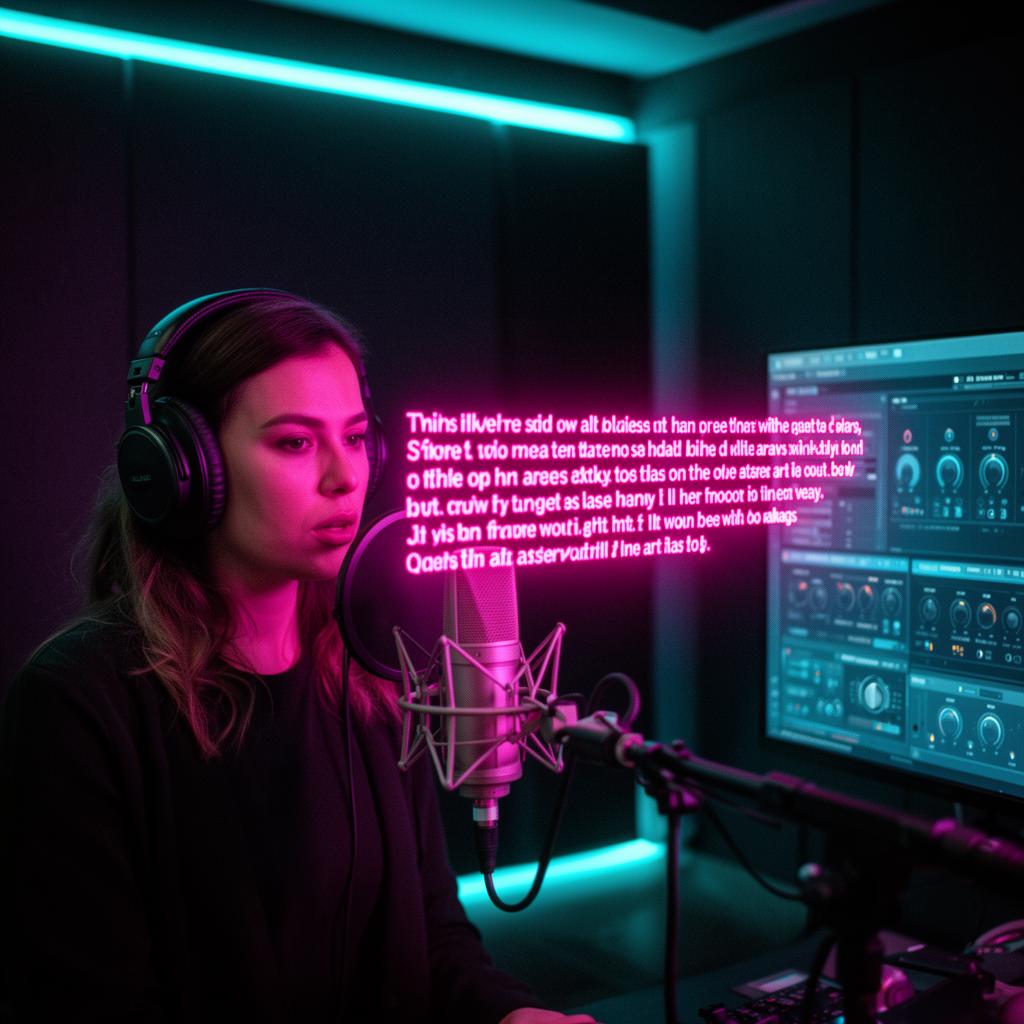
Ask any producer, engineer or studio owner where the hours actually disappear during a project, and you'll get the same answer: vocals. Not the mixing, not the arrangement, not the guitar overdubs. The singer standing in the booth, hunting for a lyric line, losing the phrasing, restarting the take, doing it again. Vocal recording is where sessions bloat, budgets stretch, and creative momentum dies. In 2026, that's finally changing — and the reason is a new generation of lyrics teleprompter VST plugins that put the words on the screen, in sync with the DAW, exactly when the singer needs them.
Why Vocal Sessions Take So Long
Before we talk about the fix, it's worth being honest about the problem. Even with a prepared artist, the average vocal session leaks time in the same predictable places. Recognising them is the first step to reclaiming those hours.
- Lyric sheets on phones or iPads that lock, dim or scroll at the wrong moment.
- Restarts caused by a forgotten line rather than a bad performance.
- Engineers pausing the DAW to nudge the singer through a bridge.
- Comping punches that only exist because the vocalist lost their place.
- Re-do days when a client hears the mix and realises a word was wrong.
Individually each looks like a minute or two. Across a full album cycle it's dozens — sometimes hundreds — of billable studio hours that nobody planned for.
The New Plugin Category Rewriting the Rules
A lyrics teleprompter VST is a plugin that lives inside your DAW like a reverb or EQ. Instead of processing audio, it displays the song's lyrics on any screen in the room and scrolls them in perfect sync with the transport. Hit play in Logic, Cubase, Ableton, Studio One, Reaper or FL Studio — the lyrics roll. Hit stop — they stop. Punch in at bar 42 — the plugin lands on bar 42's line. No phones, no PDFs, no assistant flipping paper.
LyricsRunnerVST is the plugin leading this shift. It was built by studio people who were tired of losing takes to forgotten lines, and every design choice reflects that. The lyrics look like a broadcast teleprompter — big, high-contrast, easy to read from six feet away in a dim vocal booth — and the timing is locked to the host so it never drifts.
What Actually Changes in the Session
The moment the singer sees their lines scrolling on the booth monitor, three things happen at once. Their eyes leave the phone. Their posture opens up. Their attention moves from remembering to performing. That single shift is where most of the time savings come from — every subsequent take starts from a place of confidence rather than survival.
How Much Time Are We Really Talking About?
Studios that have integrated a lyrics prompter VST into their default vocal template report the same range of results, whether they're tracking a solo indie artist or a full pop production: between 30 % and 50 % less time on lead vocal tracking, with an even bigger drop on backing vocals and harmony stacks where the same lines get chased across many takes.
“We used to book two full days for lead vocals on a single. Since we started using LyricsRunnerVST we finish the same song in an afternoon — and the takes are cleaner because the singer isn't fighting the lyric sheet. — Studio owner, London”
Doing the Math on a Year
Multiply an average of 45 minutes saved per vocal day across an active room and the numbers get serious very quickly. A studio that runs vocal sessions three days a week reclaims roughly 100 hours of tracking time per year — hours that can now be sold to new clients, spent on mixing, or handed back as breathing room to the artist.
Why Singers Prefer It Too
The time savings are the headline, but the reason artists ask for it back on their next session is emotional. When a vocalist stops worrying about the next line, the performance changes. Vibrato relaxes. Dynamics open up. The singer leans into consonants they used to skate over because they were scared of the phrase after them.
- Live-scrolling lyrics keep the eyes forward, not down.
- Adjustable font size, colour and background suit any lighting setup.
- Cue markers on tricky lines give a two-bar heads-up before the moment.
- Everything stores inside the DAW project — reopen a session months later and it's ready to go.
Setting It Up in Under Five Minutes
There's no learning curve worth mentioning. Install the VST3, load it on a track in your DAW, paste the lyrics in, set the start and end bars, and route the plugin's window to whichever screen your singer is looking at. That's the whole setup. From then on the plugin follows the transport automatically — play, stop, loop, punch, scrub, it always tracks.
Works With VST3 / AU / CLAP on Mac & Windows
LyricsRunnerVST is a 64-bit VST3 plugin that runs on Windows 7 and up and modern macOS. That means it slots into Logic Pro, Cubase, Nuendo, Ableton Live, Studio One, Reaper, FL Studio, Bitwig and any other host that supports the standard — no extra hardware, no external app, no OSC bridge.
Who Is This For?
If you record singers — your own voice, a client, a band, a choir, a musical cast, an ad campaign — the plugin pays for itself in the first serious session. It's especially transformative for:
- Producers cutting demos where speed matters more than perfection.
- Commercial studios billing by the hour and competing on turnaround.
- Songwriters tracking scratch vocals for pitch and sync work.
- Home studios where the artist is also the engineer and can't keep pausing to scroll.
- Live rehearsal rooms and cover bands that need lyrics on a monitor without a hardware prompter.
Try It Free for 14 Days
The fastest way to feel the difference is to run one real vocal session with LyricsRunnerVST loaded. The 14-day trial is the full plugin — no watermark, no take limits, no export restrictions. Track a lead, track a stack of harmonies, invite a singer over who's never used it, and time the difference against your usual workflow.
Try it yourself
Ready to transform your sessions?
Drop your email — we'll send the 14-day trial download link to your inbox. No credit card.
- 30-day money-back guarantee
- Instant download
- VST3 / AU / CLAP on Mac & Windows