by SPS STUDIOS
Maxesoti
Coming soon
A good mix in two minutes
Maxesoti is an upcoming instrument-group mix plugin by SPS Studios. Put one channel instance on every track and one master instance on the master bus. After about 30 seconds of playback, Make It Sound Good sets a starting balance from each channel's instrument role, the genre, and the focus instrument. Five selectable looks and detailed per-channel controls help you shape a good mix in two minutes. $79 per year or $129 lifetime (USD).
Join the waitlistPricing
One license per buyer, up to 3 computers.
$79 /year USD
$129 lifetime USD
Inside Maxesoti
Master window
The master sees every channel and sets the starting balance of the mix.
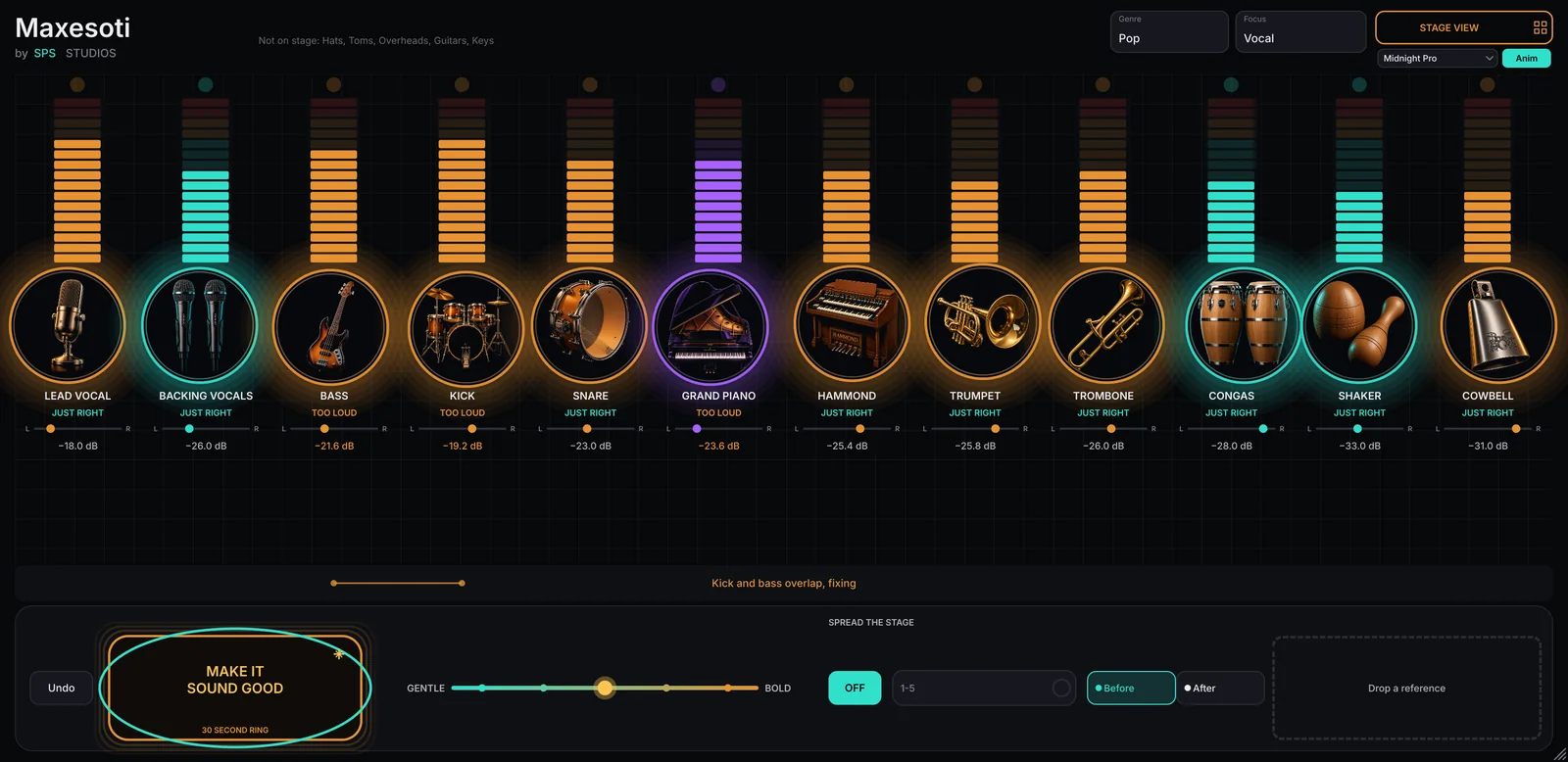
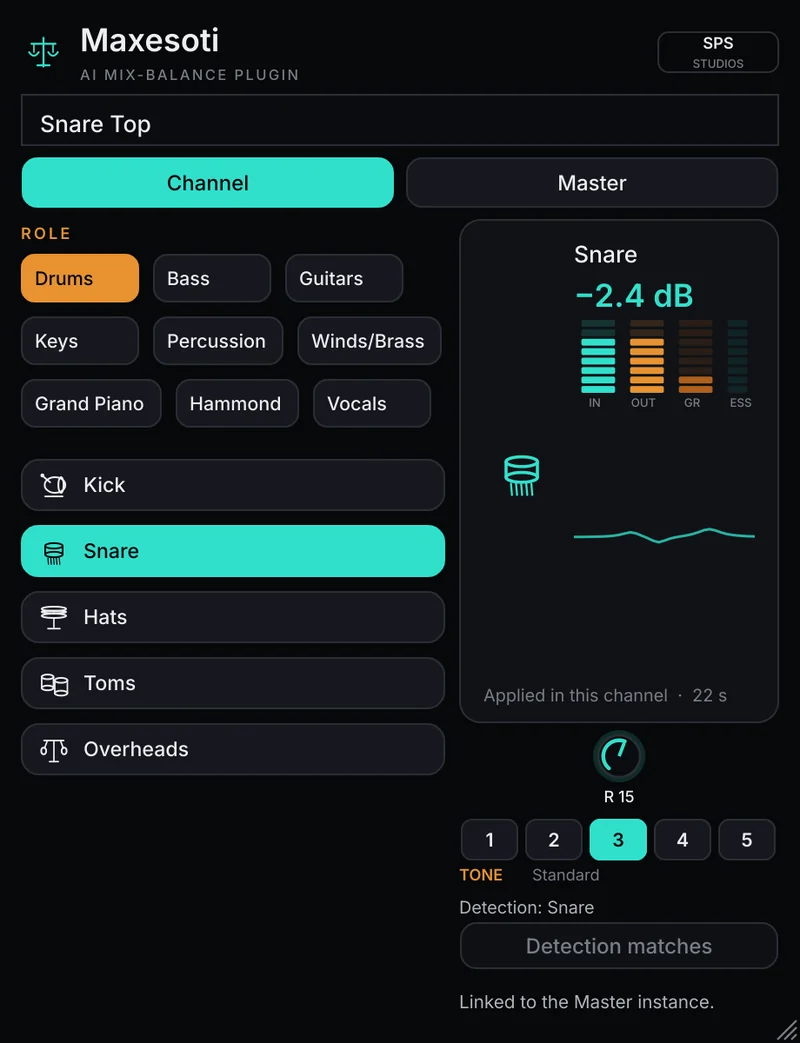
Per-channel window
Put one instance on each track. It measures the part and applies the master’s moves, so you can leave your DAW faders alone.
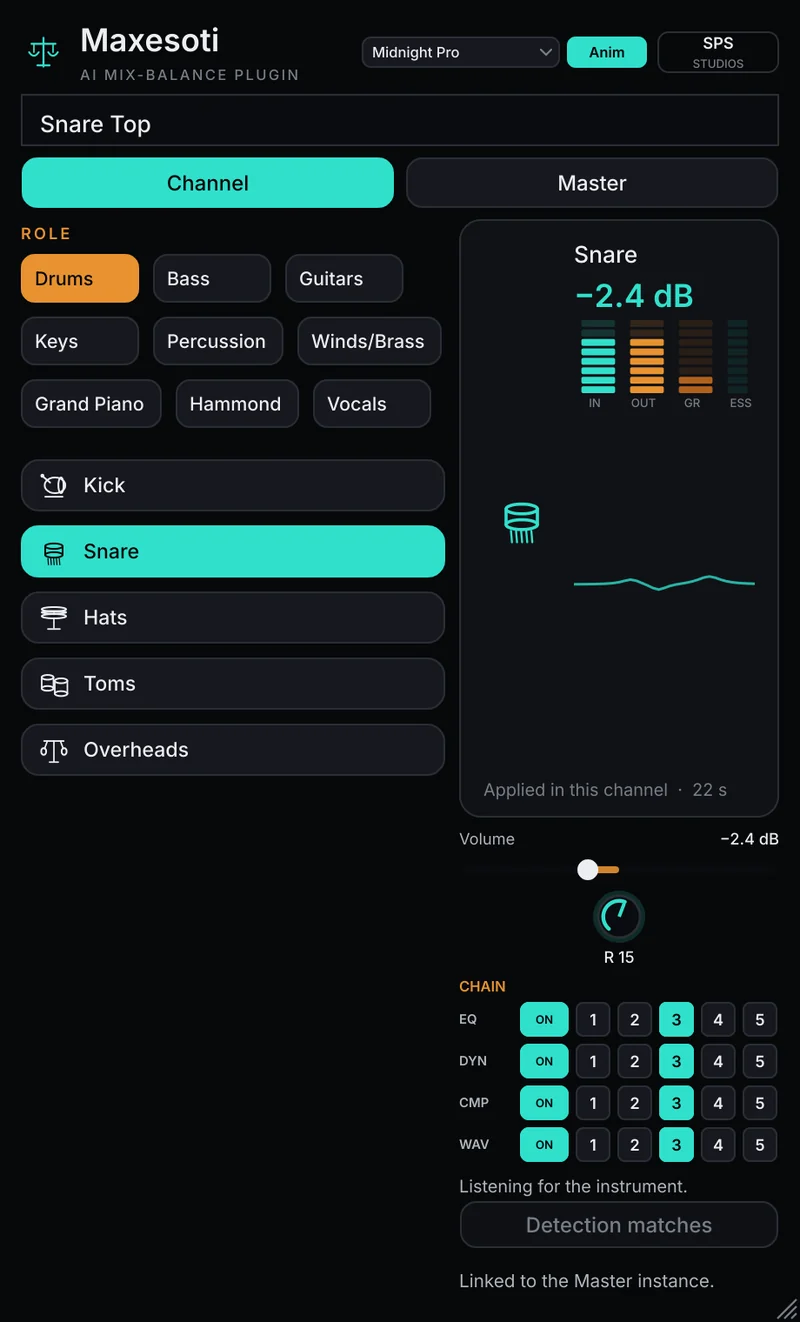
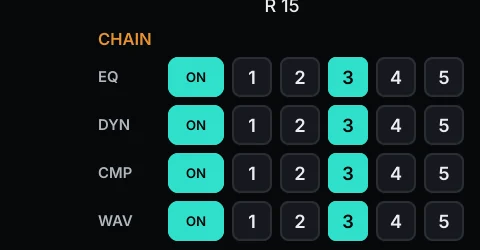
EQ
Switch EQ on or off, then set how much with levels 1–5, tuned to the instrument on that channel.

Dynamics
On/off and levels 1–5 help each part sit in the mix without a lot of extra work.

Compressor
On or off, levels 1–5, to control how each instrument punches or settles.

Wave Shaper
On or off, levels 1–5, for gentle saturation that adds presence without harshness.

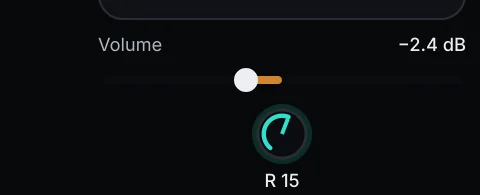
Per-channel volume
Set each channel’s volume on the instance itself.
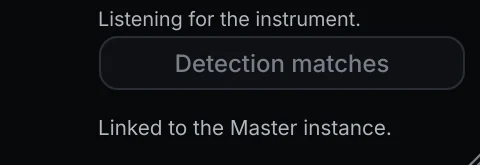
Instrument detection
The channel listens for the instrument, so the process starts in the right place.
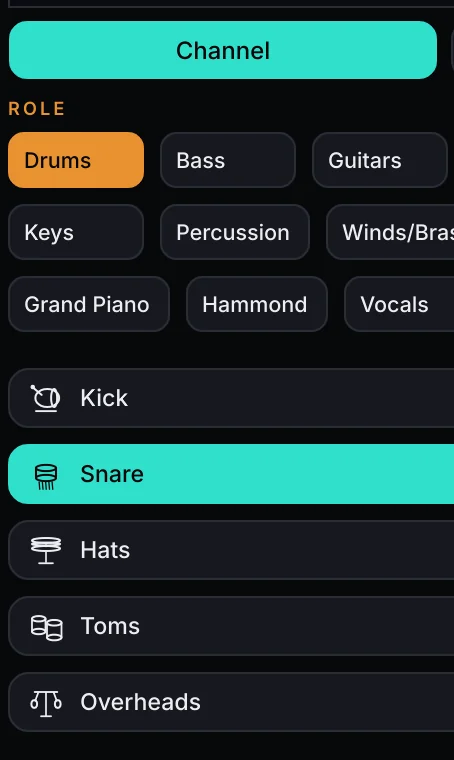
Manual instrument choice
Choose or change the instrument from the role list whenever you want.
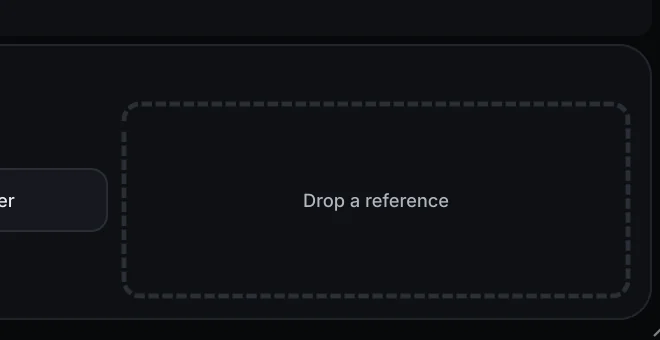
Reference match
Drop a reference on the master to guide the balance toward a sound you like.
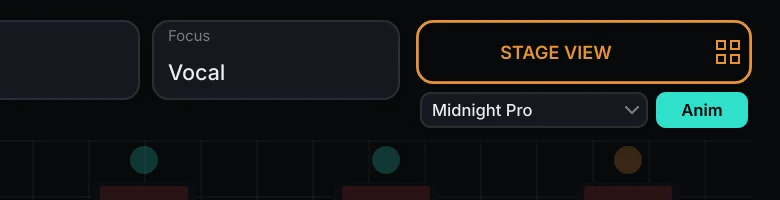
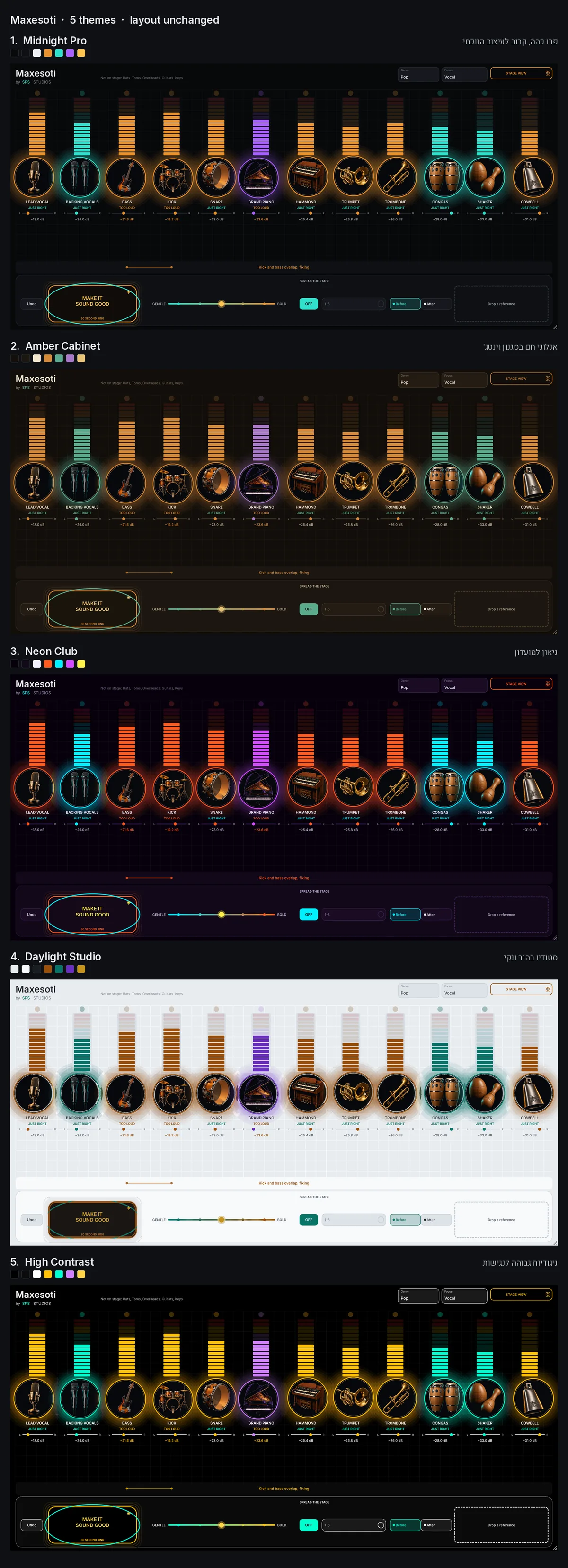
Five themes
Midnight Pro, Neon Club, Amber Cabinet, Daylight Studio, and High Contrast. Optional motion can be turned off with Anim.
Compare all five looks
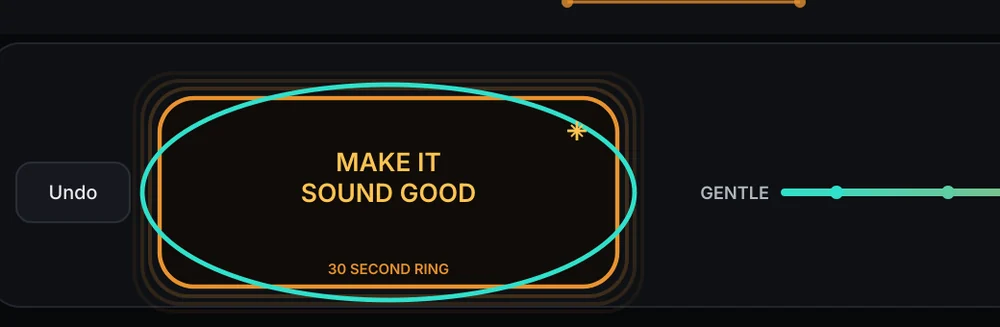
MAKE IT SOUND GOOD
After about 30 seconds of playback, press MAKE IT SOUND GOOD to set the starting mix.
From a rough mix to a starting balance
- Put a Maxesoti channel instance on each track and one master instance on the master bus.
- Play the song for about 30 seconds so it can hear the mix.
- Press Make It Sound Good, then adjust tone, stage spread, or individual channels if you want.
What it does
- Automatic volume balance across the channels in the project
- Per-channel tone suited to the instrument
- Kick and bass overlap handling at 80 Hz
- Stage spread with five width steps, or off
- Five selectable looks — Midnight Pro, Amber Cabinet, Neon Club, Daylight Studio, and High Contrast — with optional gentle motion you can turn off
- On every channel: turn EQ, dynamics, compressor, and wave shaper on or off and set each to a level from 1 to 5; set the channel volume; choose or change the instrument
Features
- Five tone presets per instrument — Gentle, Soft, Standard, Firm, Extreme — per channel or applied from the master to all
- On each channel, switch EQ, dynamics, compressor and wave shaper on or off and set each from 1 to 5; set channel volume and choose or change the instrument. High-pass is included; vocals also get a de-esser, plus a little saturation
- Genre profiles: Pop, Mizrahi, Ballad, Live Wedding, with a focus instrument the balance is anchored on
- Undo and a Before / After comparison; optional reference-track drop
Who it's for
- Producers
- Mix engineers
- Live and wedding bands
Compatibility
- macOS
VST3 · AU · Standalone - Windows
VST3 · Standalone
Maxesoti: common questions
What is Maxesoti?
Maxesoti is an instrument-group mix plugin from SPS STUDIOS. You put one instance on each channel and one master instance on the master bus. It listens for about 30 seconds, then sets a starting volume balance and instrument-suited tone so you can get a good mix in two minutes.
How do the channel and master instances work together?
Each channel measures its own loudness and spectrum and reports them to the master. The master chooses a starting gain from the instrument role, the genre, and the focus instrument. The channel instance applies that gain itself. DAW faders are left alone. The first move is clamped to ±12 dB and applied at 80% of the full correction.
What per-channel controls are there?
Each instrument has five recommended presets: Gentle, Soft, Standard, Firm, and Extreme. Pick one on a single channel, or apply a preset from the master to all channels. On every channel you can switch EQ, dynamics, compressor, and wave shaper on or off and set each from 1 to 5, set the volume, and choose or change the instrument. High-pass is included; vocals also get a de-esser and a little saturation.
Which themes and optional animation does Maxesoti include?
Choose Midnight Pro, Amber Cabinet, Neon Club, Daylight Studio, or High Contrast in the plugin. A slow breathing glow, soft theme transitions, and light meter motion are optional and can be turned off. The locked layout stays the same.
How does Maxesoti handle kick and bass overlapping?
When kick and bass overlap, Maxesoti reports the clash and can apply a suggested cut at 80 Hz.
Which instruments and formats are supported?
Instrument groups include Drums (kick, snare, hats, toms, overheads), Bass, Guitars, Keys, Percussion (congas, shaker, cowbell), Winds/Brass (trumpet, trombone), Grand Piano, Hammond, and Vocals (Lead Vocal and Backing Vocals). Instruments that are not in the project sit in a Not in this project panel. Maxesoti is planned as VST3 and AU plus Standalone on macOS, and VST3 plus Standalone on Windows.
Can I download Maxesoti now?
Not yet. Join the waitlist on this page to hear when Maxesoti is ready. $79 per year or $129 lifetime (USD).